8 Best Sigma Computing Competitors and Alternatives for 2026
Compare top Sigma alternatives by architecture, pricing, AI features, and ease of use. Includes real user reviews and watch-out-for sections for each platform.

Sigma Computing made its name with a clever pitch: take the spreadsheet interface everyone already knows, wire it directly to a cloud data warehouse, and let business users explore live data without writing SQL. For spreadsheet-savvy analysts working with Snowflake or BigQuery, it was a breath of fresh air compared to the steep learning curve of traditional query based tools.
But something changed. If you visit Sigma’s homepage today, the spreadsheet messaging is buried. The headline now reads “Unified AI apps and analytics”. Sigma is positioning itself as an “AI Apps Platform” that does dashboards, spreadsheets, pixel-perfect reports, embedded analytics, and AI-powered applications — five product pillars competing for your attention under one roof.
That’s a lot of promises in one box. And when a platform tries to be everything, it’s fair to ask whether it’s still the best choice for what you actually need. Whether you’re already on Sigma Computing and feeling the growing complexity, or evaluating it for the first time and finding the positioning confusing, this guide is built to help you find the right BI tool for your team.
Comparison at a Glance
Before diving into each platform, here’s a quick comparison across the factors that matter most when evaluating competitors and alternatives to Sigma Computing. This should help you narrow down which bi tool deserves a closer look based on your specific needs.
Top 8 Sigma Computing Competitors and Alternatives
We’ve put together a list of eight sigma computing competitors, each solving a different set of problems. Some overlap directly with Sigma’s warehouse-native approach. Some take a completely different angle on business intelligence. All of them are worth knowing about if you’re evaluating what fits your team best.
1. Astrato — Best for Warehouse-Native BI and Embedded Analytics
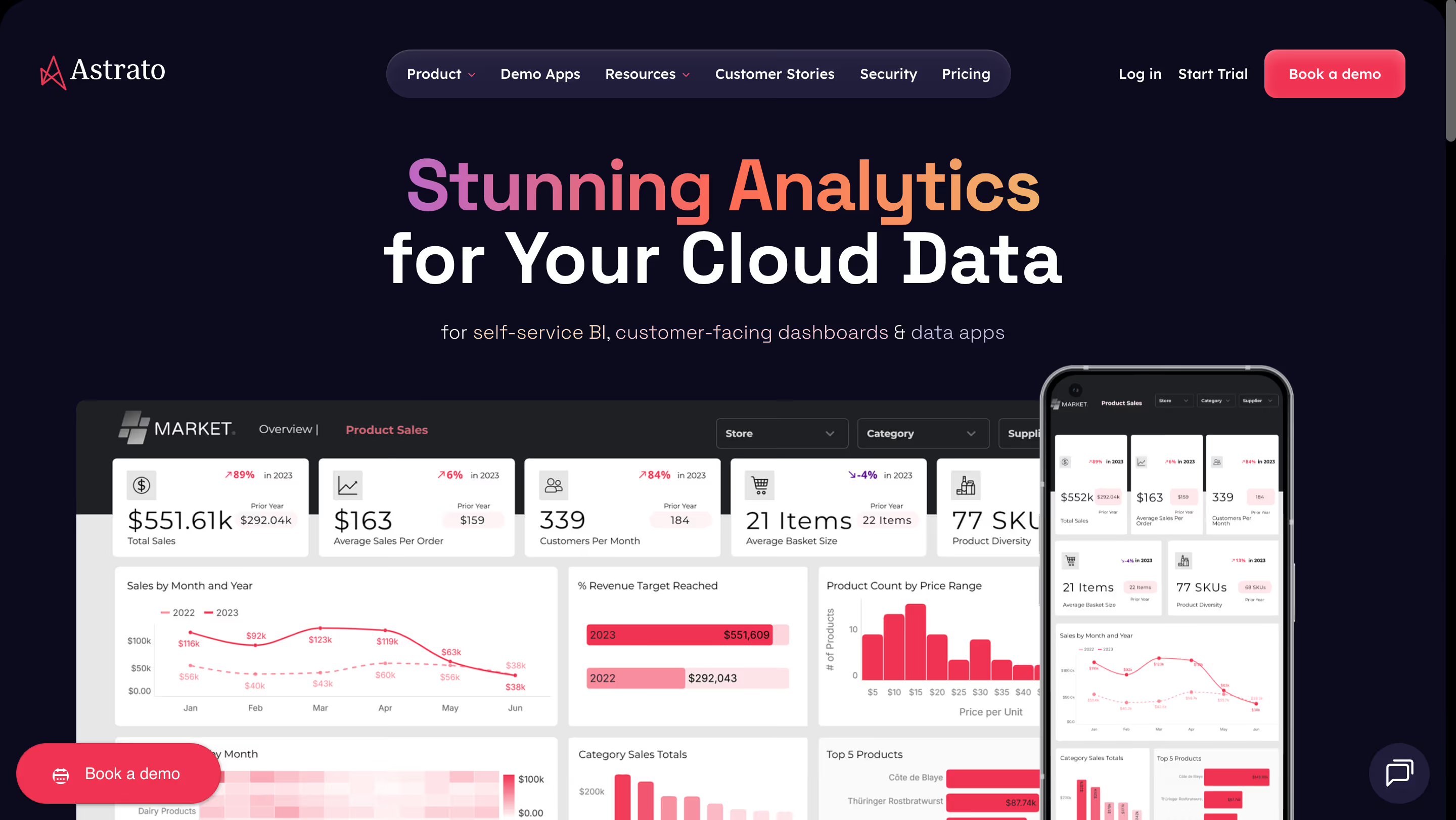
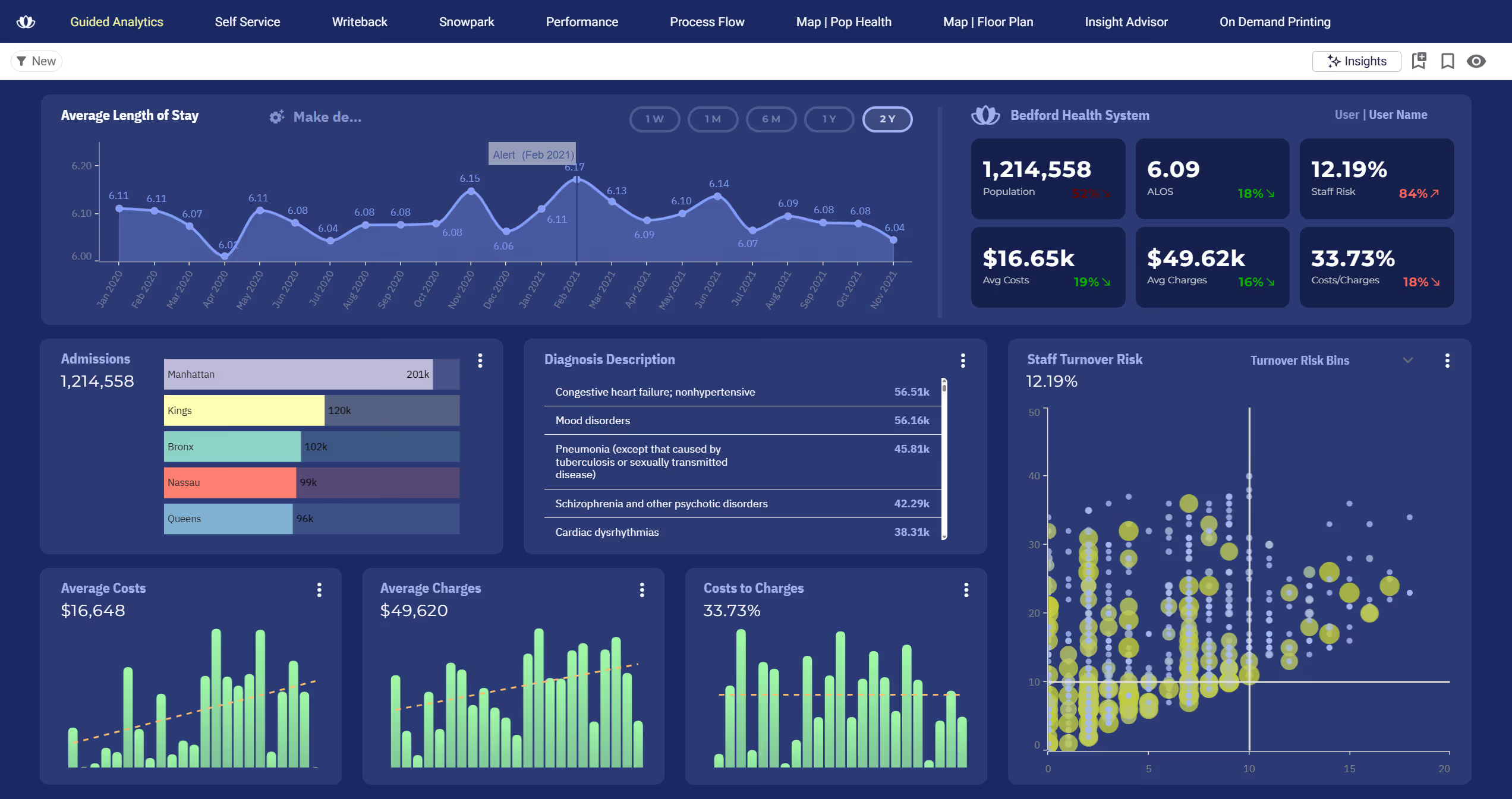
Astrato is a warehouse-native business intelligence platform built from the ground up for teams running on any modern cloud data warehouse. Instead of extracting data into a separate BI layer, Astrato queries your warehouse directly for real time data analysis using a pure pushdown architecture. Think of it as the visualization, self service analytics, and operational workflow layer that sits on top of your warehouse without ever copying your data.
Why Astrato?
- Live-query, pure pushdown architecture: Every dashboard shows real time insights because queries execute directly in your warehouse. No extracts, no refresh schedules, no stale reports. Unlike Sigma’s expanding architecture (which now includes optional materialization and AI infrastructure layers), Astrato keeps it simple: your warehouse does the computing, Astrato makes it accessible. You only pay for actual user queries, with 100% cost transparency.
- No-code drag and drop interface with a semantic layer: Business users can create dashboards without writing a single line of code or learning custom formulas. Metrics and dimensions are defined once in a central semantic layer — the data modeling is done for them — and reused everywhere. This is advanced data modeling that’s been core architecture from day one, not a recently added feature.
- Pixel-perfect embedded analytics: Need to embed customizable dashboards in a customer-facing product? Astrato supports full white-labeling with no-code customization and no premium upsell for logo removal. Match your brand’s fonts, colors, and layout without touching an SDK. Multi-tenant data security is built in from day one. Usage-based pricing means scaling to thousands of end users doesn’t break your budget.
- Writeback and operational workflows: Dashboards aren’t read-only. Astrato allows users to update forecasts, approve budgets, or enter data corrections directly, and changes sync back to the warehouse with full governance and real time collaboration. Built-in conflict handling prevents two users from acting on the same record — a production-grade capability, not a demo feature.
- AI-powered insights (native LLM integration): Astrato connects to Snowflake Cortex, Google Gemini, OpenAI, or bring-your-own LLM. Users can ask natural language queries and get automated insights grounded in the semantic layer. Because AI in Astrato sits on top of well-defined business context, it generates accurate queries, not hallucinations. These features are shipping in production today, not in private beta.
- Scheduled production reports: Export pixel-perfect reports as PDF, PowerPoint, or Excel on a schedule. Design templates once, populate them with live data, and deliver them automatically to stakeholders or clients.
Astrato’s Edge Over Sigma
Astrato attacks the exact gap that Sigma's identity pivot has created. While Sigma drifts toward "AI Apps Platform" ambiguity, Astrato stays crystal clear: cloud-native BI with live queries, no-code UI, pixel-perfect embedded analytics, and writeback. Specifically, Astrato threatens Sigma in these areas:
- Embedded analytics / OEM: Astrato's pixel-perfect white-labeling and usage-based pricing are purpose-built for SaaS companies embedding analytics into their products. Sigma has embedded capabilities, but Astrato's design-freedom story (fonts, colors, layouts — all no-code) and monetization-ready positioning are sharper and more focused.
- Cost: Astrato's usage-based pricing model is a direct threat to Sigma's per-seat licensing, especially for embedded use cases scaling to thousands of end users.
- Simplicity and clarity: Astrato's no-code, drag-and-drop experience with AI built natively (Snowflake Cortex, Gemini, bring-your-own LLM) speaks to the "warehouse-mature but BI-frustrated" buyer.
- Speed to value: 60-day SaaS app build stories, weeks-to-hours time-to-insight claims, which directly counter Sigma's increasing platform complexity.
The Vizlib pedigree (1,200+ Qlik customers, $22M ARR before acquisition) gives the founding team deep credibility with enterprise BI buyers who are actively evaluating alternatives. The $5M seed round is small compared to Sigma's $581M, but Astrato's 5x YoY revenue growth suggests product-market fit is real.
For a more comprehensive side-by-side comparison, here’s our Astrato vs. Sigma review.
What Users Are Saying
Teams switching from Tableau, Qlik, and Power BI consistently highlight the speed of deployment and the quality of visualizations. Customers report 50–75% cost savings compared to legacy BI tools, with 25–50% faster dashboard development. GrayDI, a company that evaluated Sigma, ThoughtSpot, and Qlik before choosing Astrato, described the impact on non-technical user adoption and customer retention as transformative.
Pricing
Usage-based, tied directly to warehouse compute consumption. No distinction between user types — a license is a license. No feature gating by tier. This makes it cost effective and scalable whether you’re serving ten analysts or ten thousand embedded dashboard users.
Astrato Is Best For
Teams that have invested in a modern cloud data warehouses strategy and want their BI layer to match — without the confusion of a Swiss-army-knife “AI Apps Platform.” Particularly strong for organizations that need embedded customer-facing analytics, operational workflows with writeback, or a path to replace legacy BI at a lower price point without months of migration effort.
Watch Out For
Astrato is purpose-built for cloud warehouses. If your data doesn’t live in Snowflake, BigQuery, Databricks, or another supported warehouse, it won’t be the right fit. It’s also a newer player in the market, so while it consistently wins in proof-of-concept evaluations, it doesn’t yet have the brand recognition of a Tableau or Power BI.
2. Microsoft Power BI — Best for Microsoft-First Teams
Microsoft Power BI is Microsoft’s business intelligence platform, tightly woven into the Azure and Microsoft 365 ecosystem. It offers a free desktop application for report authoring and cloud based sharing through the Power BI Service. If your company already runs on microsoft tools, power bi offers seamless integration and is often the path of least resistance.
Why Power BI?
- Deep Microsoft integration: Connects natively to Excel, Azure, SharePoint, and Teams. For organizations already paying for Microsoft 365, Power BI plugs into existing workflows using Power Query for data preparation. The Microsoft ecosystem alignment is its biggest advantage.
- Copilot AI integration: Microsoft’s AI assistant can help generate reports, summarize data, visualize data in new ways, and answer natural language questions about your dashboards.
- Massive community and talent pool: Finding someone who knows microsoft power bi is easier than finding expertise for most other bi tools. Documentation, training resources, and community forums are extensive.
Power BI’s Edge Over Sigma
Copilot in Power BI and the Fabric ecosystem are Microsoft's answer to the AI-powered analytics trend Sigma is chasing. Yes, Copilot requires expensive Fabric/Premium licenses, and yes, Power BI still has DAX complexity and performance issues with large datasets. But Microsoft has the distribution advantage that nobody else can match, as Power BI is often already paid for through enterprise Microsoft agreements.
For a CFO evaluating Sigma's pricing vs. something they already own, the hurdle is enormous. Power BI's DirectQuery mode also increasingly mimics warehouse-native behavior, chipping away at one of Sigma's key differentiators. The danger: Power BI doesn't need to be better, it just needs to be present and "free."
What Users Are Saying
Users appreciate the low entry price and Excel integration. However, reviews consistently mention a steep learning curve for DAX and Power Query (M language). Performance with large datasets in DirectQuery mode is a frequent complaint, and managing user permissions for embedded reports can be unexpectedly complex.
Pricing
Power BI Pro is $14/user/month. Premium Per User is $24/user/month. Power BI Premium capacity starts at $4,995/month. Note: both creators and viewers need paid licenses unless you invest in Premium capacity.
Power BI Is Best For
Organizations deeply embedded in the Microsoft ecosystem (Azure, Excel, SharePoint, Teams) that need affordable per-user licensing for internal reporting.
Watch Out For
The import-mode architecture means data is typically duplicated into Power BI’s own layer. DirectQuery avoids this but comes with a 1M-row result set limit and can be expensive on warehouse compute. Hidden infrastructure costs (gateways add ~30% to TCO) are common surprises. If your data sources aren’t Azure-based, you’re working against the grain.
3. Looker (Google Cloud) — Best for Governed Metrics on Google Cloud
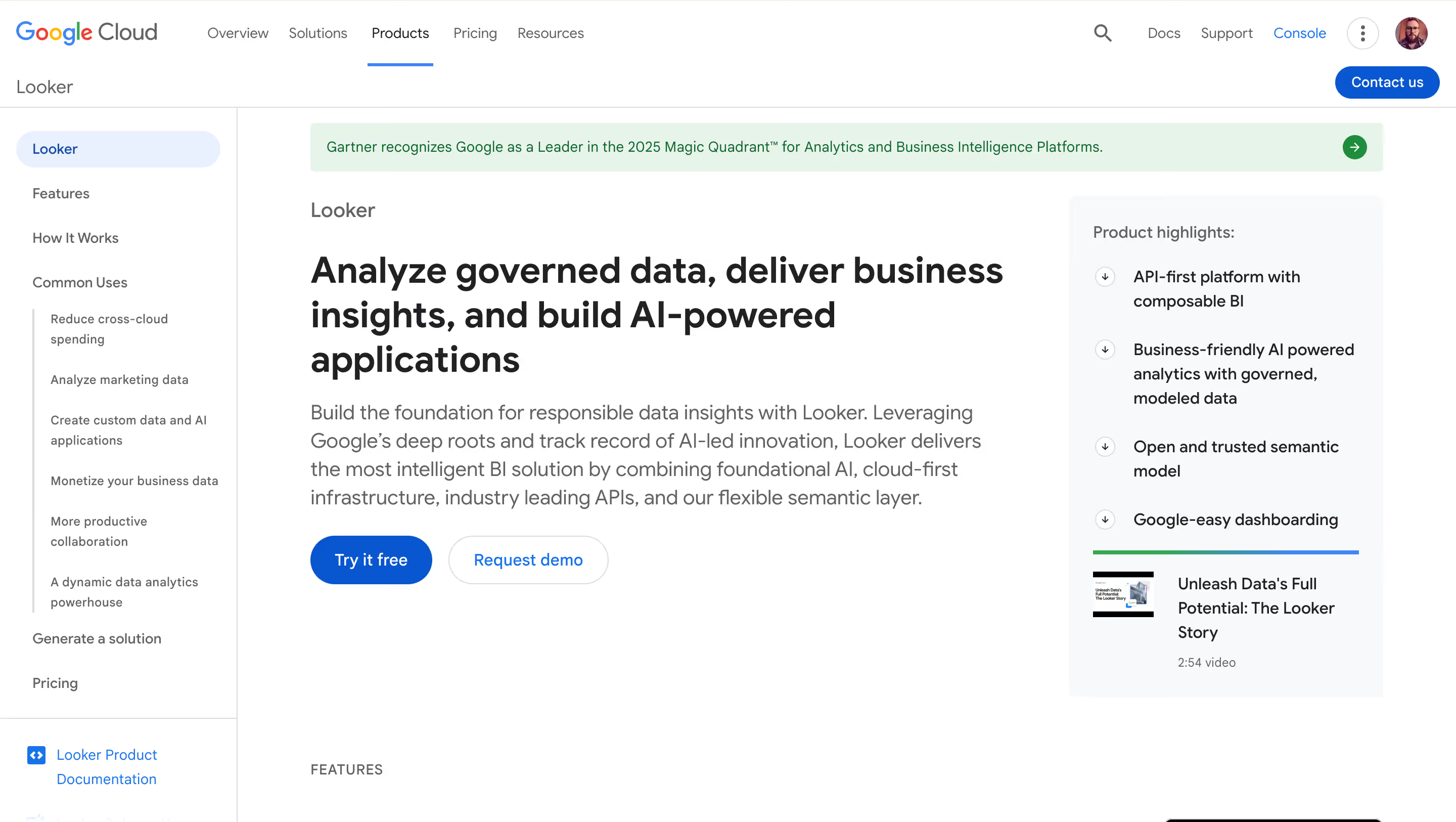
Looker is Google Cloud’s enterprise BI platform, built around LookML, a proprietary modeling language that creates a centralized semantic layer for your data. It runs queries directly in your database (primarily BigQuery) and is designed for organizations that want strict metric governance and controlled data exploration across the business.
Why Looker?
- LookML semantic layer: Define your metrics, relationships, and business logic once in code, then reuse them across every dashboard and report. This enforces consistency and governance at scale — genuinely advanced data modeling capabilities.
- In-database architecture: Looker queries BigQuery (or other supported warehouses) directly, meaning you’re always looking at current data. No extracts to manage. Cloud services integration with Google Cloud is native and deep.
- API-first design: Looker’s REST API and embedding SDKs make it a strong choice for building custom app experiences or integrating BI into existing applications.
Looker’s Edge Over Sigma
Looker's LookML semantic layer remains the gold standard for governance-minded data teams. Google's integration of Looker with BigQuery, Gemini AI, and the broader Google Cloud ecosystem creates a tightly integrated stack that's hard to compete with if you're a GCP shop. Looker also has embedded analytics capabilities and a strong API/developer story.
The Gemini integration means Google is bringing AI directly into the Looker experience with the full weight of their AI investment. For BigQuery-centric teams (one of Sigma's key warehouse targets), Looker is the natural, first-party choice. The danger: Google Cloud customers may default to Looker rather than evaluate Sigma, especially as Gemini AI features mature.
What Users Are Saying
Users praise the governance model and the power of having a single source of truth through LookML. However, the learning curve for LookML itself is a consistent pain point, as it requires technical expertise in both SQL and LookML syntax. Dashboard customization options are considered more limited than competitors.
Pricing
Custom enterprise pricing. Reports indicate starting costs of $36,000–$60,000/year for small deployments, scaling well into six figures for enterprise use. Viewer, Standard, and Developer user types are priced from roughly $30 to $125/user/month.
Looker Is Best For
Organizations all-in on Google Cloud and BigQuery, with developer resources available for LookML, that prioritize centralized metric governance above all else.
Watch Out For
The high price point and mandatory LookML expertise make Looker a poor fit for small teams or organizations without dedicated data engineering resources. There’s no free trial. Visualization quality lags behind some competitors. If you’re not on Google Cloud, you lose much of the performance optimization.
4. Omni Analytics — Best for Modern Data Teams and dbt Workflows
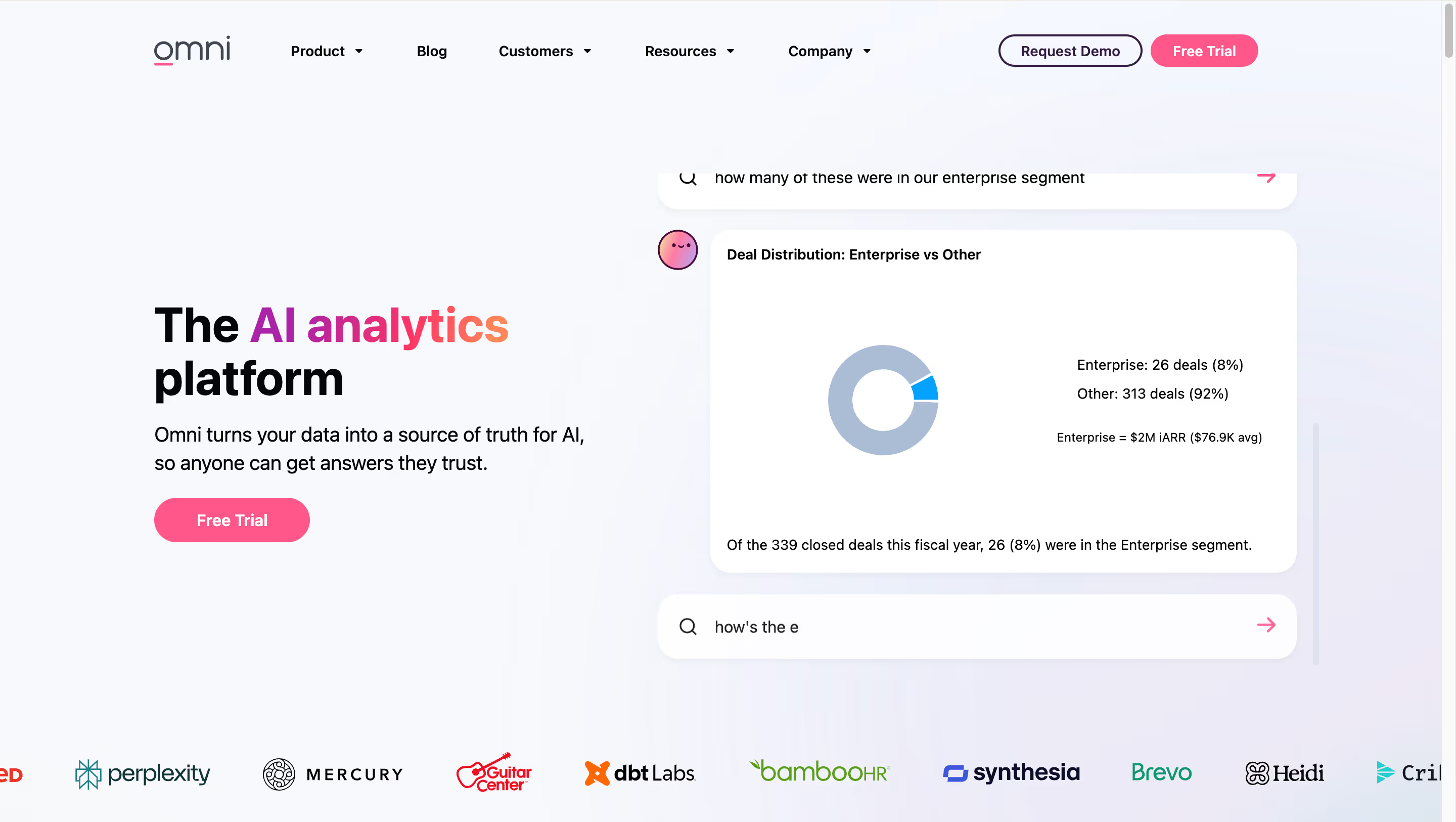
Omni Analytics is a warehouse-native BI platform built by the former leadership team behind Looker. It combines a shared semantic layer (built in YAML with full version control) with a layered exploration experience: SQL, point-and-click, and Excel-style formulas all work in the same tool. If your team thinks in data modeling, dbt, and Git workflows, Omni speaks your language.
Why Omni?
- Best-in-class dbt integration: Bi-directional sync with dbt means schema changes automatically propagate into your BI layer. This data integration between the transformation layer and the analytics layer is something Sigma (and most other BI tools) cannot match.
- Three-layer modeling approach: Shared model (governed by data teams), workbook layer (for ad-hoc exploration), and presentation layer (for end users). This gives you the governance of Looker without the rigidity, and the flexibility of Sigma without the chaos.
- Semantic layer grounded AI: Omni’s AI exploration is grounded in the shared data model. Users can ask questions in natural language and get trusted answers because the AI understands business context through well-defined metrics.
- Strong embedded play: SSO embedding, APIs, and an MCP server let you white-label Omni in your product. Backed by both Snowflake Ventures and
- Databricks Ventures — a vote of confidence from both major warehouse platforms.
Omni’s Edge Over Sigma
Omni raised $69M Series B in March 2025 at a $650M valuation, with investment from both Snowflake Ventures AND Databricks Ventures — that's remarkable because it means both major warehouse platforms are backing them. They have 350+ customers (Perplexity, BuzzFeed, Writer), ~$10M ARR tripling year-over-year, and their dbt integration is considered best-in-class (bi-directional sync that Sigma can't match).
While Sigma pivots toward "AI Apps," Omni is doubling down on being the best possible BI layer for modern data teams. Their semantic layer approach, Git-based workflows, and Excel-like formulas appeal precisely to the analytics engineering crowd that Sigma is now confusing with its AI Apps pivot. The risk: Omni captures the warehouse-native BI purists that Sigma is drifting away from.
What Users Are Saying
Partners and users consistently praise Omni’s balance between governance and flexibility. The dbt integration and Git-based workflows are frequently cited as best-in-class. As a newer platform (350+ customers, ~$10M ARR), some advanced features are still catching up to more established tools.
Pricing
Custom pricing, contact sales. Omni positions itself as more affordable than enterprise tools like Looker and Sigma, though exact pricing isn’t publicly listed.
Omni Is Best For
Data teams that run on dbt, think in semantic layers, and want a BI tool that works with their data science and analytics engineering workflows rather than around them. Particularly strong for teams migrating from Looker who want the same governance philosophy with a better user experience.
Watch Out For
Omni is newer and smaller than Sigma. With 350+ customers and 85 employees (growing to 150), it’s still building out the breadth of features that larger platforms offer. If you need robust pixel-perfect reporting, complex data app building with writeback, or mature multi-tenant embedded analytics, Omni may not be there yet.
5. ThoughtSpot — Best for AI-Powered Natural Language Analytics
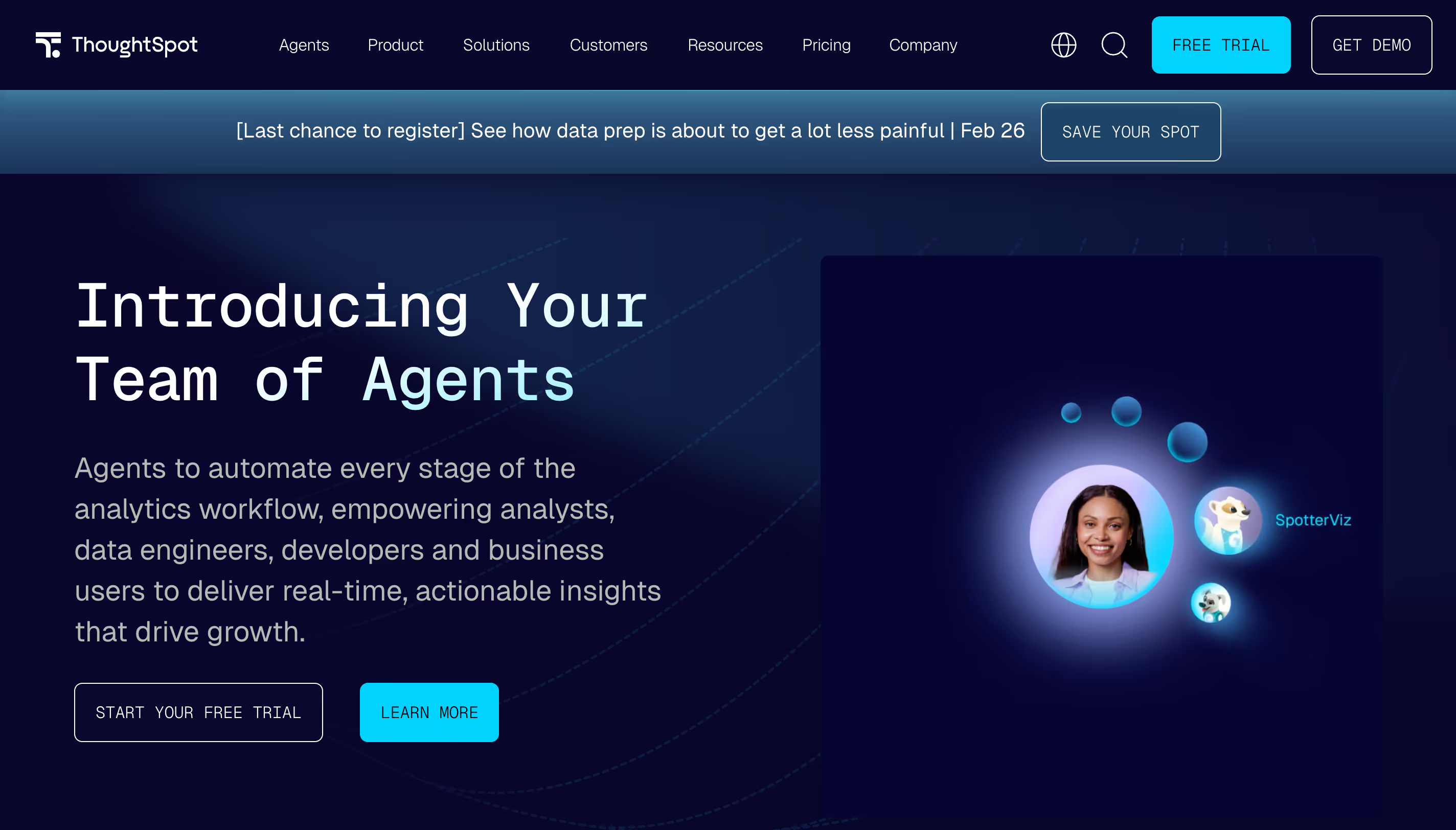
ThoughtSpot is a BI platform that leads with AI and natural language processing. Instead of building dashboards from scratch, users type questions in plain English and get instant, visualized answers. It connects to cloud data warehouses (Snowflake, BigQuery, Redshift, Databricks) and runs real time analytics against your warehouse directly.
Why ThoughtSpot?
- Natural language search with Spotter AI: Users analyze data by typing questions in plain English. Spotter AI translates natural language queries into optimized SQL, dramatically lowering the barrier for non-technical users. Spotter 3 handles multi-step analysis and can pull context from external tools like Slack and Confluence.
- SpotIQ automated insights: Uses machine learning to automatically detect anomalies, trends, and patterns in your data, delivering insights you might not have thought to look for.
- Warehouse connectivity: Connects to all major cloud warehouses with live queries. No extracts, no stale data. Performance scales with your warehouse compute.
ThoughtSpot’s Edge Over Sigma
ThoughtSpot had the AI-first positioning long before Sigma pivoted there. Spotter 3 now handles multi-step analysis, complex queries, and can pull context from Slack, Confluence, and other tools via MCP, which is a very similar territory to what Sigma is now trying to do. They also connect live to cloud warehouses (no extracts), so they match Sigma's architecture story while having a more mature and more focused AI narrative.
ThoughtSpot is a Gartner Magic Quadrant "Visionary" specifically for this AI-first approach. The danger here is direct: if someone is evaluating Sigma specifically for the "AI Apps" positioning, ThoughtSpot has a more coherent and proven story in that lane. They've also been aggressive in embedded analytics, directly competing with Sigma's embedded writeback play.
What Users Are Saying
Users praise the search experience for non-technical users and the speed of getting answers without relying on analysts. However, reviews consistently flag limited visualization customization, high and opaque pricing, and AI features that require significant data modeling setup to work accurately. Intuitive interfaces for search, less so for dashboard design.
Pricing
Essentials starts at $25/user/month (up to 25M rows). Pro uses per-query pricing. Enterprise is custom. Average annual contract size is around $140,000 according to third-party data.
ThoughtSpot Is Best For
Organizations where the primary goal is empowering non-technical users to ask ad-hoc questions against existing data without relying on analysts or pre-built dashboards. If self service data exploration via search is your top priority, ThoughtSpot is the category leader.
Watch Out For
Visualization customization is limited. If pixel-perfect dashboards or data visualization quality matter to you, ThoughtSpot isn’t the right fit. Pricing can be unpredictable at scale. The platform is strongest as a search-and-explore layer but less suited for structured, production-grade reporting or embedded analytics.
6. Qlik Sense — Best for Complex Multi-Source Data Exploration
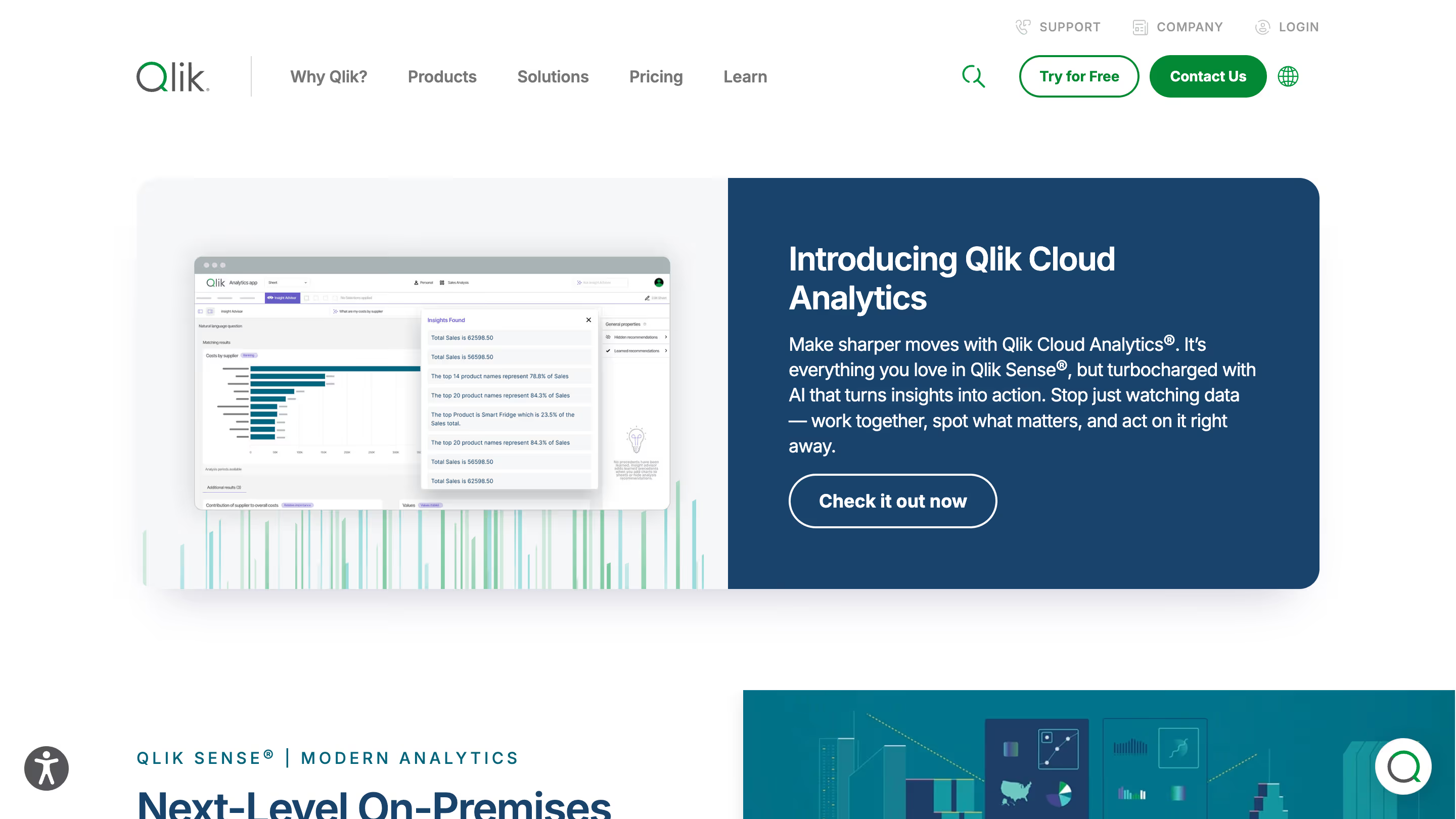
Qlik Sense is an enterprise BI platform built around a unique associative analytics tool engine. Unlike query-based tools that limit you to predefined drill paths, Qlik’s engine indexes all relationships in your data and highlights connections across multiple data sources you might not have thought to look for.
Why Qlik Sense?
- Associative engine: Click on any data point and Qlik Sense instantly shows what’s related and what’s not, across your entire data model. This is genuinely different from how other BI tools work and can surface insights that get missed in traditional data exploration.
- End-to-end data pipeline: Qlik handles data integration, data preparation, and visualization from multiple sources in one platform, reducing the need for separate ETL tools.
- Hybrid deployment: Available as SaaS, on-premises, or hybrid, it’s one of the few BI platforms that still supports true on-prem deployment for organizations that need it.
Qlik’s Edge Over Sigma
The threat from Qlik is less about modern architecture and more about enterprise entrenchment and exploration depth. Specifically, for organizations with complex, multi-source data environments, Qlik's associative model surfaces insights that query-based tools simply miss. A user clicks on a data point and instantly sees what's related — and equally important, what's not related — across every table in the model. Sigma's spreadsheet-first approach can't replicate this kind of free-form exploration.
Also, Qlik is one of the very few enterprise BI tools that still offers true on-premises deployment alongside SaaS and hybrid options. For regulated industries (healthcare, financial services, government) where data residency requirements make cloud-only tools a non-starter, Qlik stays in the conversation while Sigma (cloud-only) doesn't even get invited.
What Users Are Saying
Power users love the associative engine and the depth of data exploration it enables. The main complaints center around slow performance with large datasets, a learning curve for advanced features, and pricing that many users describe as expensive and opaque.
Pricing
Qlik Sense Business starts at $31/user/month. Enterprise SaaS Professional is $72.50/user/month and Analyzer is $41.25/user/month. On-premises requires custom quotes.
Qlik Sense Is Best For
Large enterprises with complex datasets from multiple data sources that value free-form data exploration over pre-built dashboards. Also strong for organizations needing on-premises or hybrid deployment.
Watch Out For
Qlik’s in-memory architecture loads data into RAM, which gets resource-intensive and expensive at scale. Embedded analytics implementations often require lengthy consulting engagements. The UI feels dated compared to newer tools. If you need warehouse-native architecture without complex coding to configure, Qlik is probably overkill.
7. Domo — Best for All-in-One Cloud BI
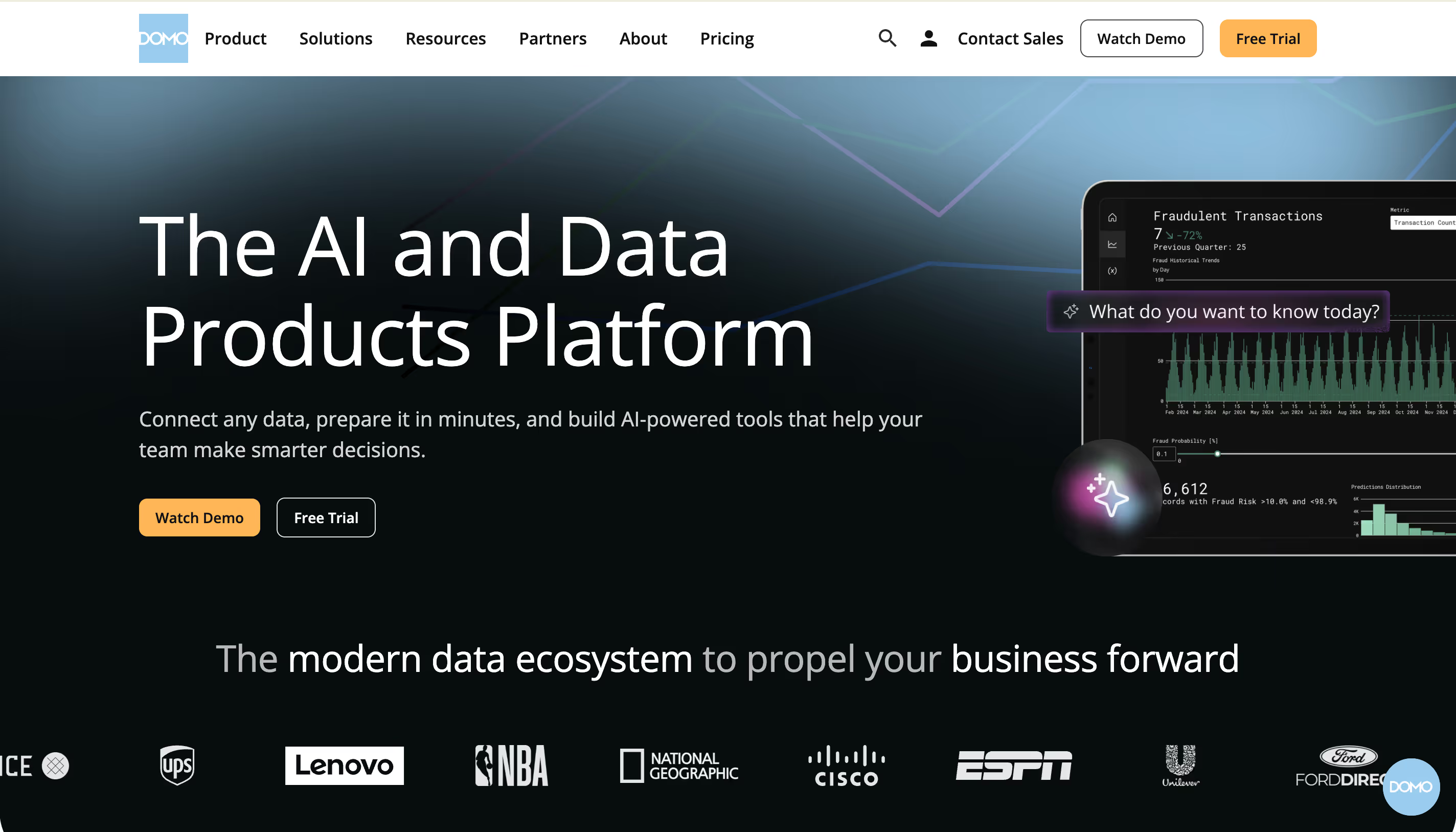
Domo is a cloud based BI platform that bundles data integration, data management, visualization, and collaboration into a single product. It aims to be the one tool that handles everything from raw data ingestion from multiple data sources to executive dashboards, without needing a separate data warehouse or ETL tool.
Why Domo?
- 1,000+ pre-built connectors: Domo connects to practically any data sources out of the box — CRMs, ad platforms, databases, spreadsheets, cloud services. For teams that need to centralize data from many sources, this is its biggest strength.
- Magic ETL: A no-code data transformation tool that lets non-technical users clean and combine data from multiple sources without writing SQL.
- Mobile-first design: Domo’s mobile app is frequently cited as one of the best in the BI space, giving executives access to actionable insights on the go — something Sigma and most well known BI tools don’t match.
Domo’s Edge Over Sigma
Domo has 1,000+ native connectors, a full data pipeline layer, and mature app-building capabilities. If Sigma's bet is "we're not just BI, we're an apps platform," then Domo has been doing that for years and can say "we were apps before Sigma knew what apps were."
Domo also has mobile-first analytics that Sigma lacks. For companies that don't want to assemble a modern data stack and just want one platform to do everything, Domo is a legitimate alternative. The danger is narrative: if buyers take Sigma's "AI Apps Platform" positioning at face value, they'll also evaluate Domo and find a more mature apps story.
What Users Are Saying
Users praise the connector library and speed of connecting disparate data sources. The mobile experience gets high marks. However, the credit-based consumption model makes costs unpredictable, and several users report dramatic price increases at renewal.
Pricing
Credit-based consumption model, no published pricing. Small teams can expect $2,000–$4,000/month, mid-sized $5,000–$10,000/month, enterprise $20,000+/month. A 30-day free trial is available.
Domo Is Best For
Organizations that want an all-in-one platform covering data integration, preparation, and visualization without managing separate tools. Strong for marketing and operations teams pulling data from dozens of SaaS tools.
Watch Out For
The credit-based pricing is the elephant in the room. If you already have a well-managed cloud data warehouses strategy, Domo’s proprietary data layer adds unnecessary duplication, which is the opposite of warehouse-native. Sigma’s identity may be shifting, but at least it queries your warehouse directly.
8. Metabase — Best for Budget-Conscious and Developer-Led Teams
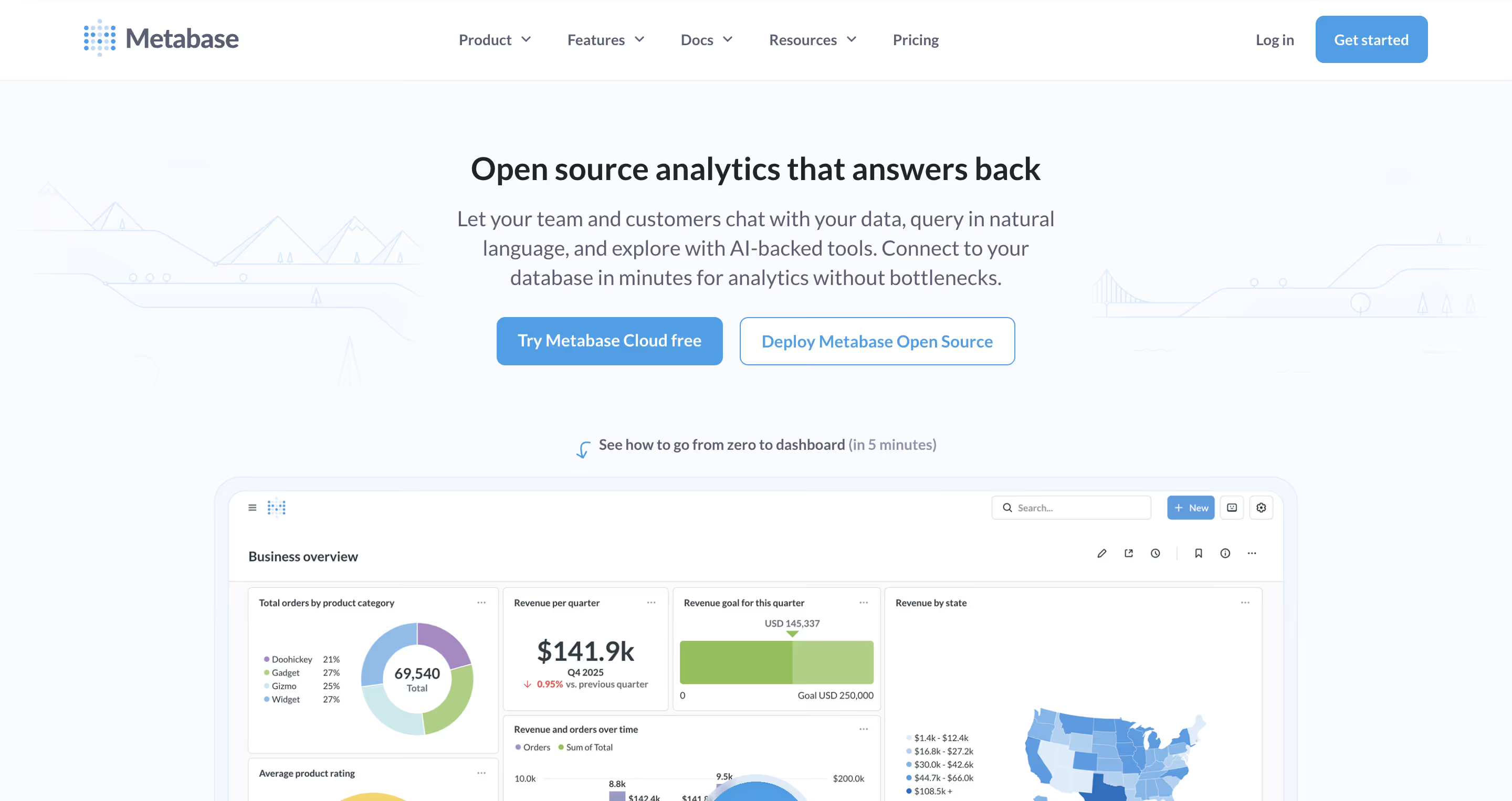
Metabase is an open-source BI tool that prioritizes simplicity above all else. It connects directly to your database (PostgreSQL, MySQL, BigQuery, Snowflake, and more) and lets anyone build dashboards and ask questions through a clean, intuitive interface with no SQL required for basic use, though a built-in SQL interface is available for data science professionals who want it.
Why Metabase?
- Free open-source tier: Self-host Metabase for free with full core BI functionality. No artificial limits on dashboards, charts, or data sources. For teams watching every dollar, this is the ultimate cost effective option.
- Visual query builder: Non-technical users can explore data and create dashboards without writing SQL. The drag and drop interface keeps things simple. Power users can drop into raw SQL anytime for complex analysis.
- Embedding options: Both static and interactive embedding are available, making it popular for startups that need to ship customer-facing analytics on a tight budget. This is a competitive advantage for small teams that need embedded analytics without enterprise pricing.
Metabase’s Edge Over Sigma
Metabase is free to self-host, incredibly fast to set up, and loved by startups and small-to-mid-size engineering teams. It offers a no-code query builder, SQL IDE, and basic dashboarding, which is enough for many teams that don't need Sigma's enterprise capabilities.
The danger comes at the top of the funnel: teams that might grow into Sigma customers start with Metabase instead and find it sufficient. Metabase Cloud adds hosting and collaboration without the enterprise price tag. For developer-led organizations where BI is "just good enough," Metabase prevents the conversation about Sigma from ever starting.
Sigma's increasingly complex positioning (AI Apps? Spreadsheet BI? Enterprise platform?) makes the comparison even harder — Metabase just says "simple BI, open source, free."
What Users Are Saying
Users consistently praise Metabase for its ease of use and value for money. The open-source community is active and helpful. On the flip side, users note limited visualization options, performance issues with large datasets, and a ceiling that becomes apparent as analytics needs grow more complex. Access controls and fine-grained governance are limited in the free tier.
Pricing
Open-source: free (self-hosted). Cloud Starter: $85/month (5 users). Pro: $500/month + $12/user. Enterprise: custom, starting around $15K–$20K/year.
Metabase Is Best For
Small teams, startups, and developer-led organizations that want simple BI without enterprise complexity. If you need a self service analytics tool that’s quick to deploy and doesn’t require technical expertise to get started, Metabase is hard to beat on value.
Watch Out For
Metabase hits a wall when you need enterprise governance, sophisticated visualizations, or production-grade scheduled reporting. The free version requires your team to own infrastructure and maintenance. If your needs will grow beyond simple reports and data analysis, you may outgrow Metabase quickly.
Ready to See What Focused, Warehouse-Native BI Looks Like?
Choosing a Sigma alternative isn’t just about picking the cheapest option or the longest feature list. It’s about finding the right analytics tool that fits how your team actually works today and where your data architecture is heading tomorrow.
If you’ve moved your data to a modern cloud data warehouses strategy and want a BI layer that takes full advantage of it — live data, no extracts, no-code self service, pixel-perfect embedded analytics, and the ability to turn dashboards into operational applications — Astrato is worth a look.
Book a demo with the Astrato team and see how warehouse-native BI works with your actual data. No slides. No hypotheticals. Just your data, live, in about 30 minutes.
Ready to experience next-gen analytics?
See how Astrato runs natively in your warehouse.