AI-Native BI for Snowflake: A Buyer's Framework
How to evaluate AI-native BI platforms for Snowflake without a data engineer. A 5-question framework and role-specific guidance for 2026.


Every BI vendor in your tab storm now claims to be AI-native. Most of them are not.
That sounds like a marketing complaint. It is actually the central problem facing operations leaders, product managers, and finance teams who inherited a Snowflake account and now have to choose what runs on top of it. The buyer is non-technical by design — that is who BI is supposed to serve — but the AI-native vocabulary has become so saturated that telling real capabilities apart from a chatbox bolted onto a dashboard requires more architecture knowledge than most business operators have time for.
This guide is for the person making that choice. You have Snowflake. You have a team that needs to act on the data inside it. You have a vendor shortlist with the same six adjectives on every homepage. The next 3,500 words give you a framework you can run yourself — five questions that separate AI-native BI for Snowflake from AI-painted BI, three role-specific lenses for ops, product, and finance, an honest comparison set, and a decision rubric you can take into a leadership meeting.
We do this without pretending Snowflake’s own AI layer doesn’t exist. Cortex Analyst, Cortex Search, and Snowflake Intelligence have changed what “good enough” looks like. We will say so directly, and explain when a third-party AI-powered BI platform earns its place anyway.
TL;DR
For ops teams: AI-native BI for Snowflake is worth the line item only if the dashboard can trigger an action. Natural language queries that produce a chart you then export to Excel are not AI-native — they are search dressed up as analytics. Look for writeback, approvals, and workflow triggers tied to the answer.
For product teams: The right AI-powered BI platform for embedded use cases is the one whose AI scales to your customers, not just your internal team. That means multi-tenant context, branded conversational interfaces, and an LLM choice that survives procurement at the customer’s enterprise.
For finance teams: Most of what is sold as AI-native BI for Snowflake is read-only AI on read-only dashboards. Finance needs the inverse — AI that helps explain variance and forecasts, with writeback so the dashboard becomes the planning surface, not just a chart of last month.
The common thread: Snowflake Cortex Analyst is a real partial answer for natural language questions over governed structured data. It is not a complete BI platform. The question is which AI features your function actually needs, not how impressive the demo video looks.
What “AI-native” actually means in 2026
The phrase has been stretched until it means almost nothing. Here is the working definition that holds up under scrutiny.
An AI-native BI platform for Snowflake does four things that AI-painted BI does not.
It generates SQL with business context, not just schema awareness
Generic text-to-SQL fails because a database schema does not know that “active user” excludes internal accounts or that revenue is recognized monthly. The semantic layer fills that gap. Snowflake Cortex Analyst captures these definitions in a Snowflake semantic view — a schema-level object that holds metrics, dimensions, and relationships in a form the LLM can read.
Astrato builds an equivalent semantic model in the BI layer and pushes the query down to Snowflake. Either approach works. What does not work is asking an LLM to translate natural language questions into SQL queries against raw data with no semantic definitions in the middle. That is hallucination by design.
It lets you choose which large language models run
Snowflake Cortex AI ships with industry-leading LLMs from Anthropic, OpenAI, Meta Llama, Mistral, and DeepSeek — selectable per workload, all running inside the Snowflake account so data never leaves Snowflake’s governance boundary.
Astrato extends that choice:
- Snowflake Cortex when you want data to stay in the warehouse
- Google Gemini when your team is on BigQuery
- OpenAI for general-purpose work, or
- BYO LLM when procurement requires it
AI-painted BI tends to lock you to a single model the vendor prefers — convenient for them, brittle for you when a customer’s compliance team objects.
It blends AI into the dashboarding experience instead of bolting on a chatbox
A chat interface that sits in a sidebar and answers questions with a chart is the lowest bar. The next bar is AI-generated narrative summaries that update as filters change, AI-suggested visualizations during dashboard authoring, and AI-assisted exploration that stays anchored to the semantic layer your team already trusts. The highest bar is agentic — AI that can take action, not just describe.
It supports action, not just insight
This is where most legacy BI fails the AI-native test before you even reach the LLM question. If the dashboard is read-only, the AI on top of it is read-only too. The reader gets a trustworthy answer about pipeline coverage and then has to email a sales lead to do anything about it. Genuine AI-native BI for Snowflake closes that loop with writeback, scheduled triggers, approval workflows, and dashboards that double as data apps.
Two of these four — semantic context and LLM choice — are now table stakes. The platforms that claim AI-native without delivering on the second two are the ones to watch carefully.
5 questions to ask before evaluating any AI-native BI platform
You can run all five in an afternoon. None of them require a data engineer to answer.
1. Where does the AI run, and what does it see?
Ask whether the AI generates SQL queries that execute live against your Snowflake warehouse, or whether it answers from a cached extract refreshed nightly. If the answer is the second, the AI is talking about yesterday’s data — and worse, it does not see Snowflake’s row-level security or column masking policies because those apply at query time, not at extract time. Live-query architecture is the foundation here. Without it, the rest of the AI conversation is decorative.
A good follow-up: ask the vendor to walk through what happens when a user types a question. The right answer involves a semantic model, an LLM that turns the question into Snowflake-native SQL, the warehouse executing under the user’s Snowflake roles, and the result returning to the BI surface. The wrong answer involves “we cache the data and the AI runs against the cache.”
2. What is the semantic layer story?
Without business context, every text-to-SQL system hallucinates. The question is who owns the semantic definitions and where they live.
Three viable patterns:
- The BI tool defines the semantic layer (Astrato, Looker via LookML, ThoughtSpot via TML). Definitions live in the tool. Pro: integrated authoring experience. Con: a second source of truth alongside Snowflake.
- Snowflake owns the semantic layer (Cortex Analyst with Snowflake Semantic Views). Definitions live in Snowflake as schema-level objects with full RBAC. Pro: single source of truth, native governance. Con: requires Snowflake-native skills to maintain, and not every BI tool reads it yet.
- The tool inherits a third-party semantic layer (dbt semantic layer, Cube). Pro: consistent definitions across tools. Con: more moving parts.
What disqualifies a platform: claiming AI-native without any semantic layer, or treating the semantic layer as a feature you can turn on later. AI without business context is the failure mode that has burned every team who tried text-to-SQL on a raw schema in 2024 and 2025.
3. Which LLM, and can you swap it?
Locked to one model is a procurement risk. A platform that hard-wires OpenAI may not be approved at a regulated customer. A platform that hard-wires Snowflake Cortex models is fine for most enterprises but constraining if you want to evaluate a frontier model that just shipped.
Astrato’s approach is multi-LLM by design — Snowflake Cortex AI when you want everything inside the Snowflake account, Gemini when you are on BigQuery, OpenAI as a general-purpose option, or BYO LLM through the API. ThoughtSpot is similar. Sigma exposes a more limited LLM choice. Snowsight’s Snowflake Intelligence is excellent inside the Snowflake account but does not extend to other warehouses if your stack is mixed.
Ask:
- Can I swap LLMs by workload?
- Can I bring my own through an API key?
- Does data leave the Snowflake account when I do?
The answer to that third question matters disproportionately for finance, healthcare, and regulated industries.
4. What can a non-technical user actually do after the AI answers?
This is the question most demos skip. The chatbot returns a chart. Then what?
If the answer is “nothing — they read it and email someone,” you have AI-painted BI, not AI-native. Genuine AI-native BI on Snowflake supports the action layer: writeback to update a forecast, an approval workflow to sign off on a budget, a trigger to assign a sales lead, a scheduled report that delivers the answer to a Slack channel without anyone clicking refresh. Astrato’s data apps pattern is built around this — the dashboard becomes a data product, not a static report.
The test: ask the vendor to show you a workflow where a business user types a natural language question, gets an answer, and then does something based on it without leaving the platform. If the demo cuts to “and then you would email the result to your manager,” the action layer does not exist.
5. Who pays — per seat, per query, or per Snowflake credit?
Pricing model determines whether AI features scale to a 200-person ops team or stay locked to five power users.
Per-seat pricing punishes broad self-service. Every additional ops manager who wants to ask the dashboard a question costs a license. ThoughtSpot has historically tilted this way at the enterprise tier. Per-query pricing — Snowflake Cortex Analyst charges per message, plus the warehouse compute behind the generated SQL — punishes high-frequency conversational use unless you cache aggressively. Capacity-based pricing tied to Snowflake credits is the most predictable for warehouse-native teams; it lets the AI scale with the warehouse.
Astrato’s model is consumption-based on the warehouse side, with a usage-based tier for embedded analytics that supports unlimited end viewers. Sigma and Omni use per-seat for internal use. Hex prices per seat with a query overage. Looker is per-seat. Snowsight runs against your existing Snowflake credits.
Frame the question for procurement: if every business user in my function asks the AI three questions a day, what does this cost me at the end of the year? If the vendor cannot give you a clean answer, that is itself the answer.
What ops teams should look for
Ops teams have the simplest job description and the hardest workflow problem. Get a number off a dashboard, decide what to do, get someone to do it. Most BI tools handle the first step. AI-native BI for Snowflake should handle all three.
The most useful AI feature for ops is not natural language search. It is alerting and triage — AI that watches the dashboard for you, flags the anomaly, summarizes what changed, and surfaces the next action. Natural language queries are useful when you need to answer a one-off question that nobody made a dashboard for. They are decorative when you have the dashboard already.
What to test:
Can a non-technical operations manager build a dashboard from scratch using drag-and-drop, without writing SQL? This is the question that separates BI tools that talk about self-service from ones that deliver it. Astrato’s customer Doctena went from two-week dashboard turnaround to fifteen-minute self-service after switching from a legacy stack.
Can the dashboard trigger an action? A list of accounts with churn risk is information. A list of accounts with churn risk plus a button to assign a save play to a CSM is operational BI. Look for writeback, action triggers, and approval workflows.
Astrato’s writeback supports both, with a no-code action designer that ops teams can configure without engineering involvement.
Does the AI-generated narrative explain why the number moved, not just what it is?
- “Pipeline is down 12% week over week” is a chart caption.
- “Pipeline is down 12% week over week, driven primarily by reduced inbound from the EMEA region after the campaign ended Tuesday” is an insight.
The first is the lower bar most platforms hit. The second requires the AI to have semantic context about your campaigns, regions, and pipeline stages — which loops back to framework question 2.
The customer evidence here is PetScreening, which serves over 24,000 property management firms and was failing on manual reports before moving to Snowflake plus Astrato. Their head of BI described the shift this way:
The pitfall: ops teams often pick the platform with the loudest natural language demo, then find out three months later that the action layer they assumed was there is actually a $40,000 add-on or a roadmap item.
What product teams should look for
Product managers and Heads of Product evaluate AI-native BI for two distinct jobs: internal product analytics for your team, and embedded analytics for your customers. The right answers diverge.
For internal product analytics, the differentiator is exploration speed. A PM trying to figure out why retention dropped in a specific cohort should not be filing a ticket with the data team.
They should be typing a question and getting back a chart, and the AI should suggest the follow-up question — “do you want to break this down by acquisition channel?” — rather than waiting to be asked.
ThoughtSpot is strongest here for pure search-led exploration. Astrato and Hex compete on AI-assisted exploration that stays anchored to a governed semantic model. Sigma’s spreadsheet-first interface is faster for analysts who think in Excel formulas; less helpful for PMs who think in funnels.
For embedded analytics, the bar is different. Your AI features now scale to your customers, which means three new constraints arrive at once.
Multi-tenant context. The AI must understand that customer A sees only their own data, even when the underlying Snowflake table contains everyone’s. Row-level security in Snowflake is the foundation; the BI tool has to respect it at AI query time, not just at dashboard render time.
Branded conversational interfaces. The chat experience should feel native to your product, not like a Snowflake widget bolted into your SaaS. Astrato’s pixel-perfect white-label embedding extends to the AI surface; many competitors have to choose between branded dashboards and AI features.
Procurement-grade LLM choice. Your enterprise customers will ask which model their data is going to. “Snowflake Cortex AI, running inside your own Snowflake account” is an answer that closes deals. “OpenAI through our backend” is an answer that triggers a six-week security review.
BookNook, an education platform delivering virtual tutoring to K-8 students, went through this evaluation explicitly. They evaluated Looker and Power BI before settling on Astrato on top of Snowflake. The shift was not just about visualization. It was about persona-based dashboards for tutors, school administrators, and program managers — three audiences with different data needs and access scopes. After implementation, BookNook reported active user growth of 155% and a daily return rate of 54.9%.
The pitfall for product teams: evaluating AI-native BI like a feature comparison rather than a product decision. The question is not “does this platform have AI?” — every platform on the shortlist will say yes. The question is “does the AI experience match how my customers will actually use the product?” That is a UX question dressed in BI vocabulary.
What finance teams should look for
Finance is the function most underserved by traditional BI and the one where AI-native BI for Snowflake has the highest leverage — provided the platform supports the workflow finance actually does.
Finance does not just consume reports. Finance plans. That means forecasts, scenario models, budget approvals, variance analysis, board decks. A read-only dashboard with a chatbot on top does not help an FP&A analyst who needs to adjust a Q3 forecast based on new pipeline data and route it for sign-off.
The AI that matters for finance is AI that explains variance, AI that suggests scenarios, and AI that summarizes month-end results in board-ready language.
The platform that matters for finance is one where the dashboard is the planning surface — writeback, comments, approval flows, and scheduled exports to PDF, Excel, and PowerPoint.
Three concrete things finance should test:
Can the dashboard write back to Snowflake under governed SQL?
Updating a forecast, approving a variance, logging an assumption — these need to land in the warehouse, not in a sidecar database the BI tool maintains. Astrato writes back to a mirrored Snowflake table that joins back at query time, preserving the source data and the governance trail.
Does the AI summarize period-over-period changes in language a CFO can paste into a board deck?
Cortex Analyst handles the natural-language-to-SQL side. The narrative summary side — “Q3 revenue grew 12% YoY, driven primarily by enterprise expansion in North America” — is a function of how the BI surface uses Cortex output. Test it on actual finance data.
Are exports board-ready?
PDF and PowerPoint exports that look like the original dashboard are a finance-team must. Sigma users have reported PDF quality issues including visuals splitting across pages. Astrato’s scheduled reporting produces pixel-perfect PDFs, Excel, and PowerPoint.
Impensa, a healthcare supply chain analytics company, illustrates the time-to-value gap finance teams care about. Their non-technical subject matter experts were stuck in Power BI, building one-off analytics on a project-by-project basis. After moving to Astrato on Snowflake, they were delivering analytics to customers in days rather than weeks. CEO David Beto described their team as:
The shift was not adding AI — it was removing the engineering bottleneck that kept the AI from reaching the people who needed it.
The pitfall for finance: assuming Snowflake Cortex Analyst alone solves the problem. It is excellent for the natural-language-question half. It is not a planning platform. If your finance workflow includes any version of “update the number, route for approval, export to a board format,” you need a BI tool layered on top of Cortex, not Cortex on its own.
The platforms that compete here
These are the AI-native and AI-adjacent BI platforms that show up in serious Snowflake evaluations in 2026. Tableau and Power BI are referenced for context but excluded from the comparison — they anchor the migration baseline, not the AI-native conversation.
COMPAR
Astrato

Strengths for AI-native BI on Snowflake: Live-query directly against Snowflake with no extracts. Multi-LLM by design — Snowflake Cortex AI, Google Gemini, OpenAI, or BYO. The semantic layer is built into the BI authoring experience, so non-technical users can ask AI questions that respect business definitions. Writeback to Snowflake supports planning, approvals, and operational workflows under governed SQL — the closed loop from insight to action. Pixel-perfect white-label embedding extends the AI surface to customer-facing analytics with multi-tenant isolation.
Weaknesses: Smaller than Tableau, Power BI, and ThoughtSpot in raw market share, which means fewer community-contributed templates. The semantic-layer-driven AI works best when the team is willing to invest in defining metrics; teams looking for pure ask-anything search may find ThoughtSpot’s NLQ engine more polished out of the box.
Sigma

Strengths: Spreadsheet interface that resonates with finance and analyst users who think in Excel formulas. Live-query against Snowflake. Input tables enable basic writeback.
Weaknesses for AI-native: AI is bolted on rather than woven into the dashboarding experience. PDF export issues have been reported by users. Limited white-labeling restricts embedded analytics use cases. Pricing trajectory has prompted renewal concerns at multiple accounts in our visibility.
ThoughtSpot
Strengths: The most sophisticated NLQ engine in the BI category. Deterministic, well-tuned for ask-and-search use. Strong semantic layer through TML.
Weaknesses for AI-native on Snowflake: Enterprise-tier pricing creates friction at mid-market. Limited writeback and action layer. Embedded analytics is available but not the architectural focus. Excellent if your job is search; less compelling if your job is to turn dashboards into data apps.
Hex
Strengths: Notebook-native architecture appeals to data teams. Magic AI is well-integrated for Python and SQL workflows. Strong multi-LLM support.
Weaknesses for the non-technical buyer: Hex assumes the user is comfortable with notebooks. Less suitable for ops, finance, or business product teams who need a no-code dashboard surface. Embedded analytics through shared notebooks rather than dedicated white-label.
Omni
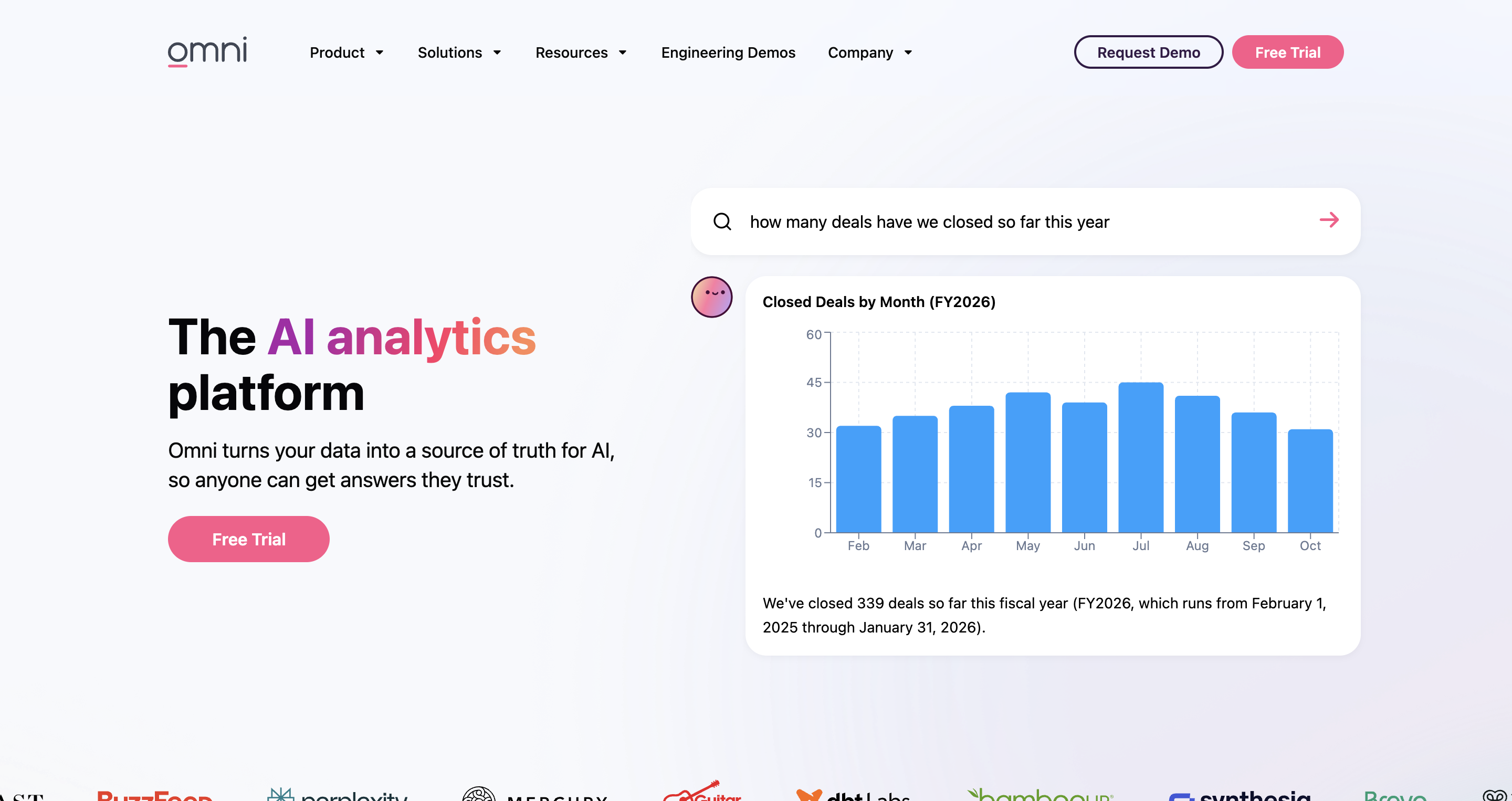
Strengths: Modern UI, hybrid spreadsheet-and-modeling approach, live-query against Snowflake. Newer entrant with thoughtful design.
Weaknesses: Smaller feature surface than incumbents. Embedded analytics and AI capabilities are still maturing. Best for teams wanting a Looker-alternative for internal BI; less competitive for embedded or AI-heavy use.
Looker (with Gemini)
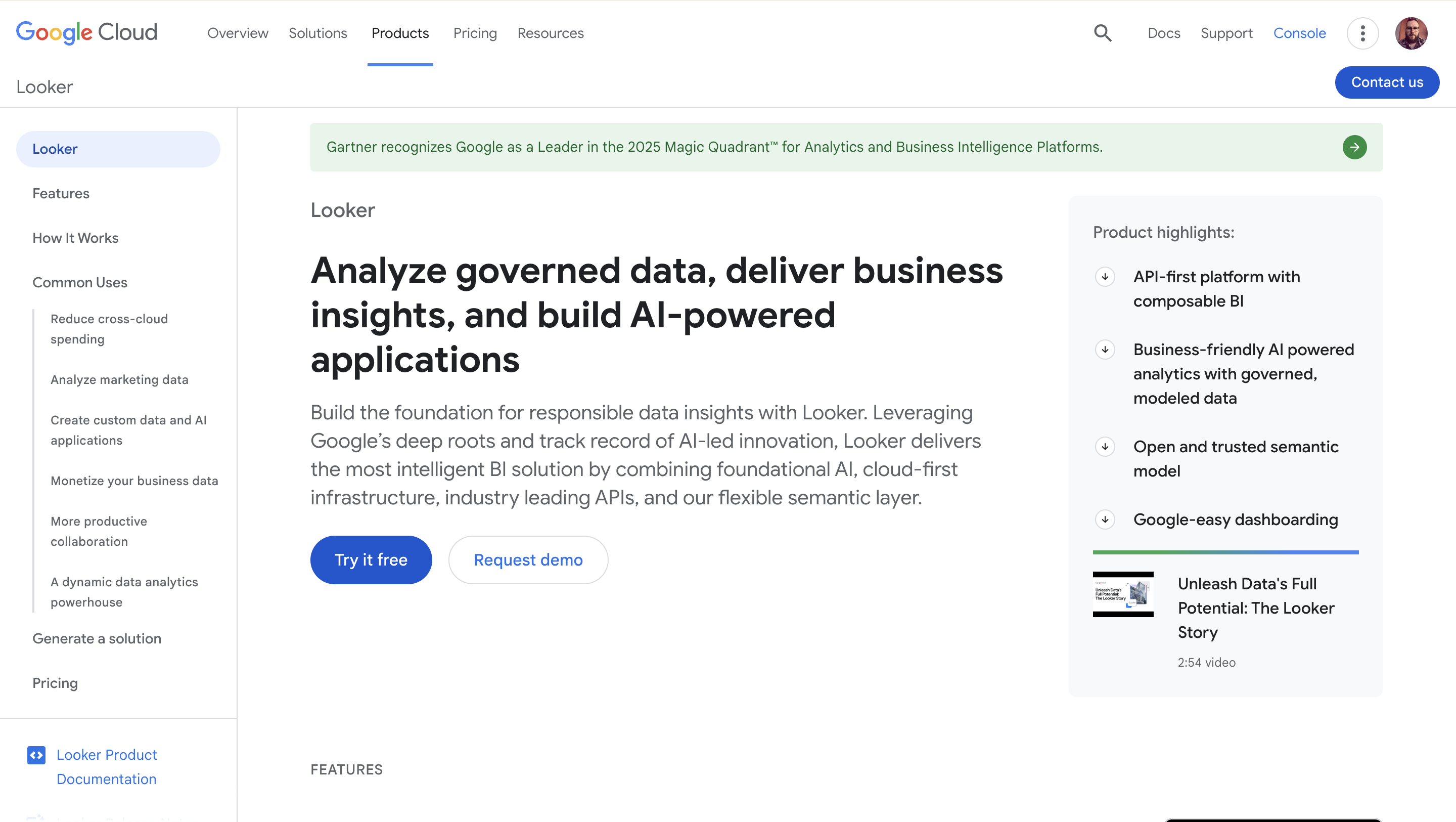
Strengths: LookML semantic modeling is mature and battle-tested. Gemini integration is the deepest of any BI vendor on its own LLM. Embedded analytics is enterprise-grade.
Weaknesses for Snowflake-first teams: LookML has a steep authoring curve that pushes ownership back to the data team — the opposite of what non-technical buyers want. Google Cloud anchoring is friction for teams that chose Snowflake explicitly. Per-seat pricing scales poorly across broad self-service teams.
Snowsight + Snowflake Intelligence
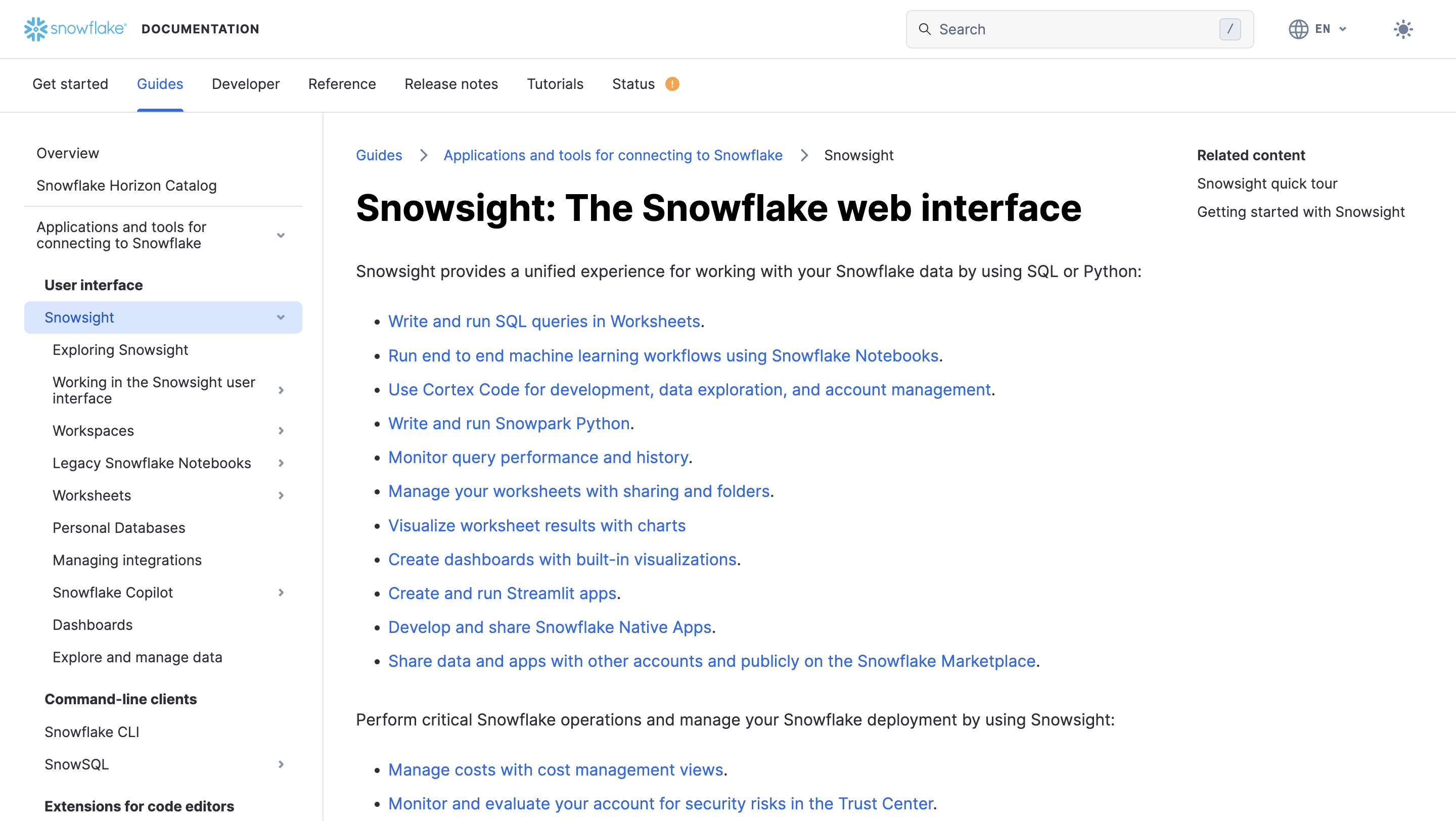
Strengths: Native to Snowflake, runs in your account, no separate tool to administer. Cortex Analyst is excellent for natural language questions over governed structured data. Cortex Search handles unstructured data via semantic and hybrid search. Snowflake Intelligence orchestrates Cortex Agents that can take action across structured tables, unstructured documents, and tools via MCP. For Snowflake-only environments where the use case is conversational analytics and document Q&A, this is a real partial answer.
Weaknesses for the BI use case: Snowsight is not a dashboard authoring tool in the traditional sense. Embedded analytics is not its design point. Multi-warehouse environments are out of scope. Pricing is consumption-based on Cortex Analyst messages plus warehouse credits, which works well for some patterns and poorly for high-frequency conversational use without aggressive caching. If your BI need is dashboards, embedded customer analytics, writeback, or board-ready reporting, Snowflake Intelligence does not replace a BI tool — it complements one.
A decision rubric
Use this to score the comparison set against the framework’s five questions. Map your role’s priorities to the columns and add the row scores.
For each platform, rate Critical / High / Medium / Low against your weights. The platform that meets every Critical for your function is the shortlist winner. The platform that meets four out of five with one Critical missing is a fast no — the missing piece is the one that breaks the deployment.
What this rubric forces: a clear-eyed look at which AI feature your function depends on, instead of buying the platform with the loudest demo. AI-painted BI sells best when the buyer has not separated the demo from the dependencies.
FAQ
Is Snowflake Cortex Analyst enough on its own?
It is enough if your only AI BI need is asking natural language questions over structured data in Snowflake and getting back a SQL query and a result. Cortex Analyst handles that workflow well, with Snowflake’s role-based access controls applied at query time and data never leaving the Snowflake account. It is not enough if you need dashboards, embedded analytics for customers, writeback for planning workflows, board-ready exports, or AI features that extend beyond conversational query. Most ops, product, and finance teams need the second list, which is where a third-party AI-native BI platform earns its place.
What is the difference between AI-native BI and BI with AI bolted on?
AI-native BI uses a semantic layer to give the LLM business context, generates SQL that runs live against the warehouse, lets you choose the LLM, and supports actions back to the warehouse — writeback, approvals, triggers. BI with AI bolted on adds a chatbox to a read-only dashboard built on extracted data, locks you to one model, and stops at the chart. Both will say AI-native on the homepage. The five-question framework above is how you tell them apart.
Can a non-technical user really build dashboards on Snowflake without writing SQL?
Yes, on the right platform. Astrato, Sigma, and Looker all support no-code or low-code authoring against a Snowflake connection. Customers including Doctena have moved from two-week dashboard turnaround to fifteen-minute self-service after the switch. The catch is the semantic layer — without metric definitions in the middle, drag-and-drop produces inconsistent answers across users. The platforms that work for non-technical users are the ones that bake semantic modeling into the authoring experience, not the ones that bolt it on after.
Does AI-native BI for Snowflake replace my data team?
No. It changes what they do. With AI-native BI on Snowflake, the data team focuses on building and maintaining the semantic layer, governance, and the warehouse models that everything depends on. Business users do their own exploration, dashboarding, and writeback within the guardrails the data team set. IAG Loyalty, the company behind Avios, described the shift as Astrato becoming:
The pattern is shift-left: governance moves toward the source, presentation moves toward the user.
How much does AI-native BI for Snowflake cost?
Pricing models vary widely and most vendors do not publish list prices. Per-seat pricing (Looker, Sigma, Omni) ranges roughly from low-hundreds to mid-hundreds of dollars per user per year and scales linearly. Capacity-based pricing tied to warehouse credits (Astrato, Snowflake Intelligence) scales with usage rather than headcount and is friendlier for broad self-service. ThoughtSpot tends to be the most expensive at the enterprise tier. Embedded analytics changes the model — Astrato’s usage-based tier supports unlimited end viewers, which is decisive at scale for product teams. The honest answer is to model your usage at one year and three years against each pricing model; the right architectural choice often dominates the per-user sticker price.
To see how Astrato’s AI-native BI works on Snowflake, explore the Snowflake integration page, or browse customer stories from teams who have moved through the same evaluation. For more on building data products on Snowflake, see the reference architecture in our data products on Snowflake guide.
Ready to experience next-gen analytics?
See how Astrato runs natively in your warehouse.