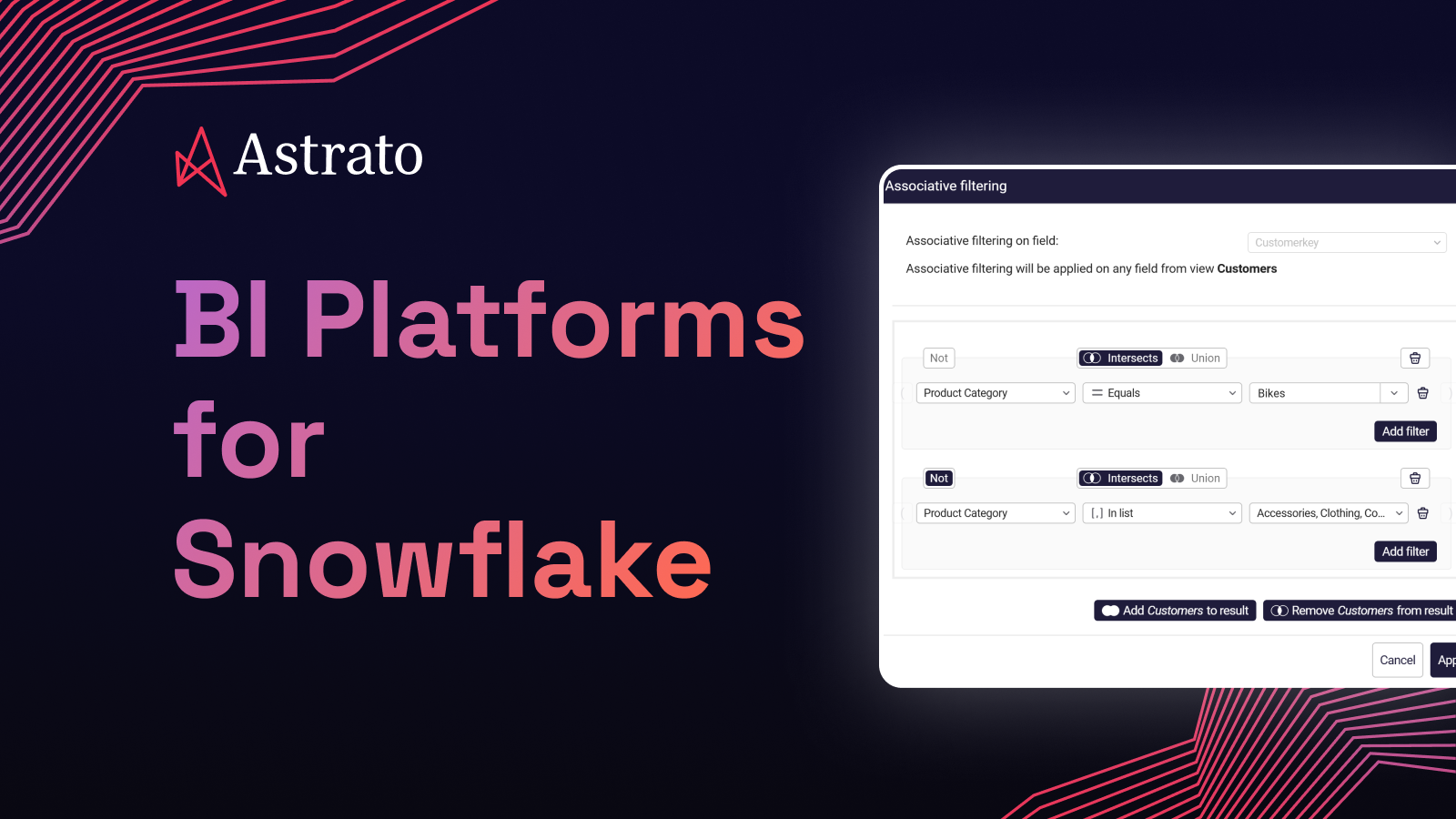
Modern BI Platforms for Snowflake: A Buyer's Pick Beyond Qlik
Six BI platforms worth your evaluation when Qlik isn't the answer anymore — what each is good at, where each falls short.

Six BI platforms worth your evaluation when Qlik isn't the answer anymore — what each is good at, where each falls short, and how they sort into the two architectural camps that actually matter.
You've made it to the shortlist phase. The "do we migrate" question is behind you, the architectural conversation has landed, and now someone in the room is going to ask the harder question: what should we actually buy?
Good news: the field is smaller than it looks. Modern BI tools split cleanly into two architectural camps, and once you know which camp fits your stack, half the vendors fall away on their own. The remaining shortlist is roughly six platforms worth a real evaluation.
This piece walks through all six. Honestly. Where each one wins, where each one doesn't, and what specifically changes for a team coming from Qlik. The goal isn't to crown a winner — it's to give you the lay of the land so the vendor conversations don't have to.
If you're earlier in the journey and still scoping the migration, start with the Complete Guide to Migrating from Qlik to Snowflake. If you want the architectural argument behind the camp split, Qlik vs. Snowflake Architecture covers it in depth.
The two camps that decide the shortlist
Here's the split, in one sentence each.
Warehouse-native means the tool queries Snowflake live, treats the warehouse as the source of truth, and keeps business logic in the warehouse via dbt or semantic layers. No extracts. No reload cycles.
Extract-based means the tool copies data from Snowflake into its own engine on a refresh schedule, queries the cached version, and holds at least part of the business logic inside the BI tool. It's the architecture you just migrated away from in Qlik, wearing a different logo.
Both camps include serious, mature products. Both have legitimate use cases. The choice between them is the choice that decides what the rest of your BI stack feels like for the next decade.
Now — the six vendors.
THE WAREHOUSE-NATIVE CAMP
Four vendors that query Snowflake directly
The data stays put; the BI layer reads it where it sits.
Astrato
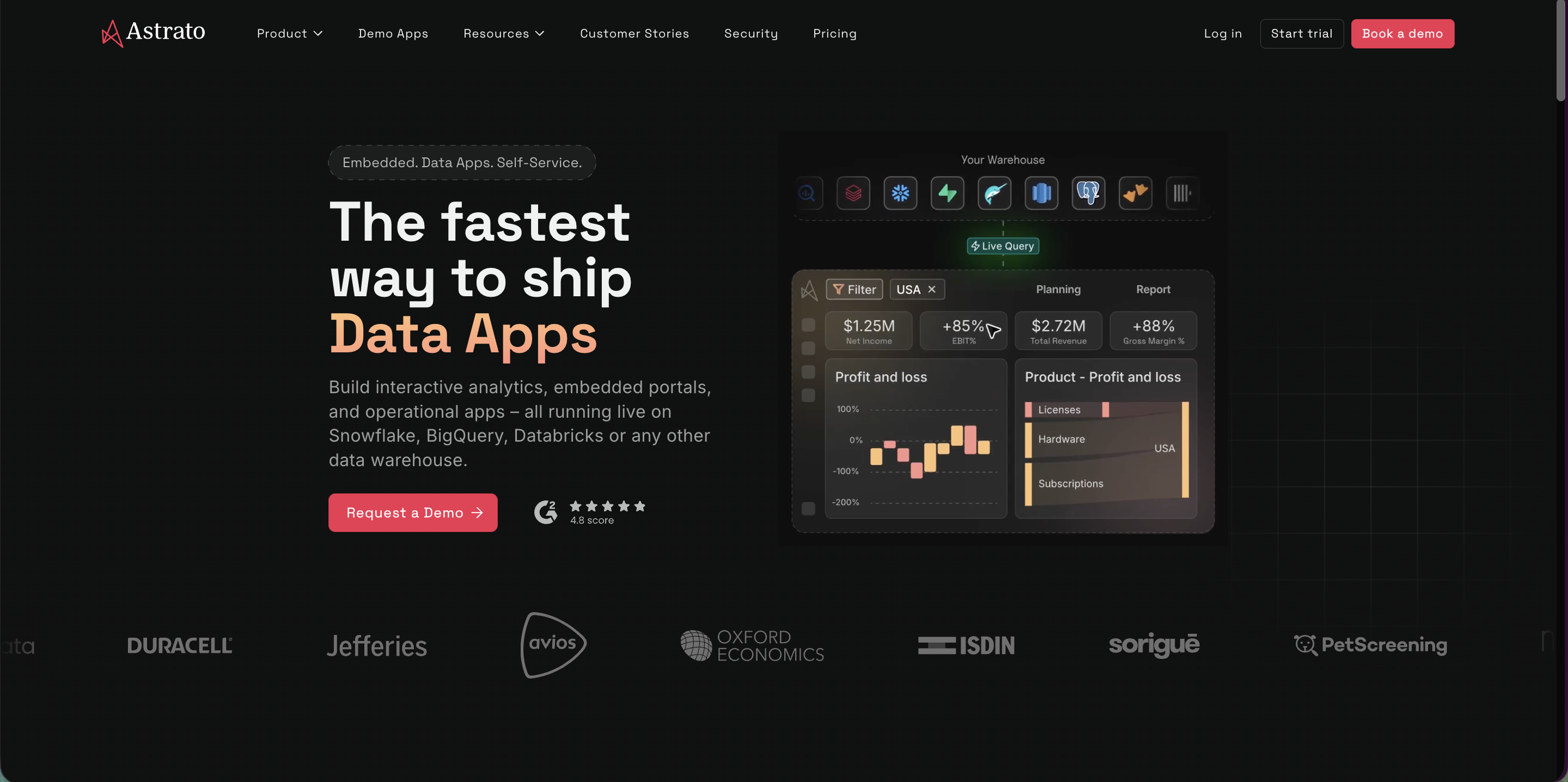
Astrato is the warehouse-native pure-play, built specifically for the architecture your migration just created.
Where it fits
Teams who want the whole modernization to land — live query against Snowflake, business logic in the warehouse via dbt, writeback for operational workflows, and data apps for use cases that go past read-only dashboards. Multi-warehouse if your data sprawls beyond Snowflake (BigQuery, Databricks, Redshift, ClickHouse all supported). Strongest fit for organizations that want the BI layer to feel native to their data platform, not bolted on.
Where it doesn't
If your team has no appetite for a warehouse-native paradigm shift and just wants Qlik-style dashboarding with a different login screen, Astrato isn't that. It's opinionated about where logic lives, and that opinion is the point — but it's also work to adopt.
For a Qlik team specifically
The reload cycle disappears entirely. Customers describe the tax not as reduced but simply gone. Section access translates to Snowflake-native row access policies. Writeback is first-class, not extension-dependent — which unlocks a category of operational analytics Qlik never really did natively. Switch RCM and Gray Decision Intelligence both made this move and have public stories about what changed.
Sigma

The warehouse-native answer for organizations whose analyst muscle lives in spreadsheets.
Where it fits
Teams where business users think in Excel, do real analysis in Excel, and would adopt a BI tool that meets them there rather than asking them to learn a new paradigm. Sigma's spreadsheet-style interface is genuinely well-designed for analyst-led work, and its input tables make writeback approachable. Strong for finance teams, ops analysts, anyone who reaches for VLOOKUP first.
Where it doesn't
If your analytics consumers are executives reading dashboards rather than analysts building them, Sigma's strengths matter less. The spreadsheet paradigm also means less emphasis on the kind of designed, pixel-precise customer-facing dashboards an embedded use case demands.
For a Qlik team specifically
The architectural fit is great — live query, warehouse-resident logic. The cultural fit depends on whether your Qlik users were doing Qlik-script power analysis (in which case Sigma's spreadsheet interface might feel like a downshift) or whether they were the dashboard consumers (in which case the analyst-led mode is a strong upgrade).
Looker
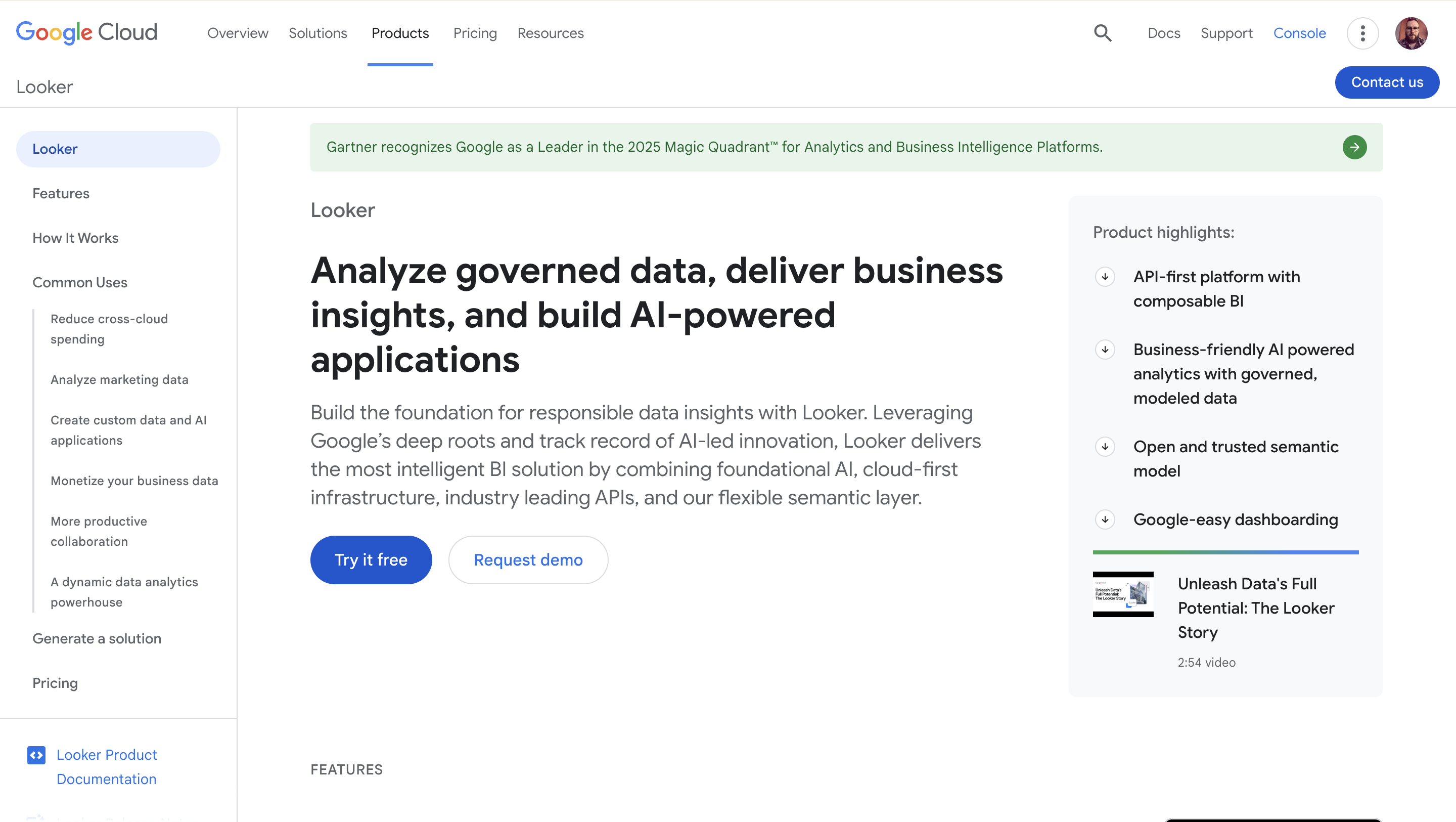
The warehouse-native option for Google-stack organizations and governance-first cultures.
Where it fits
Companies that want a single, governed semantic layer (LookML) as the spine of every analytics conversation. Looker's strength is centralization — one model, one definition of "revenue," one place to change it. Especially strong in BigQuery-first organizations, where the Google ecosystem fit is tight.
Where it doesn't
Looker is heavy. LookML is powerful but it's a real language with a real learning curve, and the cost of getting wrong is high. If your team doesn't have an analytics engineer who can own the LookML layer, the centralization that makes Looker great becomes the bottleneck that makes Looker frustrating. Also worth noting that post-Google-acquisition direction has been less aggressive than competitors on writeback, data apps, and the operational-analytics frontier.
For a Qlik team specifically
LookML is the closest spiritual analog to Qlik's master items concept — a centrally-defined semantic layer that everything else reads from. If your Qlik culture was disciplined about master items, Looker will feel familiar. If your Qlik culture was the wild-west of dashboards with their own embedded logic, LookML will feel like a forced march.
ThoughtSpot
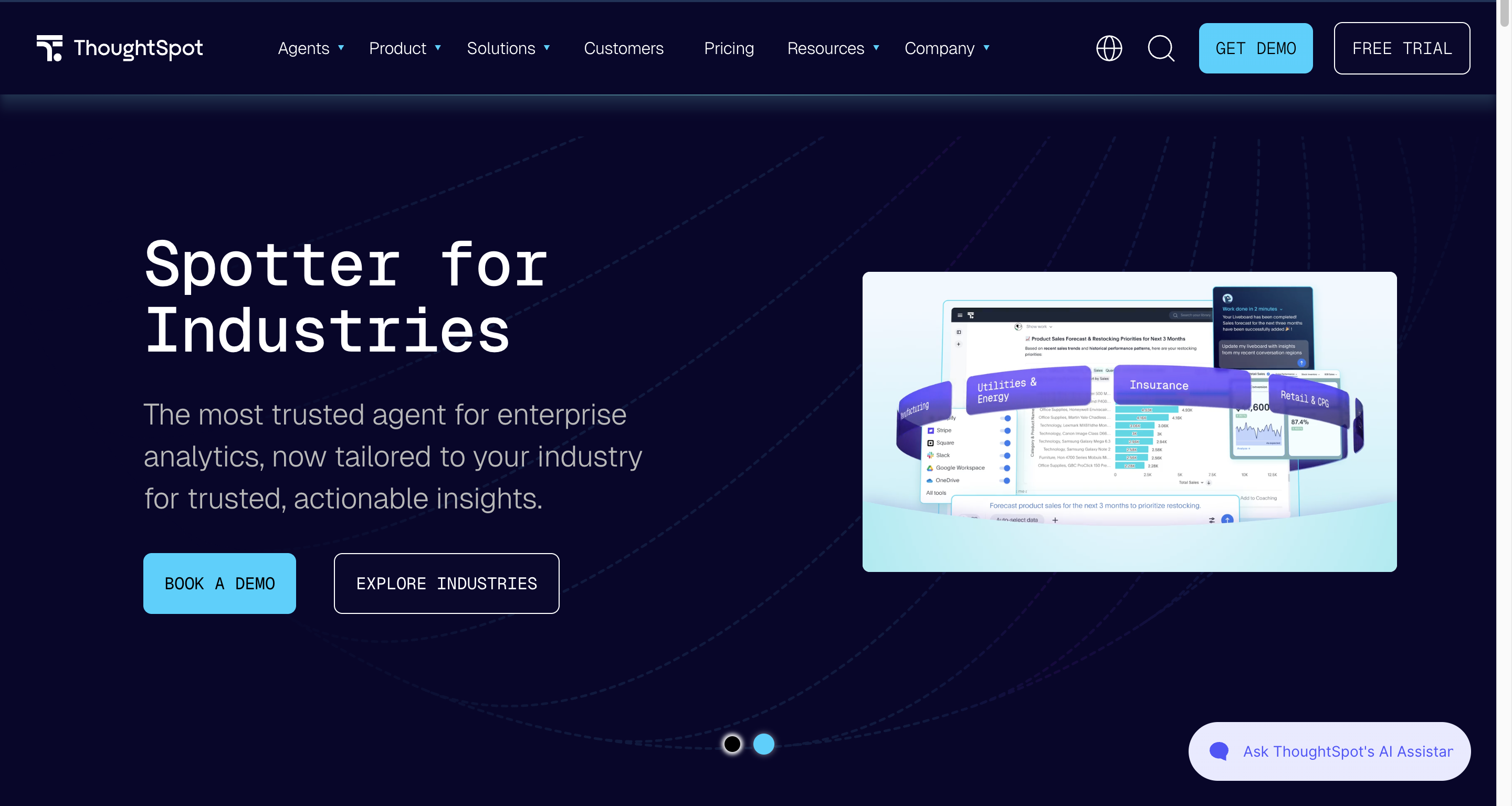
The search-and-AI bet on what BI looks like when typing replaces dragging.
Where it fits
Organizations that want analytics consumed through natural-language search rather than dashboard navigation — and that have the data quality and semantic modeling discipline to make that mode actually work. ThoughtSpot has been pushing this interaction model for a decade and the AI generation has made the underlying tech materially better. Strong for large user populations of business consumers who'd never build a dashboard themselves.
Where it doesn't
The search paradigm needs a clean, well-modeled semantic layer underneath it to behave well — garbage in, garbage answers out. ThoughtSpot is also less of a fit when your use case calls for designed, narrative dashboards or pixel-perfect customer-facing embeds. And the cost can climb sharply at the user counts where ThoughtSpot's user-friendliness should be its biggest advantage.
For a Qlik team specifically
ThoughtSpot is the most paradigm-different option on this list. There's no Qlik analog to "ask a question in plain English." Teams who choose ThoughtSpot are explicitly choosing a different mode of analytics consumption, not just a different tool — which can be the right move, but it's a bigger leap than the others on the warehouse-native side.
THE EXTRACT-BASED CAMP
Two vendors that copy Snowflake data into their own engine
Mature platforms with real strengths — and the architecture you're migrating away from, in different packaging.
Tableau
The category-defining visualization tool, now part of Salesforce.
Where it fits. Teams whose differentiator is visualization quality and dashboard craftsmanship. Tableau's viz library remains the strongest in the industry, the community is enormous, and the Tableau-as-storytelling-medium tradition is real. Strong for teams whose dashboards are external-facing artifacts (board decks, investor presentations) where polish matters more than freshness.
Where it doesn't. Tableau's default mode is extract-and-refresh via the Hyper engine. Live connections to Snowflake exist (DirectQuery analog), but the entire UX gently nudges users back toward extracts — that's the model the tool was built around. So if your reason for moving off Qlik was reload cycles, in-memory limits, or live-data needs, Tableau migrates you to the same problems with a different vendor. The Salesforce acquisition direction has also been visibly Einstein-AI-focused at the expense of attention on the core BI use cases.
For a Qlik team specifically. Architecturally, this is a lateral move dressed as a forward one. You'd swap Qlik's QVD layer for Tableau's Hyper extracts, Qlik's set analysis for Tableau's LOD calculations, and Qlik's reload jobs for Tableau's extract refresh schedules. The names change; the architecture doesn't. The honest reason to pick Tableau is that your team genuinely values visualization breadth over architectural fit — and that's a legitimate trade if you make it deliberately.
Power BI
The Microsoft-stack default, dominant on price and ecosystem.
Where it fits
Microsoft-shop organizations where Power BI is essentially free with the licenses you already pay for, and the integration with Teams, SharePoint, and the rest of the M365 ecosystem matters. Power BI has improved dramatically over the past five years — DAX is more capable than it gets credit for, and DirectQuery against Snowflake is a real option now rather than a footnote. Strong fit for organizations whose center of gravity is already Microsoft and whose BI needs are mainstream rather than cutting-edge.
Where it doesn't
Power BI's default mode is Import (extracts into VertiPaq), and even when DirectQuery is configured, the UX, the docs, and the community all assume Import as the norm. So the "you can run it live against Snowflake" claim is technically true and operationally fragile. Beyond architecture: Power BI on Linux/macOS dev workflows is painful, the deployment model is Microsoft-specific in ways that bite you in mixed environments, and the most advanced features lock you to specific licensing tiers in ways that get expensive fast at scale.
For a Qlik team specifically
If your organization is heavily Microsoft and a Power BI migration is a strategic mandate from above, the bundling math probably wins. If the decision is genuinely open, the architectural question is the same as Tableau's — you're moving to the same model in different packaging. The Power BI choice is the right one when ecosystem alignment beats architectural fit. It's the wrong one when you're picking it because it feels familiar.
How to actually use this shortlist
You've now seen six platforms. The temptation is to evaluate them on features — viz library, AI assistant, embed quality, mobile app. That's the wrong starting point.
The starting point is the architectural question: do you want the BI layer to query Snowflake live, or do you want it to copy Snowflake data into its own engine on a refresh schedule? Pick the camp first. The vendor decision inside each camp is much smaller than the camp decision between them.
A practical sequence:
- Decide your camp. If you're migrating off Qlik because of reload cycles, scale ceilings, or live-data needs, you're in the warehouse-native camp. If you're migrating for ecosystem or visualization reasons and the extract architecture is acceptable, you're in the extract-based camp. The migration readiness checklist helps surface this honestly.
- Shortlist three from your camp. Two minimum, four maximum. More is theater.
- Run a proof of concept on your own data. Not their demo data. Your data, your dashboards, your security model. Vendors who avoid this are telling you something.
- Watch how each handles the things Qlik did well. Section access translation, performance under concurrent load, the experience of rebuilding a complex existing dashboard. These are where the real friction lives.
- Get total cost over three years, including the unobvious bits. Compute costs for live-query tools, license-tier escalations for extract-based ones, professional services, training.
The migration is the moment to make this choice deliberately. The pillar guide has the strategic case, and the conversion piece walks through why the BI question keeps showing up uninvited at exactly this moment. This piece is the answer to the part where you say "okay, then what?"
The shortlist is six platforms. The architecture decision is what makes the shortlist make sense. Get the camp right, and the rest is detail work.
Frequently asked questions
Is there an objectively best BI platform for Snowflake?
No — and any piece that tries to crown one is selling you something. There's a best fit for your specific situation, which depends on your architecture preference, your team's skills, your ecosystem, and your use cases. The shortlist above narrows the field to six serious options; the rest is your evaluation work, not anyone else's ranking.
Why isn't Qlik Cloud on this list?
Qlik Cloud is a real path, but it sits in a different conversation — should I stay in the Qlik family? — than this one, which is what should I move to beyond Qlik? The conversion piece covers Qlik Cloud in the four-paths comparison, and a dedicated reality check on Qlik Cloud is forthcoming in this cluster.
What about Hex, Mode, Metabase, or Domo?
All real products with their own niches. They didn't make this shortlist because the piece is scoped specifically for teams making the Qlik-to-Snowflake migration decision, where six platforms cover the realistic field. Hex and Mode lean heavily toward data-science / notebook workflows; Metabase is strongest for smaller teams or budget-constrained ones; Domo is its own model. Worth a look if your situation matches their lane, but they're not the core shortlist.
Should we let the BI tool decide our warehouse strategy, or vice versa?
Vice versa, always. Pick the warehouse for your data needs, then pick the BI layer that fits the warehouse you chose. The reverse — choosing a warehouse because your BI tool is happiest there — is how organizations end up with architectures that fight their data strategy for years.
How do we evaluate a "warehouse-native" claim?
One test: ask the vendor to show you what happens when you change a row in Snowflake while a dashboard is open. If the dashboard updates on the next query, it's live. If you have to wait for the next extract refresh, it's extract-based regardless of what the marketing says. The behavior is the truth.
Ready to experience next-gen analytics?
See how Astrato runs natively in your warehouse.