Best Metabase Alternatives for Embedded Analytics in 2026
Evaluating Metabase alternatives for embedded analytics? Here are the six best competitors — with an honest comparison of what each one is actually built for.

Metabase comes up in almost every embedded analytics evaluation. It's accessible, open-source, and widely recommended — and for good reason. If you need internal dashboards with basic visualization capabilities that run against a relational database, it gets you there fast.
But embedded analytics for a SaaS product is a different problem. Your customers will see these dashboards. They need to look like your product, not someone else's business intelligence tool. They need to work with your data warehouse. They need to let users act on data, not just view it. And when your customer base doubles, your analytics bill shouldn't double with it.
That's where a lot of teams find Metabase isn't quite the right fit — and start looking for alternatives to Metabase that are actually built for the use case.
TL, DR
What to look for when evaluating embedded analytics tools
Most BI tool comparisons are built around the wrong criteria for customer-facing embedded analytics. Drag and drop functionality, advanced analytics capabilities, and statistical analysis are important — but not as much as these key features:
- White-labeling: Is it included by default, or gated behind a paid plan? Your customers shouldn't see another company's badge on your product.
- Warehouse compatibility: Does it connect natively to your existing data stack — Snowflake, BigQuery, Databricks — or does it require data movement into its own engine?
- Writeback: Can your users act on data inside the dashboard? Or is it read-only, leaving a gap between insight and action?
- Embedded interactivity: Can end users explore data and create dashboards, or just view static output?
- Pricing at scale: Does the cost model grow with your customer base, or does it penalise you for success?
Metabase competitors — comparison at glance
Here's how each platform stacks up across the five evaluation criteria, plus a few additional factors that come up in real purchasing decisions.
Top Metabase alternatives for embedded analytics
Which platform is the best Metabase alternative? There's no universal answer — the right BI tool depends on what you're actually building and who's going to use it
1. Astrato — built for embedded analytics in SaaS products

Astrato is the right choice if you are evaluating embedded analytics specifically — building customer-facing dashboards into a SaaS product, white-labeling an analytics experience for your customers, or turning dashboards into interactive data apps.
Unlike many business intelligence platforms that were designed primarily for internal analytics and added embedding as a feature later, Astrato was architected around the requirements of customer-facing analytics:
- pixel-perfect design control
- white-label by default
- warehouse-native live queries
- native writeback
- usage-based pricing
- excellent customer support
Astrato connects directly to Snowflake, BigQuery, Databricks, ClickHouse, Amazon Redshift, Dremio, PostgreSQL, and Supabase. Every query runs as a live push-down query on your data warehouse — there are no extracts, no data duplication, and no scheduled refresh cycles to manage. Your data is always real-time, and the compute runs in your warehouse, not in a separate layer you have to pay for twice.
This matters enormously for embedded analytics. When you are serving multiple customers from a single deployment, warehouse-native architecture means you can leverage your warehouse's built-in security model, row-level permissions, and multi-tenant isolation rather than rebuilding these at the application layer.
Embedded analytics and white-labeling
White-labeling is included at every tier — not locked behind a Pro or Enterprise plan. You can match your product's fonts, colours, layouts, and components without writing CSS or raising a ticket. Dashboards embedded inside your product look like part of your product, not like a third-party BI tool bolted on.
Multi-tenant isolation, JWT/SSO authentication, and row-level security are built in, not added on. For SaaS teams, this removes the most painful parts of building embedded analytics: the security architecture, the branding work, and the performance engineering.
Semantic layer and governed metrics
Astrato's centralised semantic layer lets you define metrics once and reuse them across every dashboard, workbook, and embedded view. Business users can update metric definitions without touching SQL or opening a ticket. The semantic layer is dbt-compatible, so if your team already uses dbt to define transformations and metrics upstream, those definitions flow directly into Astrato rather than being rebuilt in the BI layer.
This eliminates the most common governance failure in self-service analytics: five different definitions of revenue living in five different dashboards, each built by a different analyst who wasn't aware the others existed.
Writeback and data apps
Astrato's native writeback turns dashboards into interactive data apps. Users can update records, approve budgets, adjust forecasts, submit forms, or trigger automated workflows directly inside a dashboard — with every change writing back to the warehouse in real time. Action Blocks let you build multi-step workflow logic without code. For embedded analytics, this means customers can act on their data without leaving your product.
Self-service for business users
The interface is designed for the entire organisation, not just the data team. Non-technical users can explore data using a point and click interface, natural language AI queries grounded in the semantic layer, and interactive dashboards — without SQL knowledge or technical proficiency. The AI assistant does not hallucinate metric definitions because it draws from the governed semantic layer rather than guessing from raw data.
Pricing
Usage-based pricing with no per-user wall. Three tiers — Creator, Explorer, and Viewer — cover the full spectrum from data builders to embedded end-customers. For teams serving thousands of customers through embedded analytics, this model is significantly more cost-effective than per-seat alternatives.
Limitations
Astrato is most valuable for teams running on a cloud data warehouse. Teams querying transactional databases directly (PostgreSQL, MySQL, SQLite) without a warehouse layer will get less value from the architecture. If your data stack is purely database-level and you are not planning a warehouse migration, simpler tools may be a better fit for now.
→ For the full Astrato vs Metabase deep-dive, see our Astrato vs Metabase article.
2. Sigma Computing — warehouse-native analytics for analyst-heavy teams
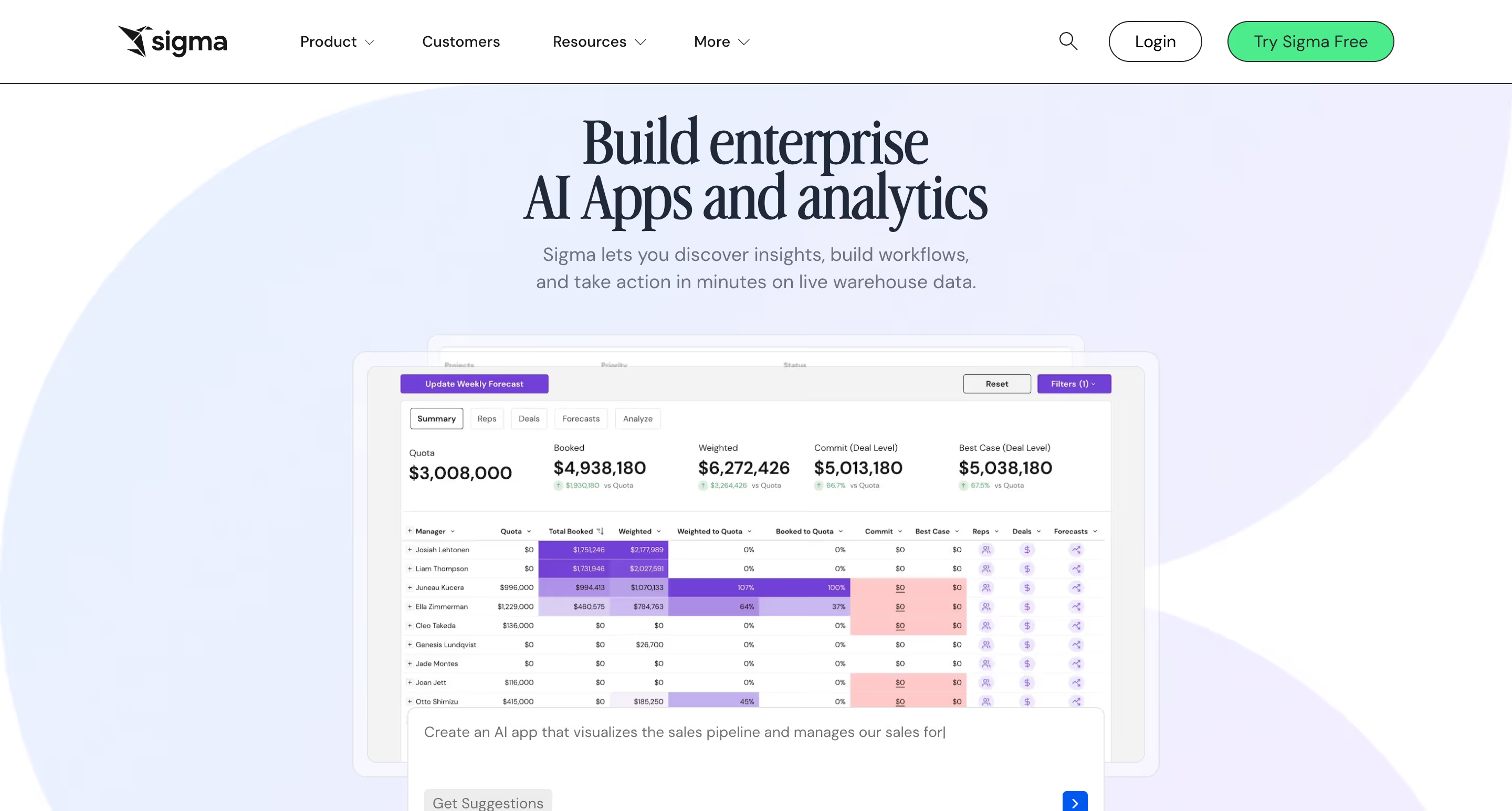
Sigma's pitch is simple: what if your data analysts could work with live warehouse data the way they work in Excel? It's a spreadsheet-style interface on top of Snowflake, BigQuery, or other cloud warehouses that requires no SQL knowledge for most tasks, but offers enough depth for analysts who want to build complex formulas and run in-depth analysis on complex datasets.
For internal analytics teams, this is a strong proposition. Sigma has a loyal following among data engineers and analysts who want the flexibility of a spreadsheet without the limitations of local data. The warehouse-native architecture means no extracts, real time data processing from the source, and direct mapping to your existing data security policies.
What Sigma does well:
- Warehouse-native live query architecture on Snowflake, BigQuery, and Databricks
- Spreadsheet-like interface that is immediately familiar to analysts and finance teams comfortable with Excel
- Strong for complex ad-hoc data exploration and in-depth analysis of large datasets
- Input tables allow basic writeback for data correction and scenario modelling
Where Sigma struggles:
The spreadsheet-first interface creates friction for end users who aren't analysts. Business users without technical knowledge often find it overwhelming. White-labeling and pixel-perfect design control are more limited than purpose-built embedded tools.
Per-creator pricing means your internal build costs scale separately from your customer-facing costs.
Writeback is available through input tables, but users have reported latency issues where changes require a manual refresh rather than updating in real time.
Bottom line:
Sigma is an excellent choice for analyst-heavy internal teams who want warehouse-native live query with a spreadsheet interface. It’s a good alternative to Metabase for running more complex queries. Not the right fit for customer-facing embedded analytics, broad business user adoption, or SaaS teams scaling to large numbers of embedded end users.
3. Qrvey — purpose-built multi-tenant embedded analytics
Qrvey is one of the few platforms in this list that, like Astrato, was built specifically for SaaS companies embedding analytics into their products. Multi-tenancy isn't an afterthought, but the foundation. Every feature is designed around the assumption that you have multiple customers, each with their own data, and all of them need a secure, isolated, branded experience.
What Qrvey does well:
- Purpose-built multi-tenant architecture: tenant isolation and data security are core, not a configuration option
- iframe-free embedding using modern web components
- Flat-rate pricing with unlimited users and unlimited dashboards
- Strong no-code dashboard builder that lets business users visualize data in just a few clicks
- AI features and workflow automation included at no additional cost
- API-first design gives data engineers full programmatic control over the embedded experience
Where Qrvey struggles:
The key architectural distinction is worth understanding clearly: Qrvey uses a proprietary Elasticsearch-based data lake rather than querying a cloud data warehouse directly. For teams already running on Snowflake, BigQuery, or Databricks, this means your data needs to move into Qrvey's engine rather than being queried in place. You end up operating two data layers — your existing data stack and Qrvey's — which adds data transformation overhead and creates potential consistency questions between your operational data and what Qrvey surfaces.
For teams that aren't yet warehouse-native, this distinction matters less. Qrvey's self-contained approach means less infrastructure to assemble upfront. But for teams that have already invested in a cloud data warehouse as the single source of truth, Astrato's warehouse-native architecture is a better fit — it queries your existing stack directly with no data movement.
Baseline cost is another consideration. Qrvey's flat-rate pricing starts in the mid-five-figure range annually, which makes it a serious investment for early-stage teams.
Bottom line:
A strong choice for SaaS companies that need robust multi-tenant isolation, modern web component embedding, and flat-rate pricing — especially if you're not yet warehouse-native and want a self-contained analytics stack to get to market quickly. If you're already on Snowflake or BigQuery and want to query it directly without a second data layer, Astrato is the more natural architectural fit.
4. Sisense — for enterprise teams with proprietary data architecture

Sisense is a long-standing enterprise BI platform with a strong embedded analytics heritage. Its Embedded Analytics product is mature — a Compose SDK supporting React, Angular, and Vue gives developers programmatic control over how analytics surfaces inside an application. It competes at the enterprise end of the market, and for larger organisations that need robust multi-tenant embedded analytics with developer-grade SDK tooling, it is a credible option to evaluate.
What Sisense does well:
- Mature Compose SDK (React, Angular, Vue) for developer-grade embedded analytics customisation
- iFrame embedding available for simpler scenarios that don't require a full SDK implementation
- AI analytics features including natural language queries and auto-narrative reporting at Grow tier
- White-labeling available on higher-tier plans for branded customer-facing analytics
- Broad connector support for pulling data from multiple data sources into the ElastiCube
Where Sisense struggles:
The core architectural difference is Sisense's ElastiCube model, which by default extracts your data from the warehouse and caches it in a proprietary store outside your data stack. Live query models are available, but they come with limitations compared to a natively warehouse-native architecture.
This matters for teams where data freshness, lineage, and warehouse-level governance are non-negotiable requirements.
Also, like many other BI tools, Sisense has no native writeback capability. The workarounds are a DIY REST API pattern using BloX, or paid third-party marketplace plugins — neither is supported by Sisense directly, and neither gives teams the no-code operational workflows that purpose-built writeback delivers.
For embedding, achieving true pixel-perfect customisation typically requires a frontend developer team working with the Compose SDK. iFrame embedding is simpler but offers limited design control. Teams that want business users and product designers to build and iterate without a developer in the loop will find the tooling more demanding than alternatives built for no-code design freedom.
Bottom line:
Sisense is a legitimate choice for larger enterprise teams with developer resources, a complex data architecture, and the budget to match. The ElastiCube approach works well for teams that prioritise query performance on very large datasets and don't need live warehouse-native architecture.
5. Looker — enterprise embedded analytics with a mature SDK
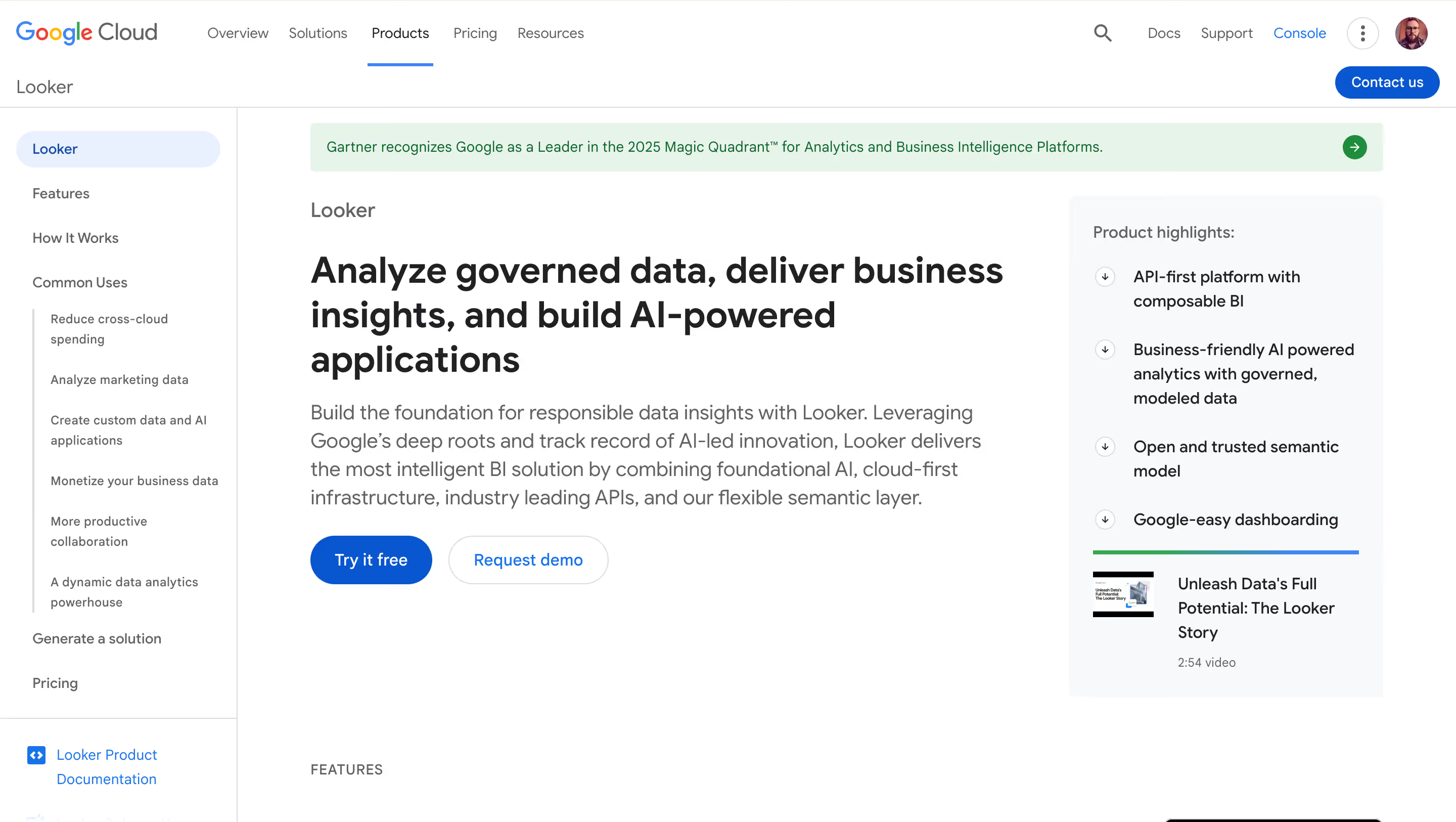
Looker has been the enterprise benchmark for governed embedded analytics for years. Its Embedded Analytics SDK is mature, well-documented, and widely adopted by large SaaS companies that need API-first integration and deep customisation. The LookML semantic layer — a proprietary modeling language for defining metrics centrally — is the most powerful governance tool in this list.
What Looker does well:
- Mature, developer-grade Embedded Analytics SDK with extensive documentation and programmatic control
- LookML semantic layer delivers genuinely governed metrics at scale — one definition, trusted everywhere
- Seamless integration with Google Cloud and BigQuery for teams already in the GCP ecosystem
- API-first architecture makes it highly customisable for data engineers building complex data products
- Strong row-level security, SSO, and access controls out of the box
Where Looker hits its ceiling:
The cost is the first ceiling most teams hit. Looker typically runs $150,000+ a year before you factor in an embedding license. That's before you've hired the analytics engineers you'll need to write and maintain LookML — a proprietary language with a steep learning curve that requires genuine technical expertise to implement well.
For non-technical business users, there's a second ceiling: LookML-powered self-service is powerful once the models are built, but building those models requires developer resources most teams at the 20–200 person range don't have.
Teams outside the Google Cloud ecosystem can use it, but the integration is tighter and the tooling deeper for BigQuery shops. And there's no writeback — Looker remains a read-only analytics layer.
Pricing follows a per-user model at a high baseline, which creates the same embedded analytics cost problem that plagues Metabase, just with an extra zero on the bill.
Bottom line:
Looker is the right choice if you're a Series B+ SaaS company, already on Google Cloud, with an analytics engineering team and a procurement budget to match. For everyone else, the cost and complexity are hard to justify. Looker is the best BI tool in this category for governed enterprise embedded analytics — it's just that "governed enterprise embedded analytics" describes a narrower slice of the market than Looker's reputation might suggest.
6. Apache Superset — the open-source option for engineering-led teams
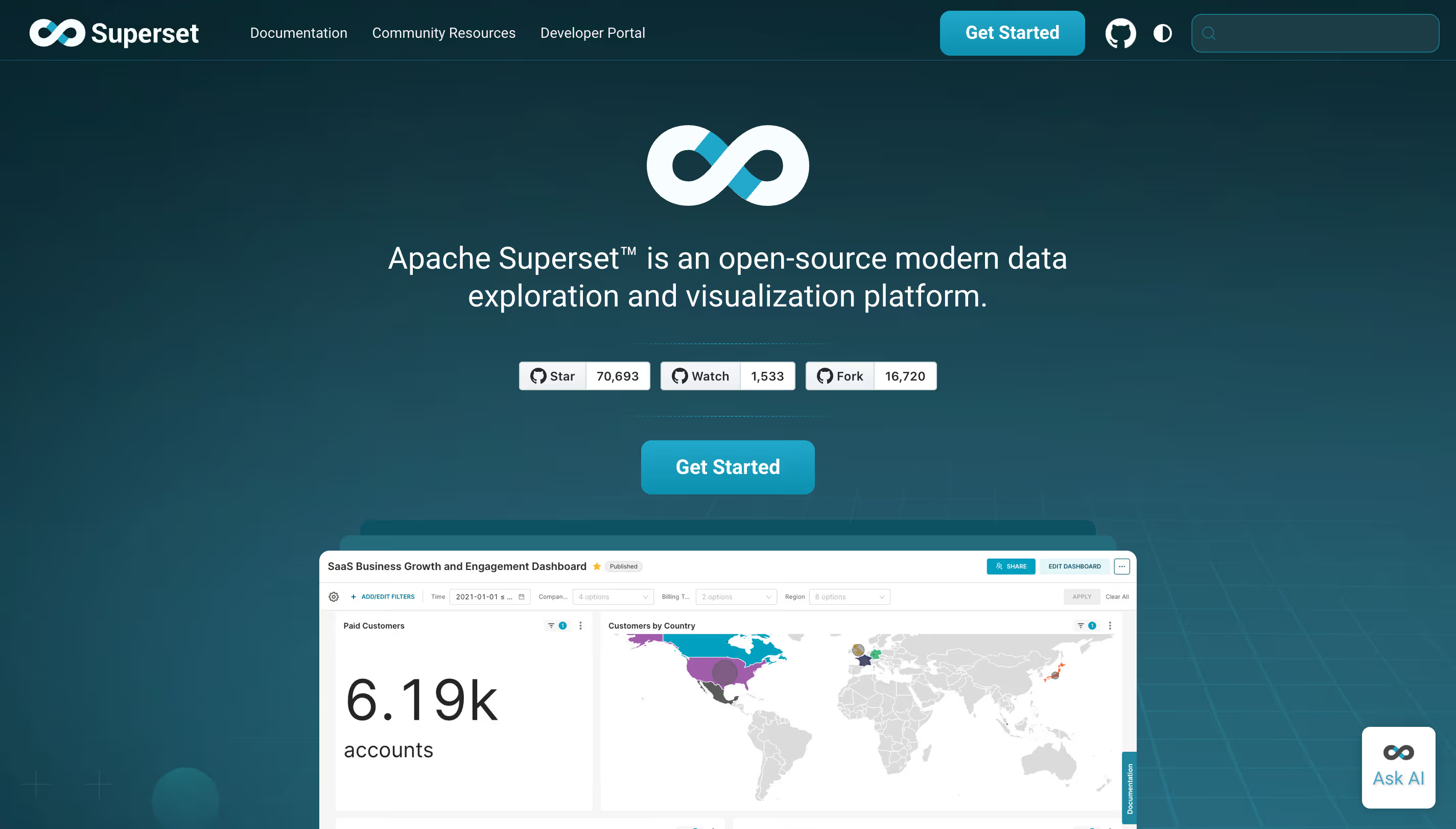
Apache Superset is the natural first consideration for any team that wants a free, self hosted alternative to Metabase. It's more powerful than Metabase on visualization — more chart types, more customisation options — and it's completely open-source under an Apache License, so there are no paid plans to worry about.
What Superset does well:
- Completely free and self-hosted — no per-user licensing, no paid plans
- Extensive visualisation library: 40+ chart types including advanced options not available in most commercial tools
- Connects to virtually every SQL database and data warehouse
- Strong community and active open-source development
Where Superset struggles:
Superset was built with data engineers and technical teams in mind. Setup requires configuring a metadata database, web server, and Celery worker for asynchronous tasks — it is not a tool you deploy in an afternoon without engineering expertise. The self-hosted model means your team owns upgrades, security patches, and infrastructure maintenance.
For non-technical users, the learning curve is real. Superset's interface is more powerful than Metabase's but also more complex, and it requires more SQL knowledge to get value from. For embedded analytics in a SaaS product, it is not the right architectural choice — embedding Superset dashboards in a customer-facing product requires significant custom engineering.
Bottom line:
The right choice for engineering-heavy teams that want maximum control and are willing to own the infrastructure. Not suited to teams without DevOps depth, non-technical users, or customer-facing embedded analytics without substantial custom development.
Which Metabase alternative is right for you?
Ready to see what embedded analytics built for your product looks like?
Astrato is used by SaaS teams who need interactive data analytics that look like their product, not a third-party BI tool. If that's where you are — evaluating options, not sure Metabase is the right fit, wondering what's actually possible — booking a personalized demo is the fastest way to find out.
You'll see Astrato embedded in a real product context: white-labeled, warehouse-native, with writeback, live from your warehouse. No extracts, no badge, no upgrade wall to get to the features that matter.
Ready to experience next-gen analytics?
See how Astrato runs natively in your warehouse.