Embedded Analytics for BigQuery: Best BI Platforms 2026
Compare embedded analytics platforms for BigQuery — Astrato, Sigma, Looker, Looker Studio, Power BI, Metabase. Built for product teams in Slack.

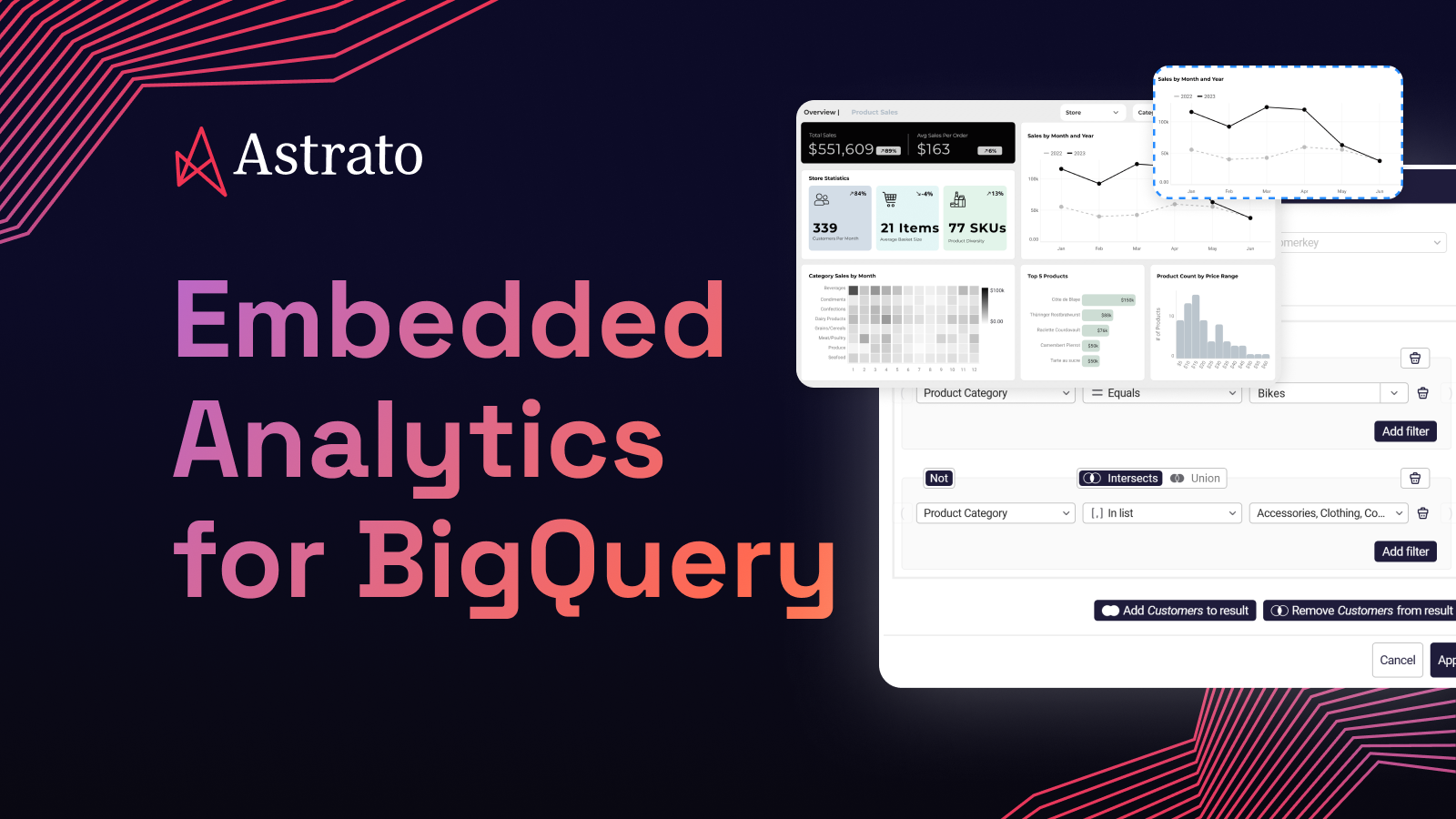
You have BigQuery. Your event pipeline lands there. Your product metrics live there. You spend most of your day in Slack. And the question you're really trying to answer isn't "which embedded BI tool should I buy?" — it's "what do I actually need on top of BigQuery so I can monitor KPIs without leaving my workflow?"
Most articles on this topic answer the wrong question. They list product analytics tools — Mixpanel, Amplitude, Heap — as if you have to pick one of those. Or they list legacy BI platforms as if the only goal is internal reporting. Neither matches what a startup PM running on BigQuery actually needs in 2026.
If your data is already in BigQuery, you don't need a separate product analytics tool to recreate the events you already have. You need a warehouse-native BI tool that runs on BigQuery directly, ships dashboards your customers can use, and pushes alerts into Slack so you can monitor KPIs from your phone. This guide walks through how to choose one.
TL;DR
BigQuery's native tools are enough if: your team is small, your dashboards are read-only, you mostly use SQL, you don't need to embed analytics into a customer-facing product, and you're comfortable with Data Studio's design ceiling for internal use.
You need a third-party embedded analytics platform if: you're shipping customer-facing dashboards inside your SaaS product, you need pixel-perfect white-labeling, you want non-technical PMs and operators to build their own views, you need writeback so dashboards drive workflows back into BigQuery, or you want native Slack alerts so monitoring happens where your team already lives.
What changed in the BigQuery BI landscape
BigQuery used to be a backend most product teams never touched directly. The product analytics tool — Mixpanel, Amplitude, Heap — sat in front of it, and the BigQuery integration was a one-way pipe out. That model is breaking down for three reasons.
Event pipelines now land in BigQuery first
Segment, RudderStack, Snowplow, and Firebase all write to BigQuery as a primary destination. Once your events are in BigQuery with a clean schema, the case for paying a product analytics tool to copy them somewhere else gets weaker. You already have the data. You already have a warehouse that can query it.
Data Studio and Looker exist, but neither is the answer
Data Studio (formerly Looker Studio) is free, fast to set up, and ships with BigQuery. It's also limited — single-user-feel, basic interactivity, design controls that make it hard to embed inside a product. Looker (the Google-acquired enterprise tool) is the opposite end: powerful, governed, and priced for companies with a data team and a six-month LookML build-out. Most startup PMs sit in the gap between the two.
Slack has become the operational surface
Product teams don't open BI tools to monitor metrics. They expect alerts to come to them. They want a Slack message when DAU drops 20%, not a dashboard tab they have to remember to check. The BI tools that fit this workflow ship Slack integrations as a first-class feature. The ones that don't, force users back into a separate dashboarding app — exactly what they were trying to avoid.
The result: a real gap exists between Data Studio's free-but-limited tier and Looker's enterprise tier, and the tool that fills it has to do three things — run live on BigQuery, embed cleanly into a product, and push alerts into Slack.
When BigQuery's native tools are enough
For internal dashboards, simple reporting, and SQL-first teams, BigQuery's own tools cover more than people expect. Five scenarios where you don't need anything else:
1. You're a one- or two-person team monitoring a handful of KPIs
Data Studio connects to BigQuery in two clicks. You can build a dashboard in an afternoon, share it with a link, and check it from your phone. For a seed-stage team tracking signups, MRR, and churn, that may be all you need. Adding a third-party platform here is over-engineering.
2. Your only consumers are internal and SQL-comfortable
BigQuery's web console has a saved-query feature and a basic results explorer. Engineers and analysts who write SQL natively often prefer it to any dashboarding tool. If your "consumers" are three engineers reading SQL output, the BI tool is just another app to maintain.
3. You don't need to embed dashboards in a product
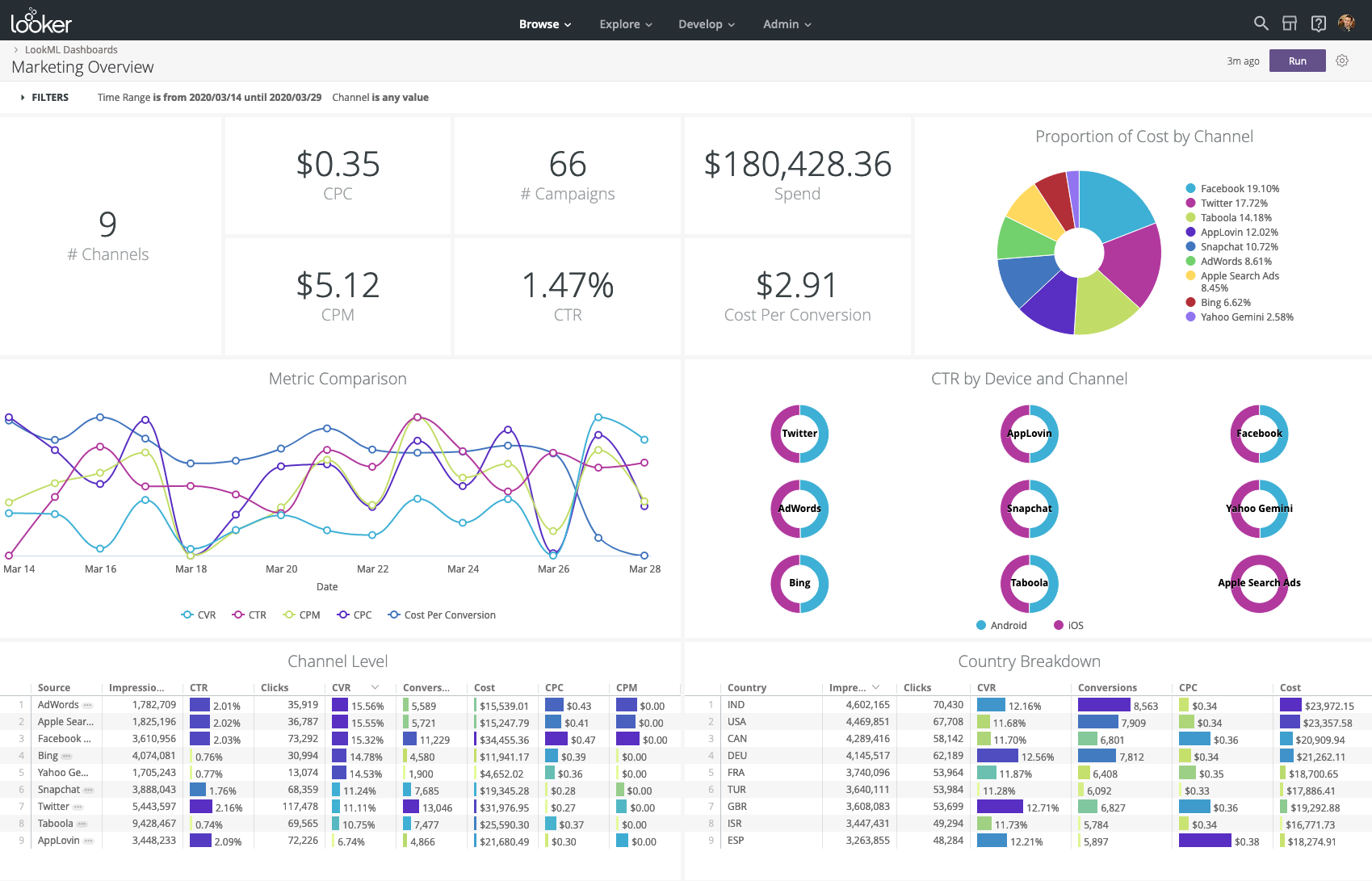
Data Studio supports embedding through a public link or domain-locked iframe, but the customization ceiling is low. The fonts, the chrome, the interaction patterns — they all read as Google. If you're not putting analytics in front of customers, that's fine. If you are, it shows.
4. Read-only is enough
Data Studio is read-only. So is Looker, for the most part. If your dashboards are reports — look at the number, decide what to do, leave — that's all the depth you need. If you want users to update forecasts, approve workflows, or change records from inside the dashboard, you'll outgrow this fast.
5. Your stack is fully Google Cloud and likely to stay there
Data Studio integrates cleanly with Google Sheets, Google Cloud, and BigQuery. Looker (Google's enterprise BI tool) ties into BigQuery's IAM and BigQuery ML. If you've made a hard commitment to the Google Cloud Platform and your data stack won't expand to Snowflake, Databricks, or anything else, the native path has fewer moving parts.
If three or more of those describe your situation, take a hard look at Data Studio first. You'll save money and integration work. If two or more break down, the next section is where the math changes.
When you need a third-party embedded BI platform
The native tools cover internal, simple, and read-only. They don't cover customer-facing analytics, design polish, business-user self-service, writeback, or Slack-driven workflows. Six scenarios where third-party wins:
1. You're embedding analytics in your SaaS product
Customer-facing analytics has different requirements than an internal dashboard. It needs to look like your product — your fonts, your colors, your domain, your interaction patterns. It needs to handle multi-tenant data isolation so customer A never sees customer B's numbers. It needs to scale to thousands of external users without per-seat pricing eating your margin. Data Studio's embedding is too basic for this. Looker's Embed edition is capable but priced at hundreds per external viewer per year. Purpose-built embedded platforms ship the white-label customization, multi-tenant security, and usage-based pricing that customer-facing analytics actually needs.
2. Non-technical users need to build their own views
Looker requires LookML — a proprietary modeling language that needs a data engineer to maintain. Data Studio is closer to no-code but breaks down on anything beyond basic charts. A startup PM who wants to slice DAU by feature flag, retention by acquisition channel, or activation rate by signup cohort shouldn't have to file a ticket.
Tools like Astrato and Sigma are built around drag-and-drop interfaces designed for non-technical users to build interactive visualizations on governed data — without writing SQL queries.
3. You want writeback, not just reporting
Most BI platforms are read-only. Astrato supports writeback to BigQuery — users can update forecasts, change records, approve workflows, or kick off downstream processes directly from the dashboard, with changes syncing back to the warehouse.

For a product team using a dashboard as a planning tool, an ops surface, or a customer-facing data app, writeback turns the dashboard into something operational instead of a passive report.
4. You need Slack alerts, not dashboard reminders
A startup PM should not have to remember to check a dashboard. They should get a Slack message when activation drops, signups spike, or a customer hits a usage threshold. Astrato delivers scheduled reports to Slack channels alongside the usual PDF and Excel exports, and Action Blocks let dashboards trigger Slack messages, CRM updates, or API calls when conditions are met. That's how monitoring fits a Slack-driven workflow — the dashboard pushes to you, not the other way around.
5. Your stack might expand beyond BigQuery
Today you're on BigQuery. In a year you might inherit a Snowflake instance from an acquisition, a Postgres database for transactional data, or a Databricks lakehouse for ML workloads. Data Studio is BigQuery-native but weak elsewhere. Looker is Google-Cloud-anchored. A warehouse-native third-party tool like Astrato connects to BigQuery, Snowflake, Databricks, Redshift, Postgres, ClickHouse, and Supabase — one analytics layer that scales with your stack instead of forcing a re-platform.
6. You want flexibility in AI providers
Looker's Conversational Analytics is anchored to Google Gemini. BigQuery ML is locked to Google's models. If you want to use Claude, OpenAI, Snowflake Cortex, or bring your own LLM for your AI features — for cost, performance, or compliance reasons — you need a BI layer that doesn't lock you into one AI provider.
Astrato supports Google Gemini, Snowflake Cortex (which routes to Claude, Meta, Mistral, and DeepSeek), OpenAI, and bring-your-own-model.

If two or more of those apply, the case for a third-party platform is real. The next question is which one.
How to evaluate third-party platforms for BigQuery
Six dimensions to compare any BI platform you're considering for BigQuery:
1. Live-query architecture vs. extract-and-reload
Does the tool query BigQuery live on every interaction, or does it pull data into its own engine and refresh on a schedule? Extract-based BI defeats the purpose of running on BigQuery. You've already paid for a cloud data warehouse with on-demand compute resources — using a BI tool that copies your data first means paying twice. Live-query tools like Astrato and Sigma push every interaction back to BigQuery as a SQL query.
2. Query cost behavior at scale
BigQuery prices by data scanned. A naive BI tool that re-scans the same data on every dashboard load can produce surprise bills fast. Look for tools that generate efficient SQL queries, take advantage of BigQuery's caching, and let you pre-aggregate at the warehouse level. Pushdown SQL quality matters more on BigQuery than on warehouses with flat-rate compute.
3. Embedded analytics maturity
If you're putting dashboards in front of customers, the tool's embedded analytics solution is the whole product, not an afterthought. Look for full white-labeling, simple iframe or web component embedding, multi-tenant data isolation, and usage-based pricing that doesn't punish you for adding users.

4. Slack and workflow integration
Native Slack integration — scheduled reports to channels, alerts triggered from the dashboard, two-way actions — turns a BI tool into part of your day. Tools that treat Slack as a checkbox feature force you back into a dashboard tab. Tools that treat it as a primary surface push insights to where your team works.
5. Self-service for non-technical users
Can a PM build a new view without filing a ticket? Looker requires LookML. Power BI requires DAX. Data Studio is closer to no-code but limited. The tools that score well here — Astrato, Sigma, Metabase — let business users build interactive dashboards from governed metrics, with the data team retaining SQL depth where it's needed.
6. AI capabilities and LLM flexibility
Natural language querying, automated insights, and conversational analytics are all standard claims now. The differentiator is which models you can use. Single-vendor AI is faster to set up but harder to govern. Multi-LLM flexibility — Astrato supports Snowflake Cortex, Gemini, OpenAI, and bring-your-own — gives you control over cost, performance, and where sensitive data goes.
The third-party platforms that compete here
The serious contenders for BigQuery embedded analytics are Astrato, Sigma, Looker, Data Studio, Power BI, and Metabase. Each takes a different shape.
Astrato

Astrato is a warehouse-native BI platform built for cloud data warehouses, with BigQuery as a first-class connection. Every query runs live against BigQuery — no extracts, no scheduled refreshes, no cached copy of your data sitting somewhere it shouldn't.
For embedded analytics, Astrato ships pixel-perfect white-labeling, single-iframe embedding, and multi-tenant data isolation by default. Slack integration is native: scheduled reports deliver to Slack channels alongside PDF, PowerPoint, and Excel, and Action Blocks let dashboards trigger Slack messages, CRM updates, or API calls when conditions are met. AI features run on Snowflake Cortex, Google Gemini, OpenAI, or bring-your-own-LLM. Writeback to BigQuery is supported, so dashboards can drive workflows back into the warehouse.
Pros
- Live-query against BigQuery — embedded dashboards always show current data, no refresh windows to manage
- Slack integration is native — reports deliver to Slack channels, Action Blocks trigger alerts when KPIs move
- Pixel-perfect embedded analytics — fonts, colors, domain, and interactions match your product, not the BI vendor
- Drag-and-drop self-service for non-technical PMs — build interactive dashboards on governed metrics without SQL queries
- Writeback to BigQuery — dashboards become operational tools, not just read-only reports
Cons
- Smaller user community than Looker or Power BI — fewer Stack Overflow answers when you hit an edge case
- Cloud-only — no on-prem option for regulated environments
Sigma

Sigma is warehouse-native with a spreadsheet-style interface. It connects to BigQuery and runs live queries. Sigma is popular with finance and analyst-heavy teams who think in pivot tables and want a cloud version of that workflow.
Pros
- Live-query architecture — embedded dashboards run on BigQuery, no extract layer
- Spreadsheet-style interface — short learning curve for Excel-native users
- Input tables enable basic writeback — users can edit data inside dashboards
- Strong with warehouse-defined governance and access controls
- Investing actively in embedded analytics — capability is improving each release
Cons
- Spreadsheet UX feels unfamiliar to PMs who don't live in Excel
- Embedded analytics is a newer product line — feature depth trails purpose-built embedded tools
- Slack integration exists but is less native than Astrato's Action Blocks
- White-label customization more limited than purpose-built embedded platforms
- Per-user pricing scales steeply for customer-facing deployments
Looker (Google's enterprise BI)
Looker is Google's enterprise BI platform. It runs live on BigQuery using LookML, a proprietary modeling language that defines metrics, joins, and calculations. Looker is genuinely powerful — but it's also priced for companies with a data team and a multi-month build-out.
Pros
- Native to Google Cloud — deep BigQuery integration, IAM-aware, BigQuery ML compatible
- LookML semantic layer is rigorous — once built, metric definitions stay consistent everywhere
- Embed edition supports customer-facing analytics with white-labeling
- Conversational Analytics powered by Gemini for natural language queries
- Mature governance for enterprise data teams
Cons
- LookML requires a data engineer — startup PMs can't build their own views without one
- Embed edition pricing is steep — viewer licenses run to hundreds per external user per year
- Slack alerts require API plumbing or Google Workspace Marketplace integrations
- AI is locked to Gemini — no flexibility in LLM choice
- Three- to six-month implementation is typical before any business user opens a dashboard
Data Studio (Google's free dashboarding tool)

Data Studio is Google's free dashboarding product, formerly known as Looker Studio. It connects to BigQuery in two clicks, builds basic dashboards quickly, and shares via link. It's the right tool for a one-person team or an internal dashboard with a small audience.
Pros
- Free, fast to set up, and natively connected to BigQuery and Google Sheets
- Basic interactive dashboards work out of the box
- Embedding via public link or domain-locked iframe is supported for simple use cases
- Solid for internal reporting where design polish doesn't matter
- No infrastructure to manage — fully hosted by Google
Cons
- Design ceiling is low — embedded dashboards read as Google, not as your product
- No semantic layer — metric definitions live in each report, leading to drift
- No writeback — strictly read-only
- Limited Slack integration — alerts require third-party connectors
- Performance and interactivity drop on large datasets and complex visualizations
Power BI
Power BI is Microsoft's BI platform. It connects to BigQuery via DirectQuery for live queries, but DirectQuery on BigQuery has documented constraints — the same one-million-row return limit per query and feature trade-offs that exist for other warehouses. Power BI Embedded supports customer-facing scenarios but is anchored to Azure capacity-based pricing.
Pros
- Lowest entry-cost embedded option for Microsoft-stack teams — capacity-based pricing
- Deep integration with Microsoft Teams, Microsoft 365, and Azure services
- Recognizable interface — embedded users often know Power BI already
- DirectQuery enables live querying against BigQuery
- Microsoft Copilot adds basic conversational analytics
Cons
- DirectQuery has hard limits — one million row return per query, slower on large datasets, no automatic date hierarchies
- Outside the Microsoft ecosystem the integration story gets complicated — Slack integration runs through Power Automate, not native
- DAX formula language has a real learning curve — PMs can't build their own metrics without help
- Embedded customization sits below purpose-built tools — Microsoft branding bleeds through
- Best-in-class fit is the Azure stack, not Google Cloud — feels like a fight with the architecture
Metabase
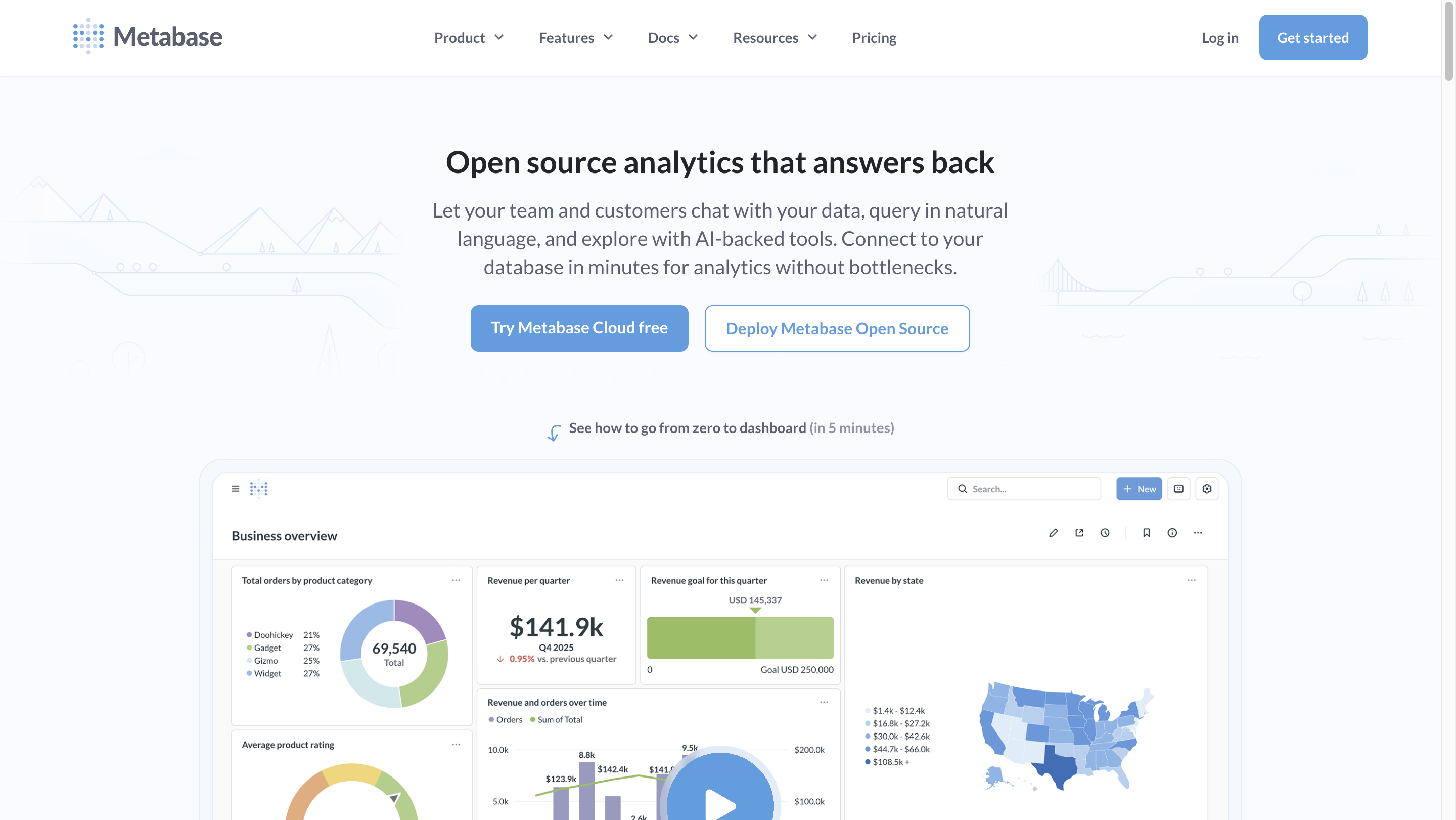
Metabase is an open-source embedded analytics platform with a free self-hosted tier and a cloud option starting around $85/month. It connects to BigQuery, runs live queries, and ships a no-code question builder that's genuinely simple.
Pros
- Open-source self-hosted option is free — lowest possible entry cost
- Cloud version is affordable for early-stage teams adding their first embedded dashboards
- No-code question builder works for non-technical users on basic exploration
- Live-query against BigQuery works out of the box
- Wide community and strong documentation
Cons
- No real semantic layer — metric definitions live in each question, leading to drift as you scale
- No native writeback — embedded dashboards stay read-only
- Slack alerting via webhooks is functional but not deeply integrated
- Multi-tenant security per embedded customer requires significant manual setup
- Teams typically outgrow it — works for first dozen embedded customers, breaks down at scale
And what about Mixpanel, Amplitude, and Heap?
Product analytics tools are a different category. They're built for one job: track user events, run funnels, build retention cohorts. If you don't already have your events in a warehouse, they ship with their own ingestion and storage, and they're great at the specific shape of analysis they were built for.
If you have BigQuery, the calculus shifts. Your events are already there. You're already paying for storage and query compute. Sending the same events to Mixpanel or Amplitude means paying twice for storage, splitting your data across two systems, and accepting that any cross-event analysis — combining product events with billing data, support tickets, or customer attributes — has to happen in one tool or the other, not both.
Warehouse-native BI changes the answer. With Astrato or Sigma running on BigQuery, you can build the funnels, retention cohorts, and feature-adoption views that product analytics tools ship — on top of the same raw data — and combine them with anything else in the warehouse. You don't get every Mixpanel feature out of the box, but you get one source of truth, one tool to learn, and one bill.
The trade-off is real: if your team has a heavy investment in a product analytics tool's specific workflow, switching costs are high. If you're earlier and asking the question fresh, BigQuery plus a warehouse-native BI platform covers most of what you need without the duplication.
A decision framework
Four questions to settle whether you need a third-party embedded BI platform. Pick the answer that fits your team in each question. Your recommendation builds as you go.
If your answers point toward third-party for embedded analytics on BigQuery, Astrato is a strong starting point — warehouse-native, purpose-built for customer-facing analytics, with native Slack integration and the broadest connectivity for stacks that grow beyond Google Cloud.
See how Astrato connects to BigQuery · Book a demo
Frequently asked questions
Can I do embedded analytics with just BigQuery and Data Studio?
Yes, for internal dashboards or simple customer-facing use cases. Data Studio embeds via public link or domain-locked iframe and connects to BigQuery natively. The limits show up when you need pixel-perfect white-labeling, multi-tenant data isolation per customer, or design control to make embedded dashboards feel like part of your product. For those, you'll need a purpose-built embedded analytics platform.
Do I still need a product analytics tool like Mixpanel or Amplitude if I have BigQuery?
Often, no. If your events already land in BigQuery, a warehouse-native BI tool can build the funnels, retention cohorts, and feature-adoption views that product analytics tools ship — on top of one source of truth. The trade-off is that some product analytics tools have purpose-built workflows (session replay, A/B testing) that BI tools don't replicate. For pure metric monitoring and analysis, BigQuery plus a warehouse-native BI tool covers the use case.
How do Slack alerts work with embedded analytics?
It depends on the tool. Astrato delivers scheduled reports directly to Slack channels and uses Action Blocks to trigger Slack messages from inside dashboards when conditions are met. Looker, Power BI, and Metabase support Slack via API integrations, webhooks, or marketplace connectors — functional but less native. Data Studio has limited Slack support and typically requires third-party connectors.
What's the difference between Looker and Data Studio?
Looker is Google's enterprise BI platform — powerful, governed, built around LookML, and priced for companies with a data team. Data Studio is the free dashboarding tool formerly known as Google Data Studio — fast to set up, basic in capability, suited for internal reporting and simple use cases. They share a name and a Google Cloud Platform home, but they're different products for different buyers.
What's the most cost-effective embedded analytics for BigQuery?
It depends on scale and use case. Data Studio is free for internal use. Metabase open-source is the cheapest entry point for embedded use cases. For customer-facing analytics at scale, purpose-built embedded platforms with usage-based pricing — like Astrato — become more cost-predictable than per-seat licensed BI as your user count grows.
Ready to experience next-gen analytics?
See how Astrato runs natively in your warehouse.