Astrato vs Power BI: What Data Teams Choose in 2026?
Power BI works best in the Microsoft ecosystem. Astrato was built for Snowflake, BigQuery, and Databricks. See how they compare head-to-head.

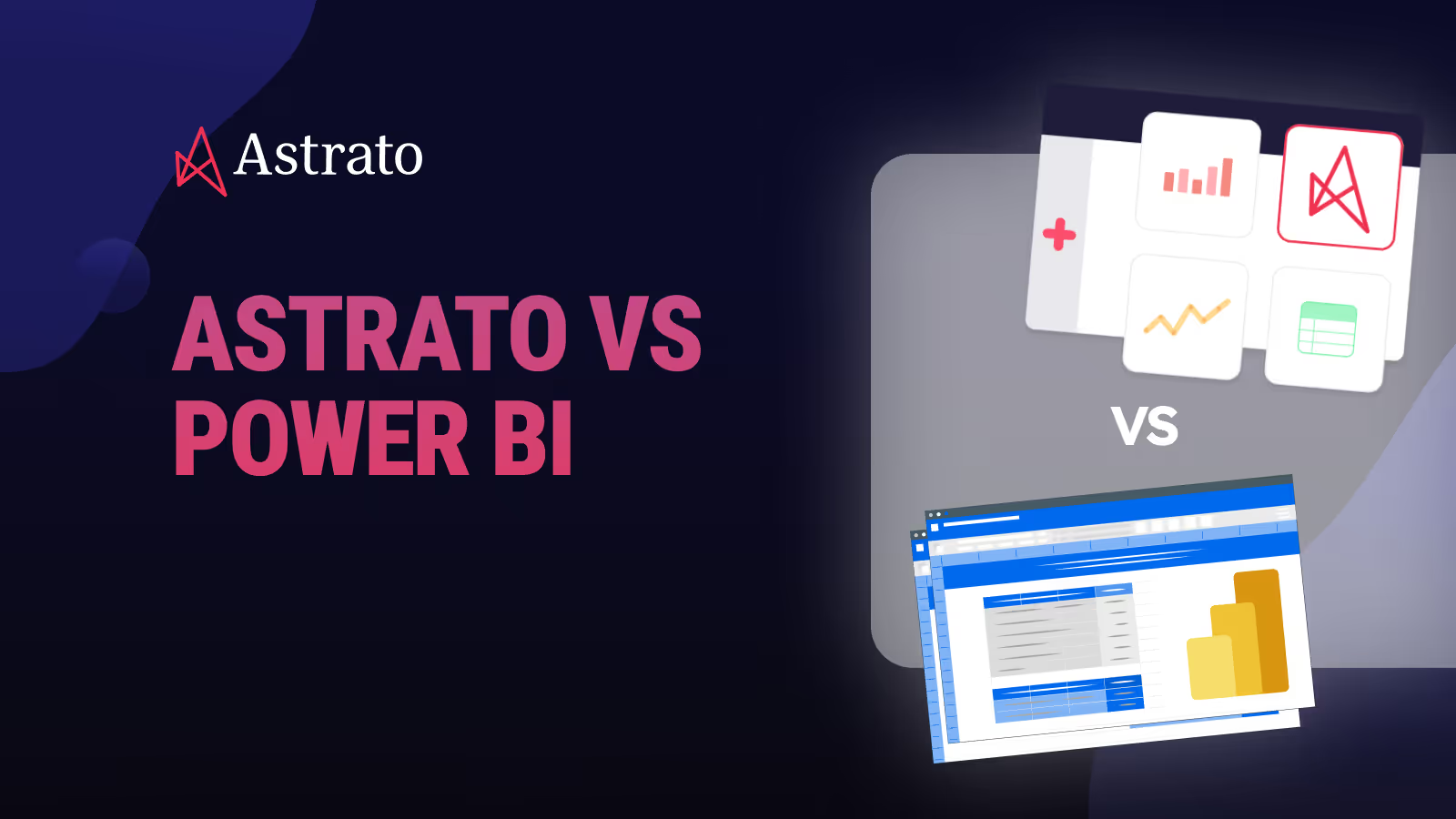
When teams compare Astrato vs Power BI, they are often asking the wrong question. They ask which tool has better charts. The real question is: which tool was built for how your data actually works?
Power BI has been one of the most widely used business intelligence tools for a decade. It is familiar, it is part of the Microsoft ecosystem, and for many teams it has been good enough.
But good enough is changing.
More data teams are moving to Snowflake, BigQuery, or Databricks. They want real time data, not scheduled refreshes. They need analytics that feel like part of their product, not an add-on bolted on after the fact.
Astrato Analytics is a warehouse-native BI platform built for exactly this environment. It connects directly to your cloud data warehouse and runs every query live. There are no extracts, no cached copies, no refresh windows to manage.
This article compares both platforms honestly. We cover architecture, data freshness, embedded analytics, writeback, AI, pricing, and who each tool is actually right for.
TL; DR
Astrato is the right fit if:
- Your data lives in Snowflake, BigQuery, or Databricks and you want a BI tool built for that architecture
- You are building customer-facing or embedded analytics and need white-label dashboards without months of engineering work
- Your team needs to update forecasts, approvals, or operational records from inside dashboards
- You use dbt, semantic layers, or warehouse-defined RBAC and want a BI tool that works with those, not around them
- You are modernising away from Power BI, Qlik, or Tableau and want a clean migration to a warehouse-native architecture
Power BI may still be the right call if:
- Your entire stack is Microsoft — Azure, SQL Server, Teams, Microsoft 365 — and it is not changing
- Your team is primarily analysing small datasets and self-service within a Microsoft environment is the main use case
- You have no cloud warehouse and no plans to adopt one
Quick comparison: Astrato vs Power BI
What is Astrato?
Astrato is a warehouse-native BI platform. It connects directly to Snowflake, BigQuery, and Databricks and runs analytics live on your warehouse. There is no extract layer. There is no refresh schedule. Every dashboard and data app queries your data in real time.
Astrato is built for data teams that have already made the move to cloud data warehouses and now want a BI layer that works with their architecture. That means governance stays in the warehouse. Security policies like row-level access controls are inherited directly from your warehouse — you do not have to set them up twice.
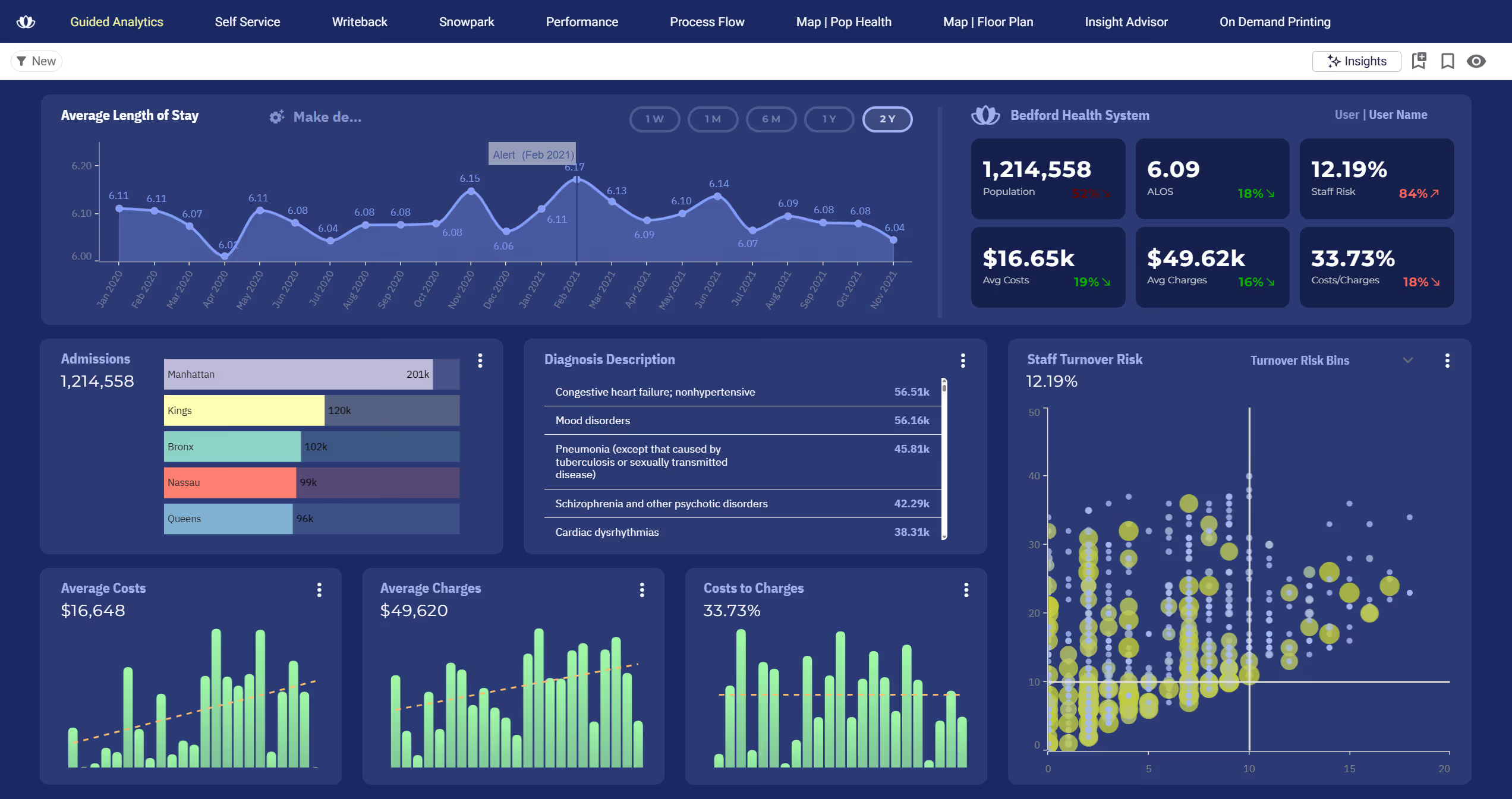
Beyond dashboards, Astrato supports three main use cases:
- Guided self-service BI,
- Customer-facing analytics, and
- Data apps with writeback.
All three work from the same live warehouse connection and the same semantic layer.
What is Power BI?
Power BI is Microsoft's business intelligence platform. It has been available since 2015 and is used by more than 350,000 organisations. It sits inside the broader Microsoft ecosystem alongside Excel, SharePoint, Teams, and Azure.
Power BI is built around a concept called semantic models. You connect to data sources, shape and import the data using Power Query, define measures using a formula language called DAX, and publish reports to the Power BI service. Users then access those reports in a browser or the mobile app.
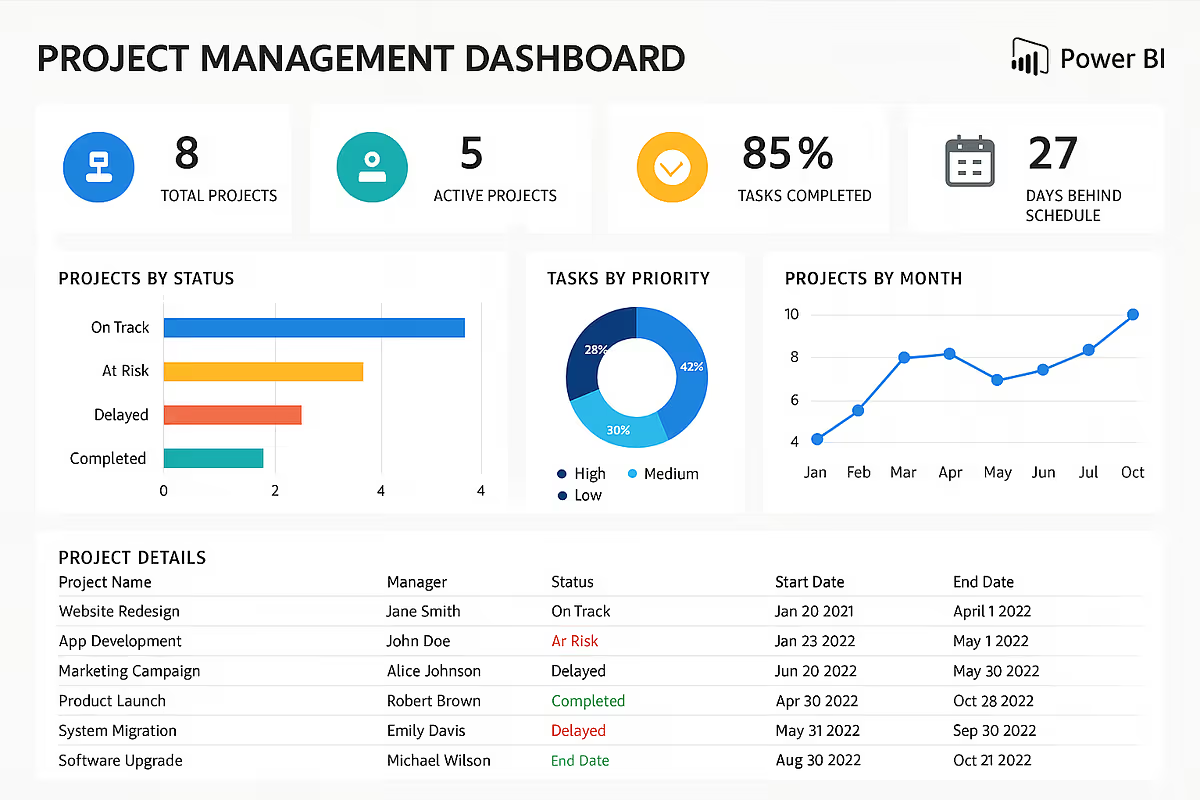
It is a genuinely capable tool with a large community, a wide range of data connectors, and deep integration with Microsoft 365. For teams fully invested in the Microsoft stack, it is a natural fit. For teams running on non-Microsoft cloud warehouses, the integration story is more complicated.
Architectural differences: live query vs extract-based BI
This is the most important section of this comparison. Most BI differences come down to features. The Astrato vs Power BI difference comes down to architecture.
1. How each tool handles your data
Power BI's default model is import. Microsoft's own documentation recommends import mode as the starting point. You connect to a data source, Power Query extracts and loads that data into Power BI's in-memory engine, and reports run against that cached copy. To see updated data, the dataset must be refreshed. Pro licences allow up to 8 refreshes per day.
Power BI also offers DirectQuery, which sends live queries to the source database. But Microsoft treats this as a secondary option with trade-offs: slower query performance on large datasets, feature limitations like no automatic date hierarchies, and a 1 million row return limit per query.
A newer option called Direct Lake exists, but it only works when your data lives inside Microsoft Fabric's OneLake. If your data lives in Snowflake, BigQuery, or Databricks, Direct Lake is not available to you.
Astrato runs every query live. There is no import cycle. There is no cached copy. When a user opens a dashboard or applies a filter, Astrato sends a query directly to your warehouse. The result comes back live. The warehouse handles the compute. Astrato handles the presentation.
This matters practically. If a sales figure changes at 9:47am, a Power BI dashboard refreshed at 8:00am will not show it until the next scheduled refresh. An Astrato dashboard shows it immediately.
2. Where business logic lives
In Power BI, logic lives in two places. Your warehouse holds source data and possibly some transformations. Power BI holds its own semantic model with DAX measures, calculated columns, and report-level logic. These two layers must be kept in sync manually. When you update a metric definition in your warehouse, Power BI does not automatically know.
For teams using dbt, semantic layers, or warehouse-defined RBAC, this split creates real overhead. Logic gets duplicated. Different dashboards can produce different answers for the same metric. Governance becomes harder as the number of reports grows.
Astrato's built-in semantic layer keeps business logic in one place: the warehouse. Metrics are defined once and used everywhere. When a definition changes, every dashboard using that metric updates automatically. There is no duplication, no drift, and no "which dashboard is correct?" conversation.
IAG Loyalty, which runs on Snowflake, described the difference clearly:
3. Performance and cost predictability
Power BI's import model creates an indirect cost structure. You pay for the storage and compute to run Power BI. You also pay for the warehouse compute used during each import refresh. Refresh failures mean incomplete data and manual troubleshooting. At scale, managing refresh schedules across hundreds of datasets becomes an operational burden.
Astrato uses pushdown SQL. It only queries what is needed, when it is needed. There are no background refreshes consuming warehouse compute. Queries run at the moment a user interacts with a dashboard. For teams on consumption-based warehouses like Snowflake or BigQuery, this model is predictable and controllable.
Use case comparison
Embedded analytics and customer-facing reporting
This is where the two platforms diverge most clearly.
Power BI can be embedded in external applications via Power BI Embedded, which uses Azure capacity-based pricing. Doing it cleanly — with full white-labelling, multi-tenant data isolation, and a user interface that feels like your product — requires significant developer effort.
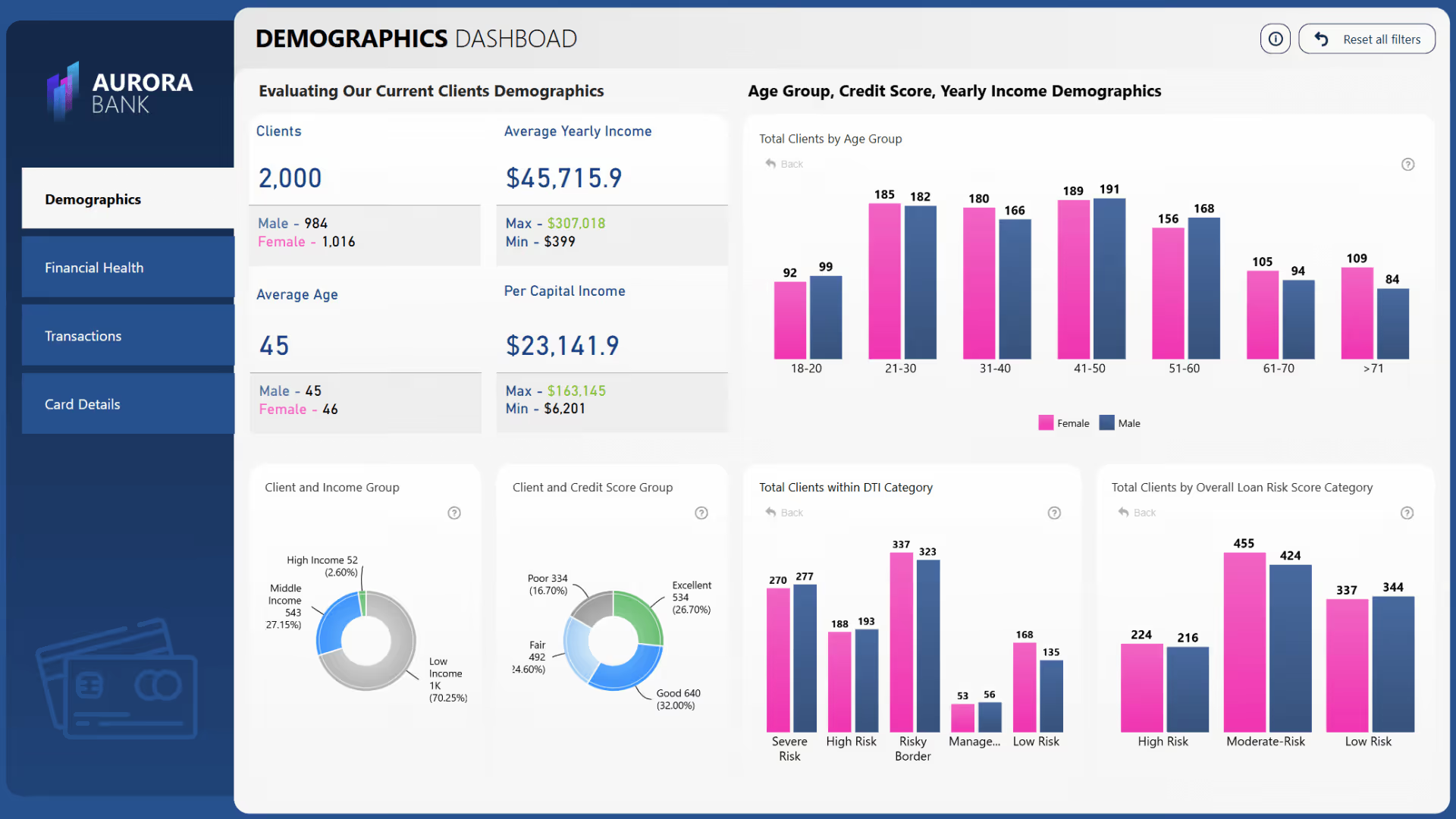
You need to configure Azure infrastructure, manage service principals, handle capacity SKUs, and work around the fact that Power BI's design patterns remain visible by default. Full white-labelling is not natively supported.
Astrato's embedded analytics work via a single iframe. Dashboards are fully white-labelled. They match your product's colours, fonts, and layout. Multi-tenant row-level security is built in, so each customer sees only their own data.
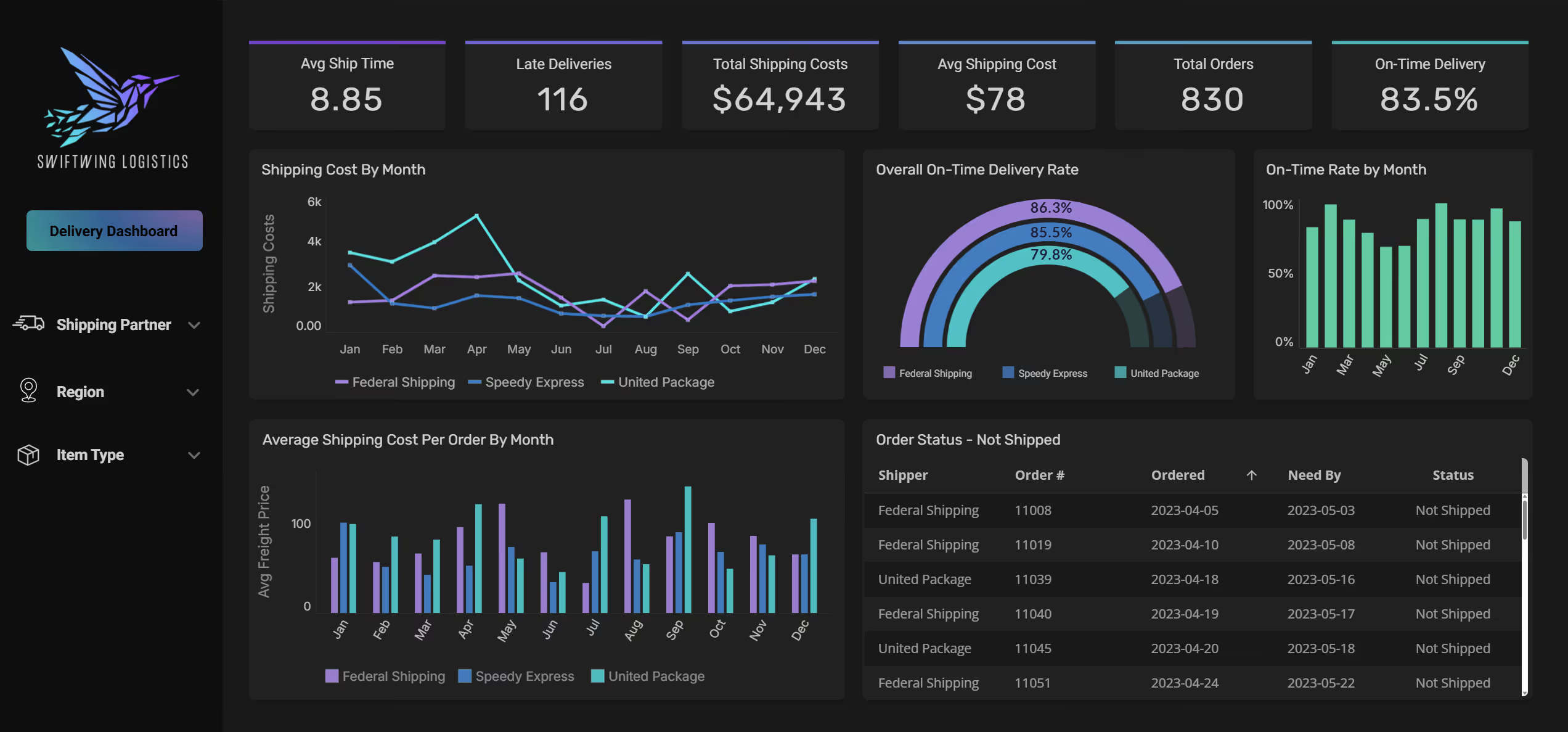
Impensa, a SaaS company, moved to Astrato for exactly this reason. Their co-founder said the experience they built for partners "feels more like a SaaS application rather than a BI tool."
PetScreening, a leading pet policy management software company, also used Astrato to deliver real-time, self-service analytics to thousands of property management customers — something their previous tool could not scale to.
For teams building customer-facing analytics, Astrato also includes automated scheduled reporting. Reports are generated from live warehouse data and delivered to recipients in PDF, Excel, or PowerPoint format with per-recipient row-level security applied automatically.
Self-service analytics at scale
Both platforms offer self-service analytics. The difference is where the governance boundary sits.
In Power BI, business users build reports by dragging fields onto a canvas. The risk is logic fragmentation. Users create their own measures in reports. Different people define "revenue" differently. BI teams spend time fielding requests to reconcile conflicting numbers.
Astrato's guided self-service model routes all queries through the semantic layer. Metrics are pre-defined and governed. Business users explore data freely using a drag-and-drop interface, but every number they see comes from the same certified definitions. Non-technical users get self-service without sacrificing accuracy.
IAG Loyalty saw active users double in one quarter after switching to Astrato. Their marketing teams went from waiting days for reports to exploring data independently — without relying on the data team for every request.
Operational workflows and writeback
Most BI tools are read-only. You see the data. You cannot change it from the dashboard.
Astrato's native writeback changes this. Users can update forecasts, approve budgets, log entries, and trigger workflows directly inside a dashboard. Changes sync to the warehouse in real time. Analytics become where decisions are made and recorded, not just where they are observed.
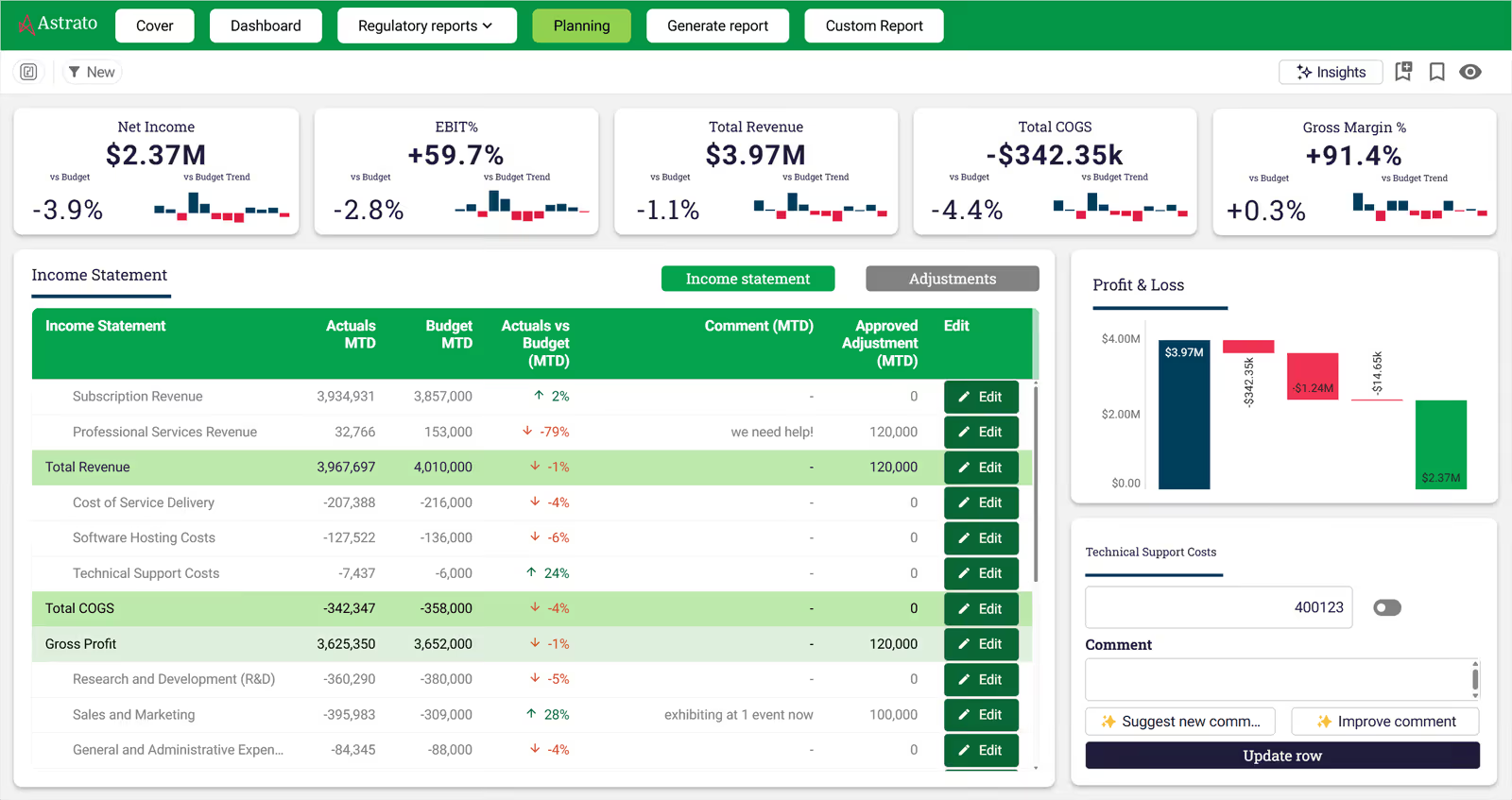
Power BI does not offer native writeback functionality. Microsoft introduced Translytical Task Flows in March 2026, which adds some limited write-through capabilities, but it is not the same as a full writeback system integrated with warehouse governance.
PeerMusic used Astrato's writeback to replace an Excel-based budget process. Their data analytics manager described implementing "a new financial tool with input table capabilities, dynamic calculations, reporting, and workflow for user assignment and permissions — all previously done manually with Excel files."
AI-powered analytics
AI in BI tools is only as good as the context it has. This is where architecture matters again.
Power BI's Copilot feature can generate report pages and answer questions in natural language. Many Copilot features are still in preview as of early 2026. Copilot works on imported data, which means it is querying the cached copy, not live warehouse data.
Astrato's GenAI capabilities are grounded in the semantic layer. When a user asks a question in plain English, Astrato generates SQL that uses the same certified metric definitions as every other query. "What was our highest revenue quarter?" returns the same number as the dashboard, because both use the same semantic layer. Hallucinations from misunderstood data structures are significantly reduced.

Astrato integrates with Snowflake Cortex, Google Gemini for BigQuery, and OpenAI or bring-your-own LLMs. AI queries run against live warehouse data, not a cached snapshot.
When to switch from Power BI to Astrato
Some signals suggest the time has come to look for an alternative.
- Refresh failures are a regular problem: If your team gets alerts about failed refreshes or finds dashboards showing stale data, that is a structural issue with the import model — not something you can fully patch.
- You are running Snowflake, BigQuery, or Databricks: Using Power BI over these warehouses via DirectQuery comes with real trade-offs. If you are duplicating data into Fabric OneLake to get better performance, you are paying twice and adding a layer of complexity.
- Licensing costs are escalating: Power BI's Pro price rose to $14/user/month in April 2025. At the Pro tier, every viewer needs a paid licence. As teams grow, these costs compound — and they do not include Power Query or Power Automate if you need them for full workflows.
- Embedded analytics is on your roadmap: If you are building a product and want to embed analytics for your customers, Power BI Embedded requires Azure infrastructure and significant developer time. Astrato does it with an iframe.
- Vendor lock-in concerns are growing: Power BI is increasingly tied to Microsoft Fabric. If your organisation is concerned about dependence on a single vendor controlling your renewal price, that concern is worth taking seriously.
FAQ
Is Astrato a Power BI alternative?
Yes. Astrato is a warehouse-native BI platform that serves as a direct alternative to Power BI for teams running on Snowflake, BigQuery, or Databricks. Unlike Power BI's default import model, Astrato queries live from your warehouse — no extracts, no refresh schedules, no data duplication.
What is the main difference between Astrato and Power BI?
Architecture. Power BI's recommended default is import mode: it extracts data, caches it, and runs analytics against a copy that must be periodically refreshed. Astrato is warehouse-native — every query runs live against your data warehouse. That means no stale data, no refresh management, and no split between where your data lives and where your business logic is defined.
Does Astrato work with Snowflake?
Yes — Astrato was built for Snowflake. It connects natively, queries live, and uses Snowflake's compute rather than extracting data into a separate layer. Governance, RBAC, and security defined in Snowflake work automatically in Astrato. No replication required. Learn more about Astrato on Snowflake.
Can Astrato replace Power BI for embedded analytics?
Yes. Astrato supports white-labelled, pixel-perfect embedded dashboards via a single iframe. There is no Azure capacity to configure, no Microsoft branding to strip out, and no complex multi-tenant setup. Teams have launched production embedded analytics in 60 days.
Does Astrato support writeback?
Yes. Astrato's native writeback lets users update records, input forecasts, approve budgets, and trigger workflows directly inside dashboards. Changes sync to your warehouse in real time. Power BI does not offer native writeback functionality.
Is Astrato more affordable than Power BI?
For most warehouse-mature teams, yes. Power BI requires paid licences for both creators and viewers at the Pro tier ($14/user/month as of April 2025), plus additional licences for Power Query, Power Automate, and other workflow components. Astrato offers per-user, usage-based, and hybrid pricing. Teams switching from legacy BI tools typically save 50–75% on BI costs.
Does Astrato work with BigQuery and Databricks?
Yes. Astrato connects natively to Snowflake, BigQuery, Databricks, and ClickHouse. It runs live queries against whichever warehouse you use — no data replication needed. Visit astrato.io to explore integrations.
Who should use warehouse-native BI?
Any team that has already committed to a cloud data warehouse as their single source of truth. If governance, security, and business logic live in your warehouse, your BI tool should work from that same foundation — not extract data into a separate layer and force you to maintain logic in two places.
Final verdict: Astrato vs Power BI
Power BI is a mature, capable BI platform. For teams fully embedded in the Microsoft ecosystem, it is a reasonable choice and will likely remain one.
But the data landscape has changed. Cloud data warehouses are now the standard. Governance lives in the warehouse. Teams want real time data, not refresh schedules. They want analytics that feel like part of their product, not a Microsoft tool with a branded skin.
Astrato was built for this world. It treats your warehouse as the single source of truth and runs analytics directly on top of it. The semantic layer keeps business logic consistent. Embedded analytics work without Azure infrastructure. Native writeback turns dashboards into action centres. And GenAI is grounded in the same governed semantic layer your analysts use every day.
If your data lives in Snowflake, BigQuery, or Databricks and you want a BI tool built for that stack — not retrofitted to it — Astrato is the stronger architectural choice. Book a demo and see how Astrato runs analytics directly on your warehouse.
Ready to experience next-gen analytics?
See how Astrato runs natively in your warehouse.