Top 8 Sisense Alternatives for Embedded Analytics (2026)
We compare 8 Sisense alternatives — including Astrato, Sigma, Looker, and more — so you can choose the right embedded analytics platform for your product.

Sisense has become one of go-to names in embedded analytics. But reputation doesn’t always mean the right fit. If you’ve hit limits with Sisense’s extract-based architecture, run into developer dependency for every customization, or found that multi-tenancy is locked behind a custom enterprise tier, you’re not alone.
This guide to Sisense alternatives is for product and data teams that actively evaluate options: data professionals, engineering leads, and product managers who want to know which embedded analytics platform actually meets their needs.
We’ve compared eight alternatives to Sisense in a way that matters most at evaluation time:
- data architecture
- embedding flexibility
- White-labelling
- Writeback
- AI
- pricing transparency
Each entry includes feature details and real user quotes from review platforms.
Why Sisense might not be the right fit
Let’s be fair: Sisense is a capable bi platform. It’s developer-first, purpose-built for embedded analytics, and has a strong API story. For teams with engineering bandwidth who want SDK-level control and advanced analytics capabilities, it can be a solid choice.
That said, there are four recurring pain points that push teams toward evaluating alternatives. If any of these sound familiar, it’s worth reading on.
1. Data architecture that creates a second data layer
Sisense’s primary model is ElastiCube — a columnar store that relies on memory processing, extracting data from your source and caching it in Sisense’s own proprietary layer. For teams that have invested in modern cloud data warehouses (Snowflake, BigQuery, Databricks, Redshift, etc.), this means running a parallel data layer outside that warehouse. Governance, row-level security, and metric definitions must be maintained in two places. It also creates friction when working across multiple data sources, since each needs to feed into the ElastiCube model. Live connections exist in Sisense, but their own documentation notes restrictions on connectors, formula types, and visualization options in live mode.
2. Developer dependency for everything non-trivial
Sisense’s flagship embedding product — the Compose SDK — is code-first. React, Angular, or Vue. For SaaS product teams where the data team and product team need to iterate independently, this creates a bottleneck. A frontend developer is in the critical path for most meaningful customizations, from matching your product’s design system to wiring up user-level row security. There is no drag and drop interface for building embedded experiences — teams without significant technical expertise will find the SDK approach slow and frustrating. One third-party analysis of Sisense noted that “to make dashboards blend with app design and function properly, you’ll likely need a data scientist, engineer, and front-end developer.”
3. Multi-tenancy is a top-tier-only feature
Multi-tenant support — essential for any SaaS company serving analytics to many customers — is only available at Sisense’s Scale tier, which requires a custom quote. The first two tiers do not include it. For SaaS companies at growth stage, this means either locking in a custom enterprise pricing contract early or architecting workarounds.
4. No native writeback
Most BI tools stop at the chart. Sisense does too. There is no native writeback feature. Achieving it requires either a DIY REST API implementation (the BloX pattern, which involves external backend infrastructure, custom security logic, and significant engineering effort) or paid third-party marketplace plugins from separate vendors.
With those pain points clear, let’s look at the alternatives.
How the top Sisense alternatives compare
Key differentiators at a glance. Use this to narrow your shortlist before reading the full entries below.
Top 8 Sisense alternatives
1. Astrato

Astrato is a warehouse-native embedded analytics platform built specifically for cloud data stacks. Unlike Sisense, which by default extracts raw data into its proprietary ElastiCube model, Astrato runs live queries directly against your cloud data warehouse. That means your governance and row-level security stay in the warehouse where they were defined, not in a parallel proprietary layer.
If you’re evaluating Sisense specifically because of its embedded analytics, Astrato addresses the three most common pain points directly:
- No need for a developer to embed and white-label
- You can build interactive dashboards without code
- Multi-tenancy is available without locking in a custom enterprise deal
The result is faster user adoption, because analytics feels like part of the product rather than a bolted-on third-party tool.
Features & benefits
- Warehouse-native live queries — no extract layer, no ElastiCube equivalent, no refresh schedule. Dashboards always reflect real time insights from your warehouse.
- Native writeback — users can update records, adjust forecasts, and trigger automated workflows directly from the dashboard. Changes land in the warehouse instantly, turning data analysis into action.
- Semantic layer — you can define logic, metrics, and relationships once and reuse them across every dashboard, user, and use case.
- No-code drag and drop embedding — iFrame and API embedding without a frontend developer in the loop. Product teams can build customer-facing experiences independently, and non-technical users can explore data without SQL knowledge.
- Pixel-perfect white-labelling — full control over fonts, colours, layout, and components. Zero Astrato branding reaches your end users.
- Semantic-layer-grounded AI — AI powered insights anchored to governed metrics, not raw column names. Consistent, contextually accurate answers every time.
- Scheduled reports — automated PDF, PowerPoint, and Excel delivery to monitor key metrics, fully branded.
Things to keep in mind
- Cloud-warehouse-only. Astrato requires a live connection to Snowflake, BigQuery, Databricks, Redshift, or any cloud data warehouse. If your data is on-premise or in a non-supported database, it’s not the right fit today.
- Smaller brand footprint than Sisense, Tableau, or Looker. Fewer publicly referenced enterprise case studies at this stage.
Best for
SaaS product teams and data teams who want embedded analytics that lives where their data already lives — with real time data access, no extract layer, native writeback, and no-code embedding.
→ For the full Astrato vs Sisense deep-dive, see our Astrato vs. Sisense article.
2. Sigma Computing
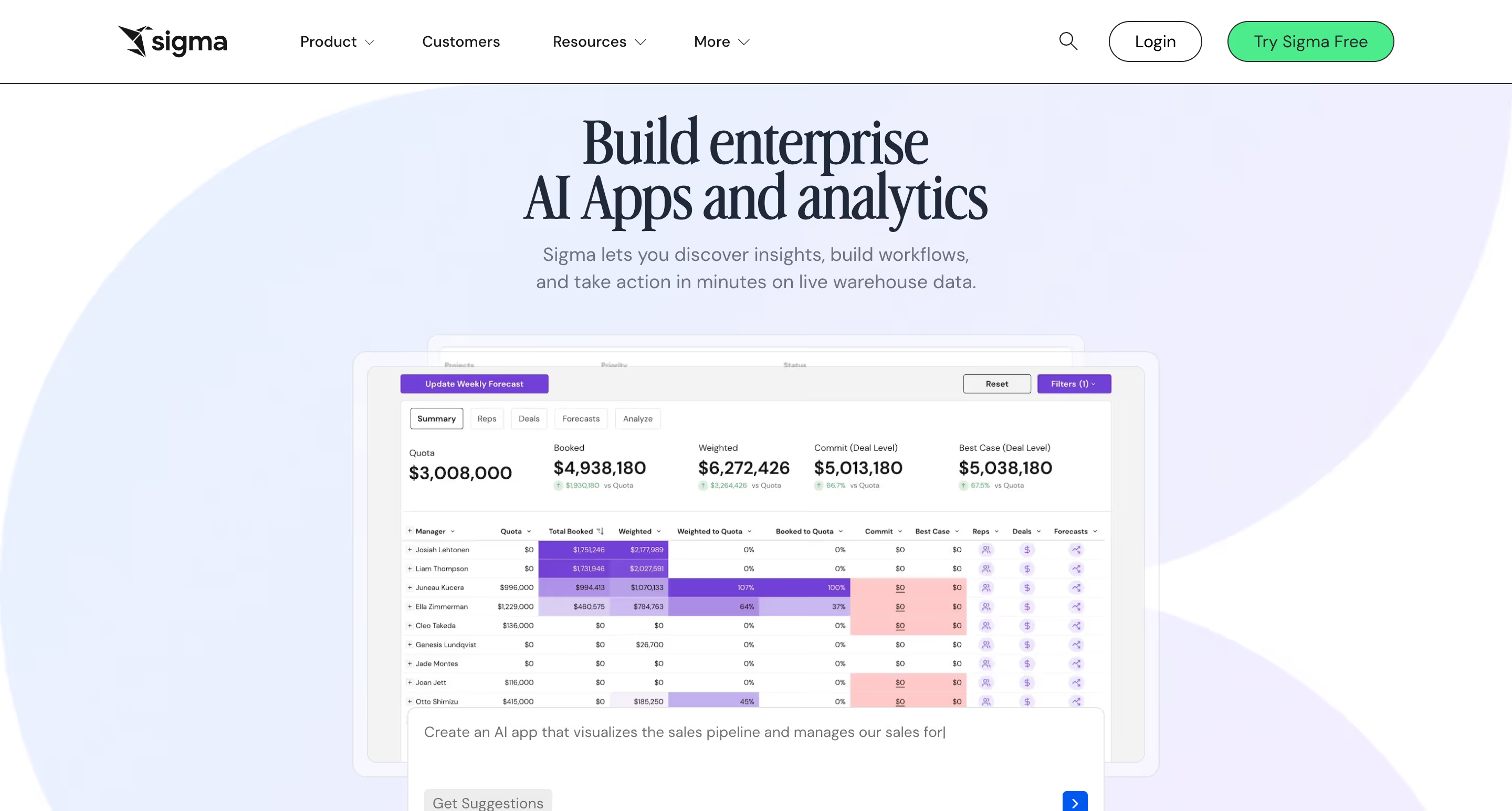
Sigma is a warehouse-native analytics platform with a distinctive spreadsheet-style interface. Unlike most BI tools, that require users to query data through SQL databases or drag-and-drop report builders, Sigma lets business users explore data using familiar rows and columns.
It connects directly to Snowflake, BigQuery, Databricks, and Redshift without extracting data, which puts it in the same architectural camp as Astrato on the warehouse-native side of the ledger.
Sigma supports embedded analytics, but it works through an iFrame and is available from the Professional tier upwards, which requires a custom quote.
For teams with existing spreadsheet-heavy workflows, Sigma can significantly shorten time-to-insight.
For teams that need on customer-facing embedded dashboards with pixel-perfect design control, the iFrame dependency and the spreadsheet-native UX might be a reason to look elsewhere.
Features & benefits
- Live warehouse queries — real time data access from Snowflake, BigQuery, Databricks, Redshift. No data extraction, no refresh cycles.
- Spreadsheet-style interface — non technical users analyse data and run data transformation operations using familiar row-and-column logic without SQL.
- Input Tables (writeback) — Sigma supports writing data back to the warehouse, useful for planning and annotation workflows.
- Embedded analytics — iFrame embedding with row-level security, theming, and seamless integration into your product via API.
- Strong Snowflake partnership — Sigma was named Snowflake’s Business Intelligence Data Cloud Product Partner of the Year in 2025 for the third consecutive year.
Things to keep in mind
- Embedding is iFrame-based. For teams that need deep design integration with their product’s UI, iFrame boundaries can limit interaction patterns and visual customization.
- Embedded analytics requires a Professional or Enterprise tier — custom pricing. The Essentials tier does not include embedding.
- Sigma’s spreadsheet UI is a strength for self-service teams, but less suited to non technical users who don’t have a spreadsheet mental model.
- Cloud-warehouse-only. No on-premise deployment option.
Best for
Business teams that want to analyze data and run self-service analytics on cloud warehouse data using a familiar spreadsheet interface, and SaaS companies that need warehouse-native analytics with strong self-service capabilities.
3. Looker (Google Cloud)
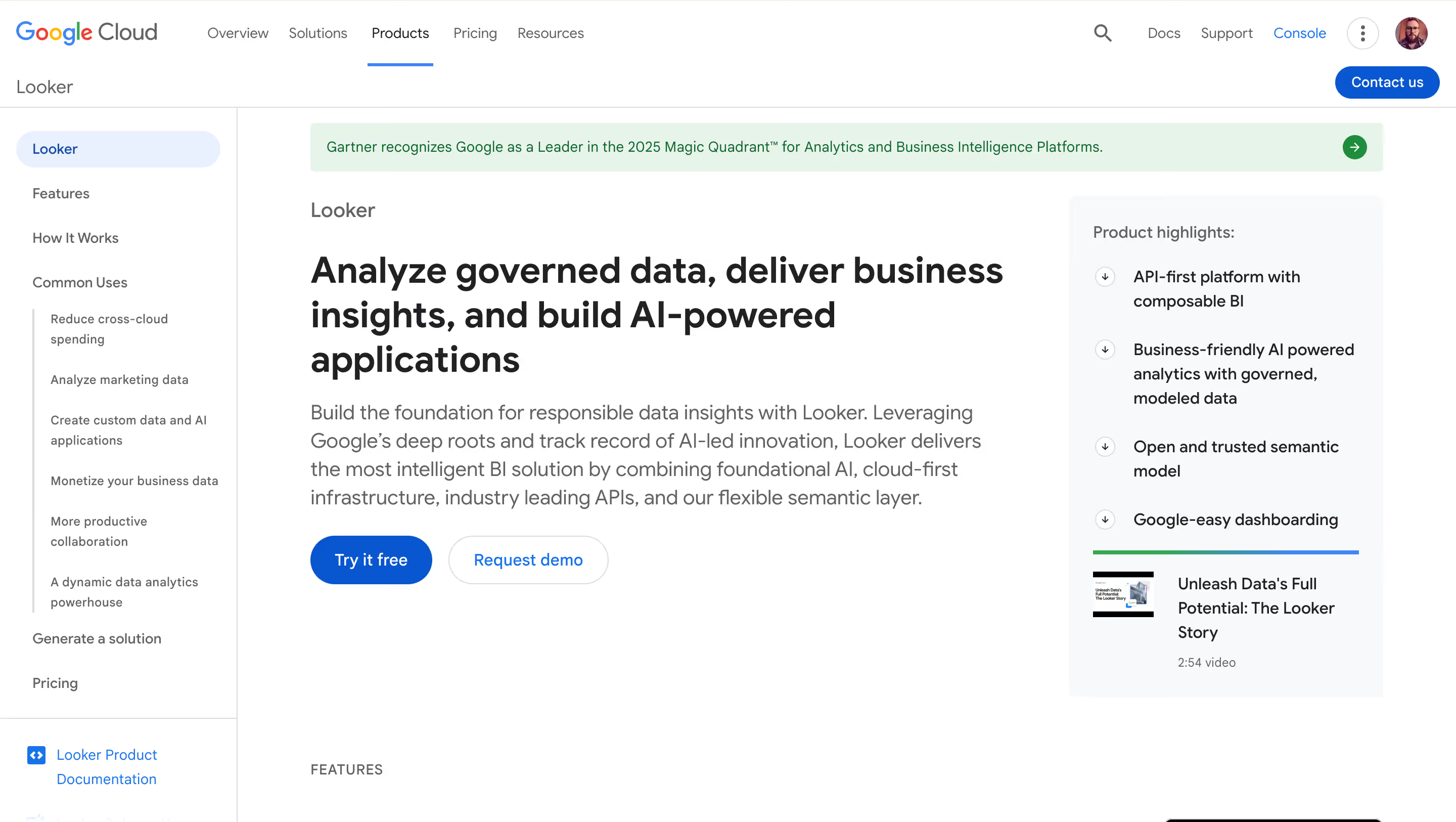
Looker is one of the most established names in enterprise analytics, now part of Google Cloud. Its core differentiator is LookML, a proprietary data modeling language that you can use to define business logic, metrics, and data relationships in a centralized semantic layer.
If data consistency and governance are your priorities, Looker’s single-source-of-truth approach brings powerful advanced analytics capabilities.
Embedded analytics is supported via iFrame and API and requires heavy coding, similarly to Sisense’s Compose SDK.
However, its architecture is different from the one of Sisense: Looker queries live from your warehouse by default (no ElastiCube equivalent), and it sits inside the Google Cloud ecosystem with strong Gemini AI integration. The trade-offs are cost, LookML complexity, and limited out-of-the-box visual customization.
Features & benefits
- LookML semantic layer — define metrics, dimensions, and data relationships once; reuse consistently across all dashboards and embedded views.
- Live warehouse queries — Looker runs queries against your cloud warehouse directly, with strong native support for BigQuery.
- Gemini AI integration — natural language queries and AI driven insights powered by Google’s Gemini models; available to enterprise-hosted Looker customers.
- Enterprise-grade security — row-level security, SSO, and Google Cloud infrastructure. Part of Google Cloud Core.
- Embedded options — iFrame embedding with signed URLs, custom themes, and user-level access controls.
Things to keep in mind
- LookML requires dedicated data engineering and significant technical expertise. Non-technical teams will need specialist support to build and maintain models.
- Expensive for customer-facing use cases at scale. Online sources suggest typical setups start at $5,000+/month for embedded Looker, with per-viewer enterprise pricing adding up quickly for large customer bases.
- iFrame-based embedding limits UI customization and performance compared to purpose-built embedded tools.
- Development and support quality has reportedly slipped since Google’s acquisition, based on multiple community and review-site observations.
Best for
Enterprise teams already invested in the Google Cloud ecosystem that need strong semantic-layer governance, LookML-defined data modeling, and internal or partner-facing embedded analytics.
4. ThoughtSpot
ThoughtSpot was built around a search-first philosophy: instead of building dashboards upfront, users type questions in plain English and get instant visual answers. Its SpotIQ AI engine automatically surfaces hidden patterns, anomalies and trends, turning raw data into actionable insights without requiring any technical knowledge from the end user.
This makes ThoughSpot a good choice for enterprises where broad data accessibility is the primary goal.
ThoughtSpot Embedded (previously ThoughtSpot Everywhere) brings this to customer-facing analytics. The SDK is developer-friendly for initial setup, but in practice, user reviews flag the embedded experience as less polished than purpose-built tools.
Customization options are limited. You can’t add custom fonts, fully adapt the branded layout, or deliver the pixel-perfect integration that modern SaaS products expect. Pricing is enterprise-level and opaque, with costs reported to exceed $200K annually at scale.
Features & benefits
- Search-first NLP — enables users to run natural language queries (e.g., “What were sales trends by region last quarter?”) and get instant visualizations, no SQL required.
- SpotIQ AI — automated anomaly detection, trend identification, and proactive AI powered insights that surface hidden patterns in your data.
- Live warehouse connectivity — connects to Snowflake, BigQuery, Redshift, Databricks without extracting data.
- Liveboards — interactive dashboards that update in real time as users explore data.
- Embedded SDK — developer tools for embedding search bars, charts, or full dashboards into applications.
Things to keep in mind
- Limited visual customization for embedding. ThoughtSpot does not support custom fonts, branded layouts, or deep component-level styling, which can be a deal-breaker for data professionals building customer-facing products that need to match their product’s user interface.
- Pricing that can scale to hundreds of thousands annually at enterprise scale. Complex deals with lengthy sales negotiations.
- Performance can degrade on large scale data processing scenarios. Some G2 reviewers report slow loading on embedded dashboards with large data volumes.
- Data modeling setup is non-trivial. ThoughtSpot requires careful schema preparation and data relationship setup before the search experience works well.
Best for
Large enterprises that want AI powered search driven analytics, and teams where business users need to run natural language queries against their data without any SQL knowledge.
5. Microsoft Power BI Embedded
Power BI Embedded is the ISV and software vendors’ version of Microsoft Power BI. It lets you embed Power BI reports into your own applications using Azure infrastructure. For organizations already committed to the Microsoft ecosystem, it’s a logical option:
- the tooling is familiar
- the data connectors are extensive
- integration with Azure, Excel, Teams, and other Microsoft collaboration tools is tight
For SaaS companies serving analytics to external customers, the picture is more complicated. The embedding model relies on iFrames and Azure capacity tiers, which makes both design customization and cost predictability harder to manage.
Unlike Sisense’s Compose SDK, Microsoft Power BI Embedded doesn’t offer component-level customization. And because pricing is capacity-based (Azure SKUs), costs can run out of hand as usage scales.
Features & benefits
- Deep Microsoft ecosystem integration — native connectivity with Azure, Microsoft 365, Dynamics, and the full Microsoft data stack.
- Extensive data connectors — connects to hundreds of data sources, including SQL databases, cloud warehouses, and on-premise systems. Data integration with the Microsoft stack is particularly smooth.
- Power BI Desktop authoring — familiar report-building tools for teams already using Power BI internally.
- Embed for your customers path — allows external users to access embedded analytics without a Power BI licence of their own.
Things to keep in mind
- Limited design customization for embedded use. Power BI Embedded embeds via iFrame; you can change colours and add a logo, but you can’t fully match your product’s user interface or remove Power BI’s visual footprint.
- Capacity-based pricing is unpredictable. Costs are billed by Azure SKU tiers (A1–A6), starting around $735/month. As query volume or user count grows, costs can escalate significantly without warning.
- Performance can be slow for end users. Load times on embedded dashboards have been flagged by multiple reviewers, particularly on data-heavy reports.
- Best suited for Microsoft-centric teams. Teams outside the Microsoft ecosystem often encounter additional friction and integration overhead.
Best for
Organizations that already run on Microsoft infrastructure — Azure, Microsoft 365, Dynamics — that need seamless data integration with the Microsoft ecosystem and want to embed analytics into internal tools or partner portals.
6. GoodData
GoodData is one of the more familiar names in embedded analytics, founded in 2007 and evolved over time into an API-first, multi-tenant bi platform for customer-facing BI. Today, it centres on “agentic AI” and a composable semantic layer. Reviewers consistently cite it as a strong fit for SaaS companies that need multi-tenant architecture.
Compared to Sisense, GoodData is generally easier to scale in multi-tenant configurations and has a stronger semantic layer story. Compared to Astrato, it lacks warehouse-native live querying by default (its FlexQuery engine does in-memory computation rather than pushing queries to the warehouse), and its visual customization options are more limited.
The learning curve is steep, partly because of MAQL — GoodData’s proprietary query language, which requires technical knowledge that most data analytics teams don’t already have.
Features & benefits
- Multi-tenant architecture — built from the ground up for SaaS: provision customer workspaces, isolate data, manage access programmatically via API.
- Semantic layer — a code-defined layer where business metrics and logic are centralized, enabling consistent data analysis across dashboards and embedded workflows.
- Multiple embedding methods — iFrame, React SDK, and Web Components for varying levels of data integration and embedding depth.
- Agentic AI — AI assistant for natural language queries; automated insights; agent-oriented workflows that enables users to act on data without switching tools.
- Deployment flexibility — cloud, on-premise, or hybrid. Rare among this list.
Things to keep in mind
- Steep learning curve. MAQL (GoodData’s proprietary query language) adds a specialist dependency and requires technical expertise most teams don’t already have. Multiple reviewers on G2 and Capterra note that “it’s not an out of the box solution” and that training is required.
- Limited visual customization. GoodData dashboards have a recognizable visual footprint that is difficult to fully remove. Deep customization requires developer work via the React SDK.
- Pricing can escalate. Embedded plans start around $1,500/month; costs scale with workspaces and usage. Some reviewers note the cost structure felt inflexible as data and user volumes grew.
- Performance on large datasets flagged by reviewers. Nearly 90% of users in one review analysis cited slowness when running complex data queries at scale.
Best for
SaaS companies that need a scalable multi-tenant embedded analytics platform with strong API-first architecture and advanced capabilities around governed semantic layers.
7. Tableau (Salesforce)
Tableau is the benchmark for data visualization. Its drag and drop interface, huge chart library, and visual exploration capabilities are still unmatched for analysts who need to create complex, highly polished dashboards. Salesforce’s ownership has added Einstein AI, predictive analytics, and Tableau Pulse for personalized, AI driven insights.
Tableau Embedded exists but was not designed as a primary embedded analytics product in the same way Sisense or GoodData are. To embed Tableau content into a SaaS product, you need engineering work, Tableau Prep for data transformation and preparation, and licence management. The result can be powerful, but be prepared for a significant investment.
Compared to Sisense, Tableau offers arguably better data visualization; compared to Astrato, it has no no-code embedding path and no native writeback.
Features & benefits
- Industry-leading data visualization — the most extensive library of chart types and interactive visual elements of any tool on this list, ideal for deep data exploration.
- Tableau Embedded Analytics — embed interactive dashboards via JavaScript API with SSO, row-level security, and conditional formatting.
- Einstein AI / Tableau Pulse — AI driven insights, automated insights, and anomaly detection integrated into the Salesforce ecosystem.
- Broad connector support — connects to hundreds of data sources including complex data sources, on-premise systems, and legacy databases.
Things to keep in mind
- Heavy engineering lift for embedding. Integrating Tableau into a SaaS product is a multi-sprint project, not a days-long task. The Embedded Analytics JavaScript API requires significant technical knowledge and frontend development work.
- Default to extract architecture. Like Sisense, Tableau uses extracts (Hyper files) by default; live connections exist but some advanced features are restricted.
- Expensive at scale. Tableau’s licensing model with separate Creator, Explorer, and Viewer tiers can escalate quickly when embedding for large external user bases.
- Not designed for no-code product teams. Tableau is built for data professionals and data teams, not for product managers who want to ship an embedded dashboard without a developer.
Best for
Data-rich organizations where data visualization quality and advanced analytics depth are the primary requirements — and where a strong team of data professionals can handle the embedding work.
8. Qlik Sense
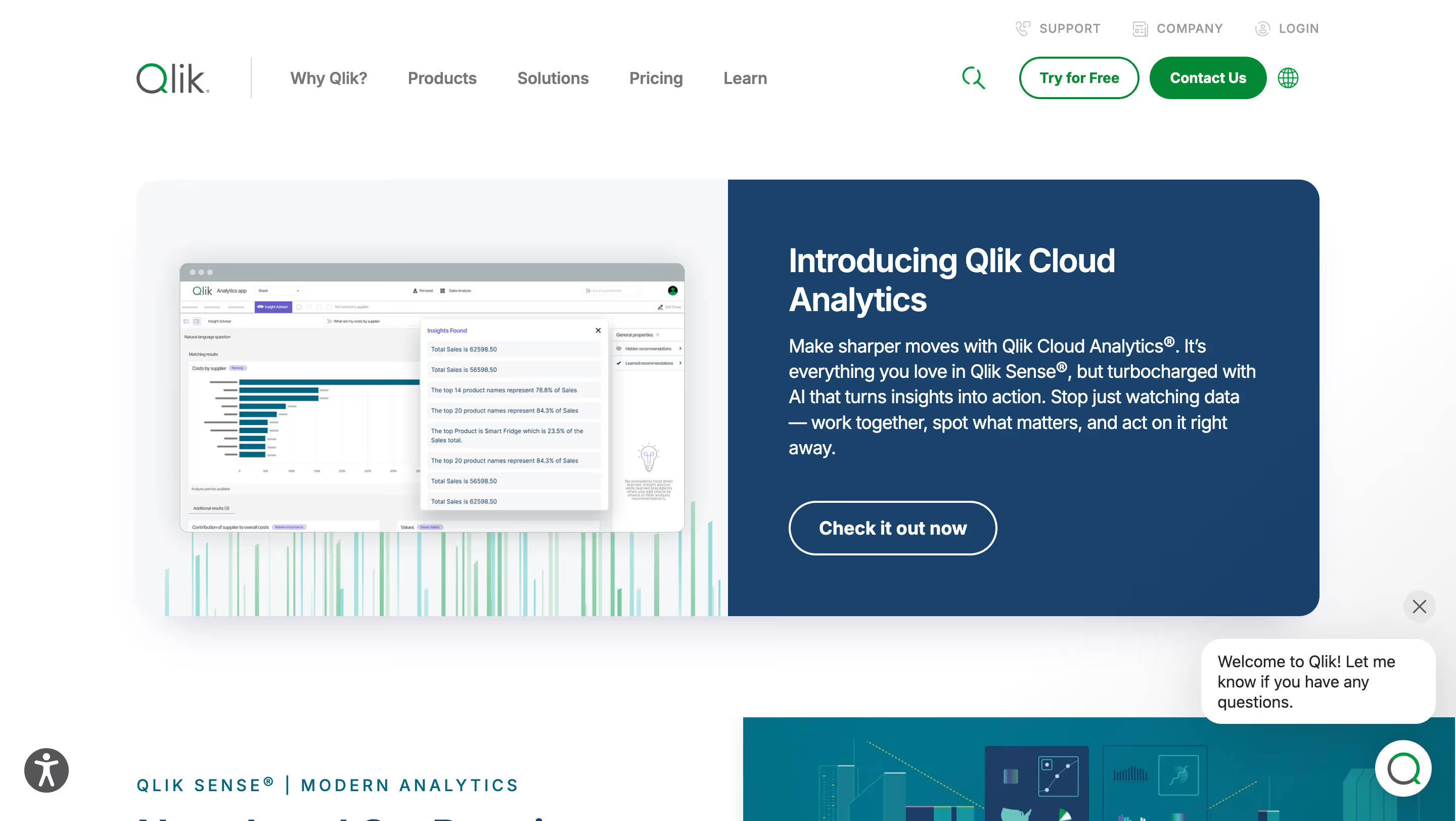
Qlik’s differentiator is its associative data engine. Unlike most BI tools that work through predefined query paths, Qlik uses in-memory processing to let users click on any dimension and instantly see how data across the entire model relates, which makes it powerful for uncovering hidden patterns and getting data insights that linear query tools miss.
This makes it unusually effective for open-ended data exploration, particularly in operational and supply-chain contexts where data relationships are complex.
Qlik Sense supports embedded analytics through iFrames and APIs, with white-labelling and multi-tenant capabilities. Compared to Sisense, Qlik’s associative model is a serious architectural difference worth evaluating. The trade-offs are the characteristic Qlik learning curve and pricing that multiple sources describe as opaque and costly at scale.
Features & benefits
- Associative data engine — analyze data and explore relationships in any direction across multiple data sources without predefining query paths.
- Flexible deployment — cloud, on-premise, or hybrid. One of the few tools on this list that supports genuine on-premise deployment.
- Qlik Sense Embedded — iFrame and mashup API for building interactive dashboards; row-level security; white-labelling.
- Qlik AutoML — built-in machine learning for predictive analytics and advanced analytics without requiring a data science team.
Things to keep in mind
- The “Qlik way” has a learning curve. The associative model is powerful but unfamiliar; teams transitioning from SQL-first tools often need significant retraining time and technical expertise.
- Pricing is opaque and commonly cited as costly. Multiple review sources note that Qlik’s pricing can be difficult to predict and escalate quickly, particularly for embedded deployments.
- Not warehouse-native by default. Qlik uses its own in-memory Qlik associative engine to store and process data, similar to Sisense’s ElastiCube in its extract-first approach.
Best for
Teams that need associative data engine-based discovery — the ability to explore complex data relationships in any direction without being constrained by linear query structures — and organizations that want flexible on-premise or cloud deployment.
Which Sisense alternative is right for you?
The right answer depends almost entirely on your product stage, data stack, and team structure. Use this table as a quick filter.
The bottom line
Sisense is a legitimate option for developer teams that want deep SDK control and are comfortable with an extract-based architecture. But for the majority of teams evaluating alternatives to Sisense today — SaaS companies on cloud data warehouses who want an embedded BI tool without heavy engineering overhead — the market across business intelligence platforms has moved significantly.
Warehouse-native tools like Astrato and Sigma have made the extract model look dated.
Purpose-built no-code embedding has made the developer-heavy SDK approach harder to justify for data teams that need to iterate fast and drive user adoption without bottlenecks.
And native writeback has raised the bar for what “embedded analytics” actually means — from dashboards you look at in other tools, to actionable insights you act on directly.
Exploring Astrato specifically?
Astrato is built for teams that run on cloud data warehouses and want embedded analytics that lives where their data already does. No extract layer, no developer bottleneck, no missing writeback. Book a demo and see how Astrato performs with your own data it in 30 minutes.
Ready to experience next-gen analytics?
See how Astrato runs natively in your warehouse.